
Help center
Upplai Help Center
Step-by-Step Tutorials for Every Stage of Your Job Search
Need help tailoring your resume for a specific job or passing an ATS? You are in the right place. Upplai's smart resume tools are designed to help you get more interviews by customizing your resume and cover letter for every job you apply to.
On this page, you will find short, easy-to-follow videos to help you make the most of Upplai from uploading your resume to tweaking your layout, improving your ATS score, and everything in between.
Whether you are just starting your job search or fine-tuning the final draft of your resume, these tutorials will help you create a standout application packet that gets noticed.
Browse all tutorials
Showing 9 of 9
Upplai overview
How to Tailor Your Resume to Any Job In Seconds
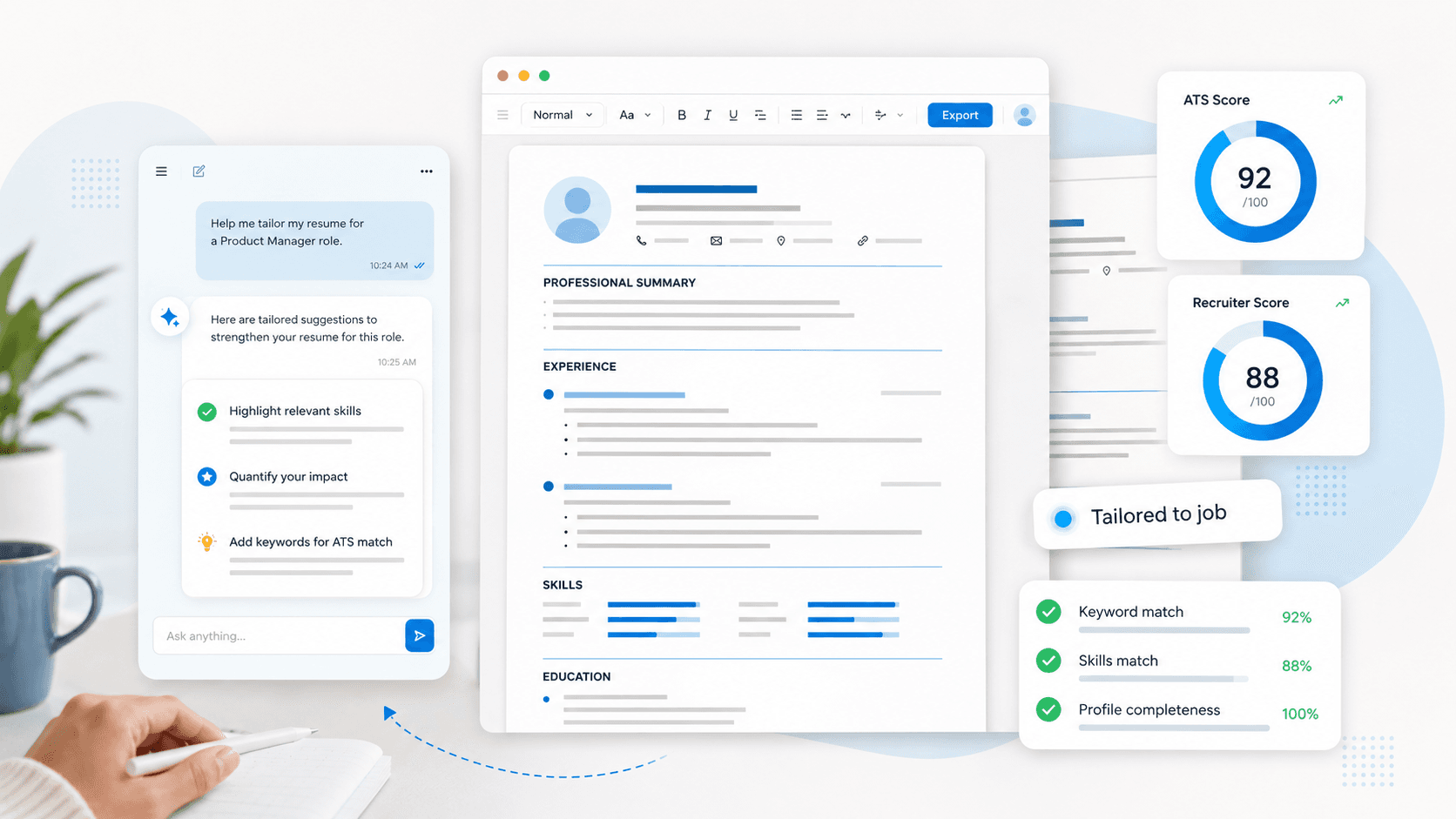
Learn how to use Upplai to tailor your resume to any job in just a few clicks.
Simply upload your resume, paste a job link, and instantly get a tailored resume and cover letter with ATS scoring to improve your interview chances.
Evaluating your fit
How to Check Your Job Match for Free
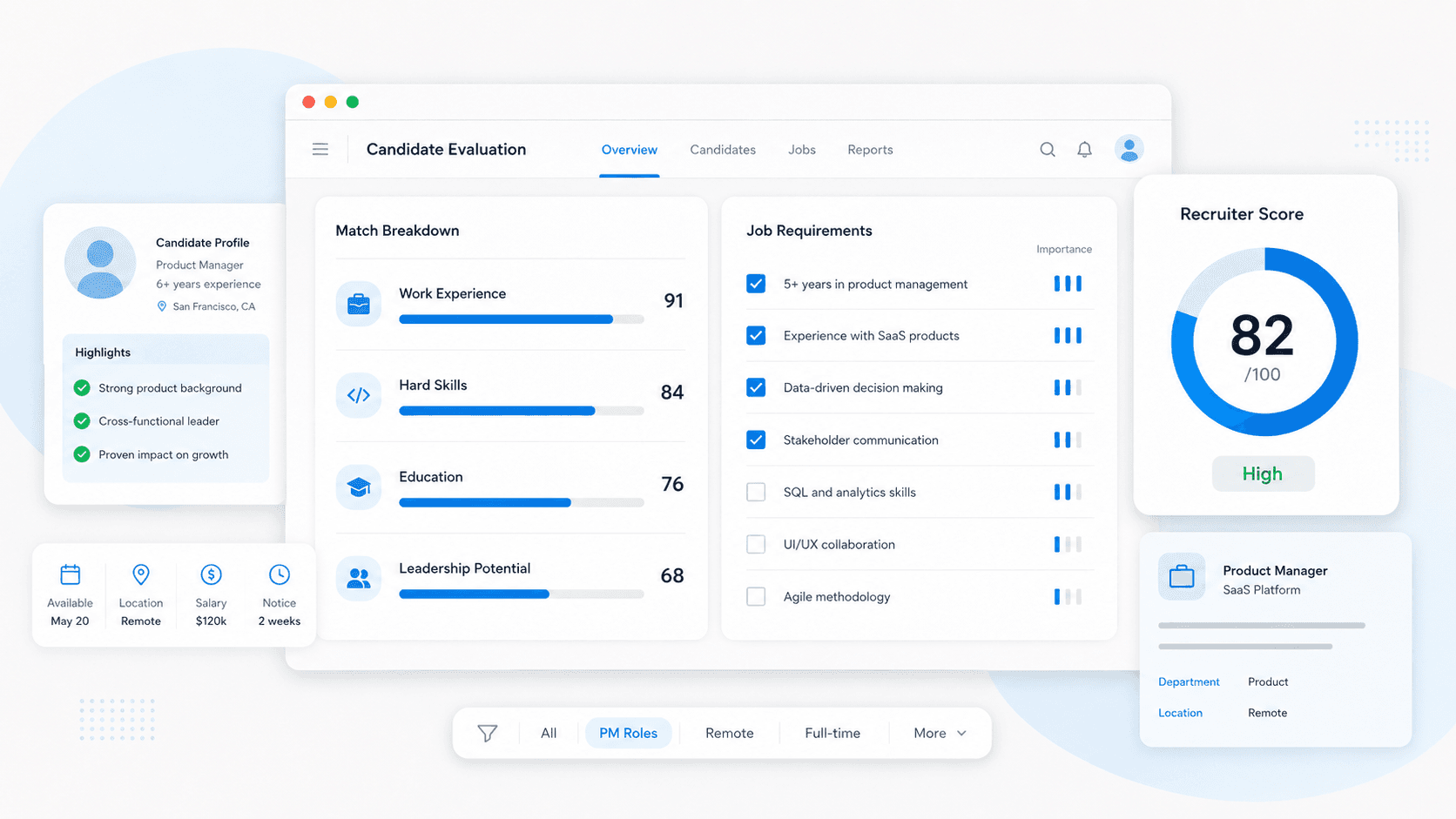
Are you actively applying for jobs? Are you tired of spending hours every week, reading job descriptions just to guess if you are a good fit?
This video shows you how to use Upplai to analyze any job posting for free. You simply need to paste the link to the job and within seconds Upplai will tell you whether your resume matches the job, which requirements you meet and which you do not, the keywords that Applicant Tracking Systems look for, and whether you already have them.
What is an ATS Score and How to Improve It
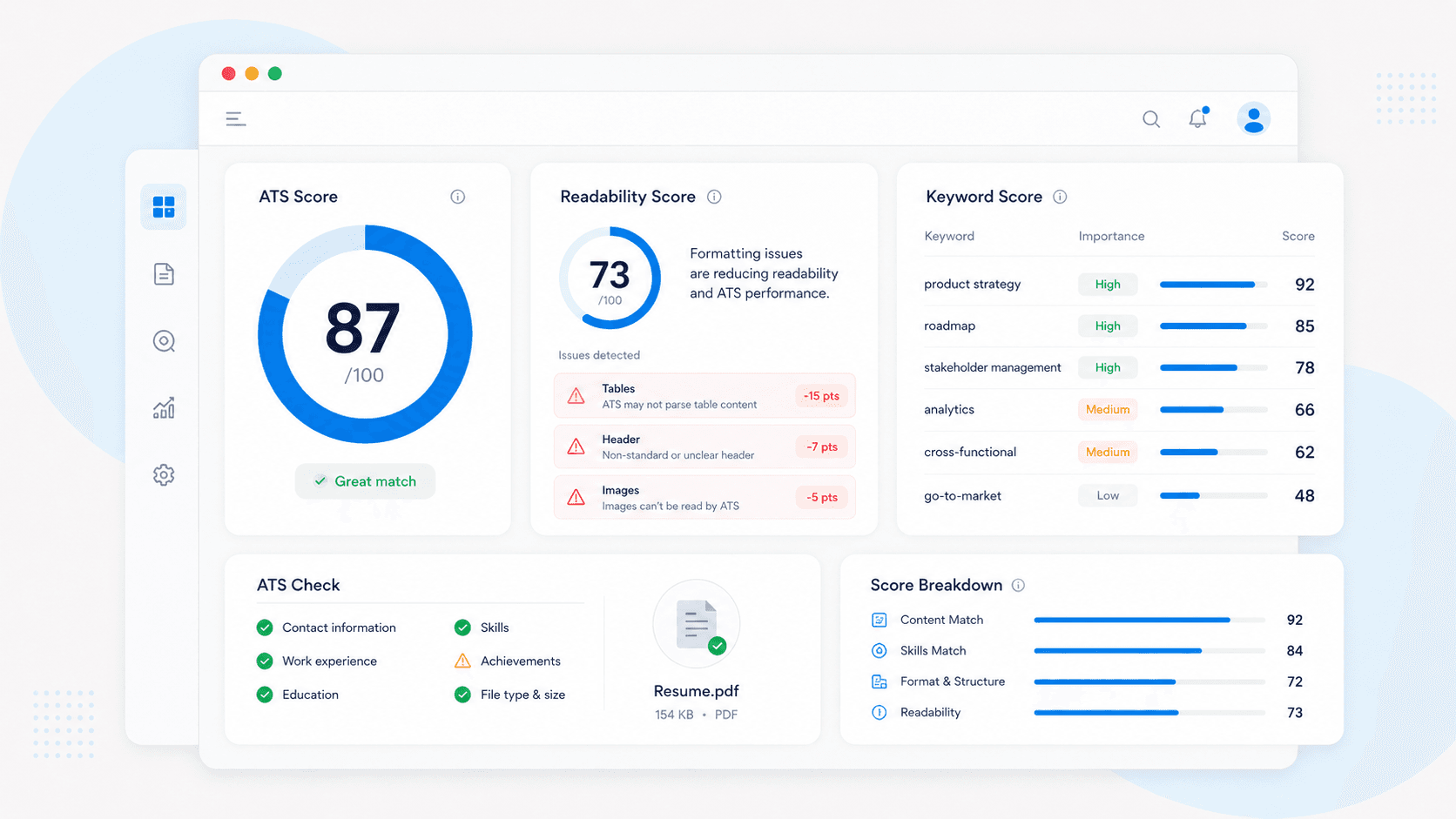
Confused about ATS scores? This video breaks down how your resume is analyzed by both machines and humans, and how Upplai helps optimize it with the right keywords and formatting.
Additionally, learn how to quickly scan job requirements without manually reading through the entire job description. Upplai breaks down the job requirements into work experience, hard skills, educational qualifications, and soft skills. It also highlights how your resume matches up to each.
Building your application
How to Review and Approve AI Resume Suggestions
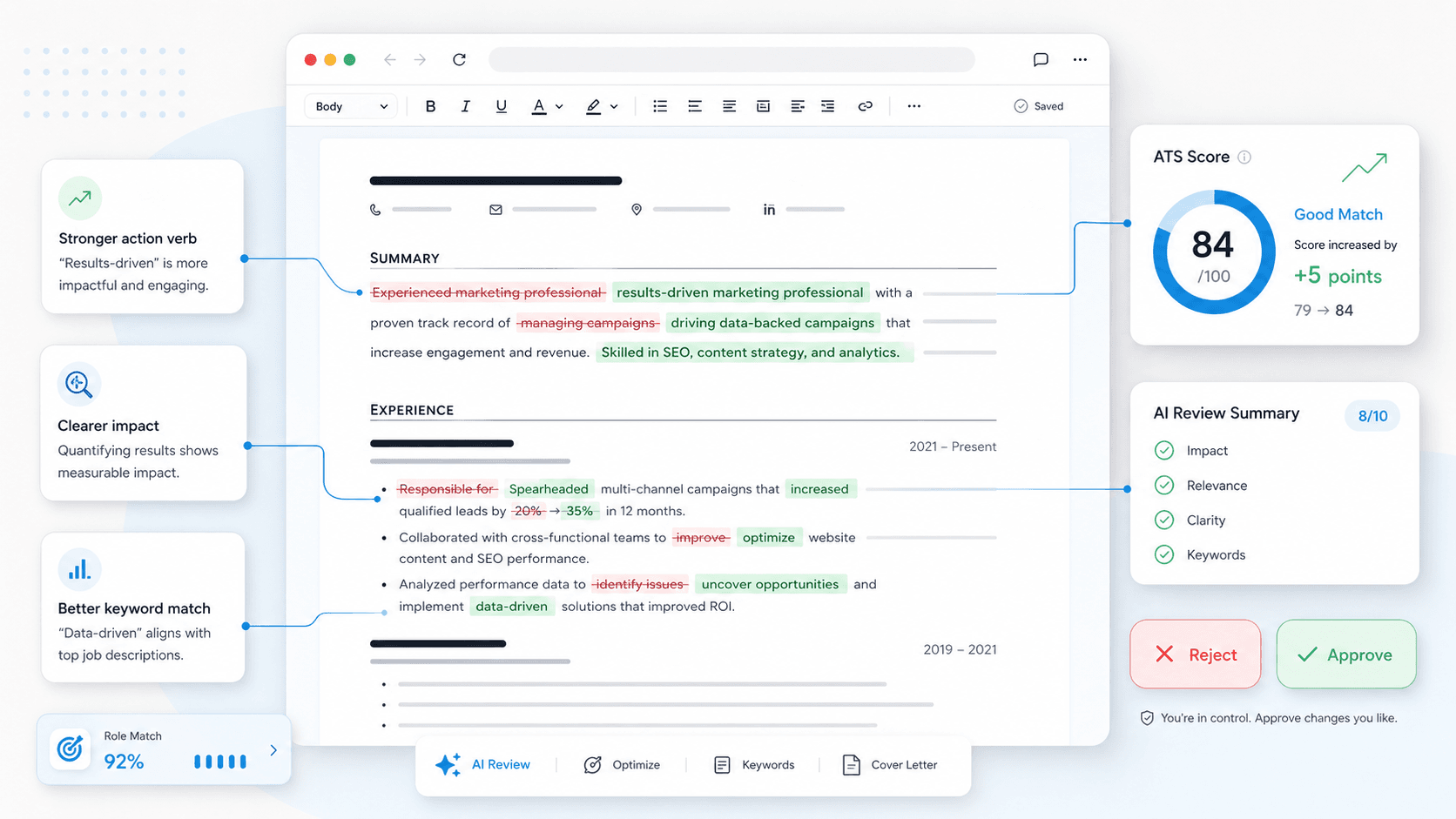
See what Upplai changed in your resume, why it matters, and how the recommendations help you optimize further to get closer to an interview.
Learn how to track added keywords, revert edits, and apply helpful AI suggestions while staying in control of your resume.
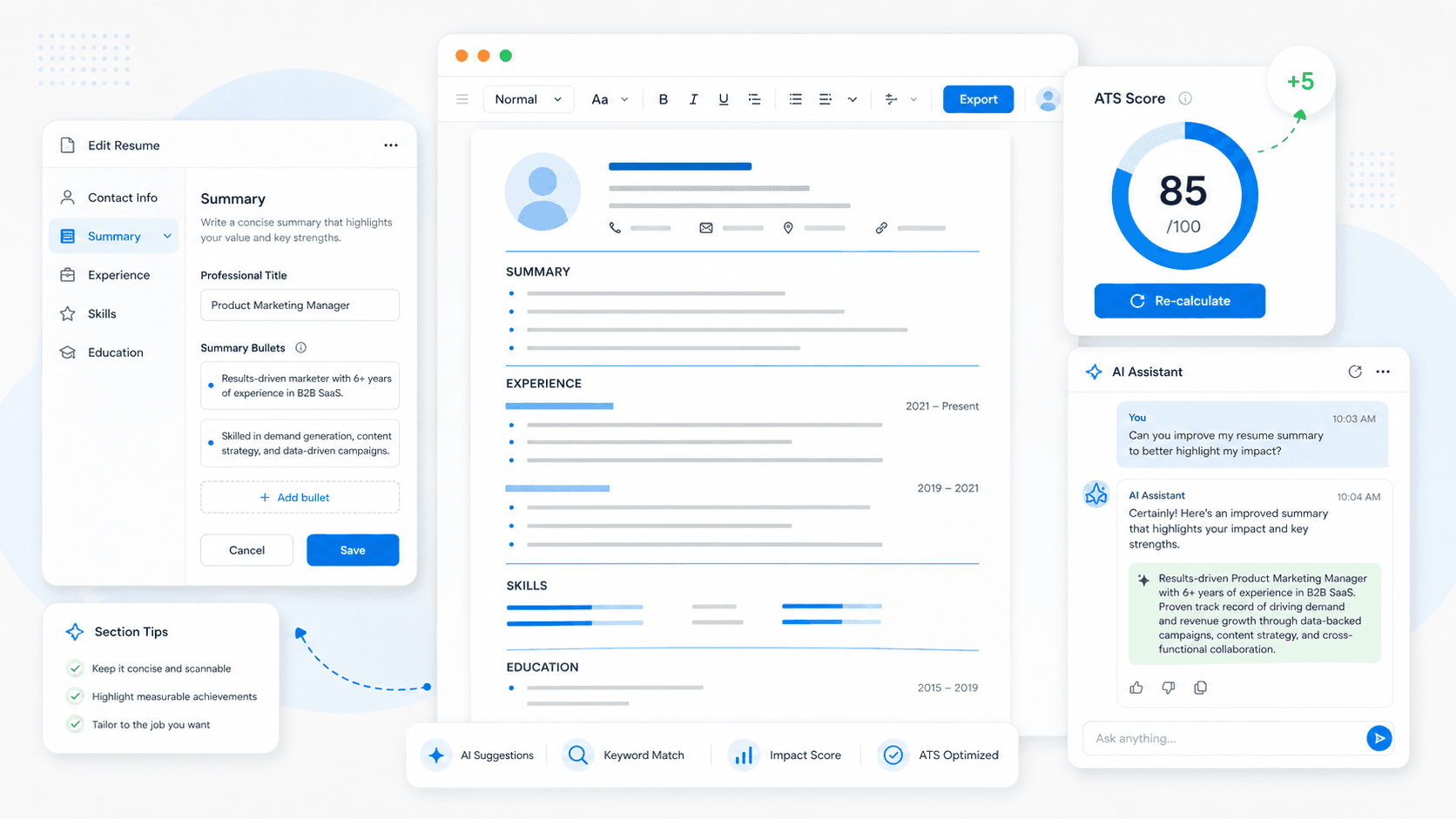
How to Fine-Tune Your Tailored Resume
Not happy with the first draft? Easily fine-tune your tailored resume using Upplai's intuitive editor.
Learn how to hide or show sections, reorder them, edit content, and review updated ATS scores after making changes.
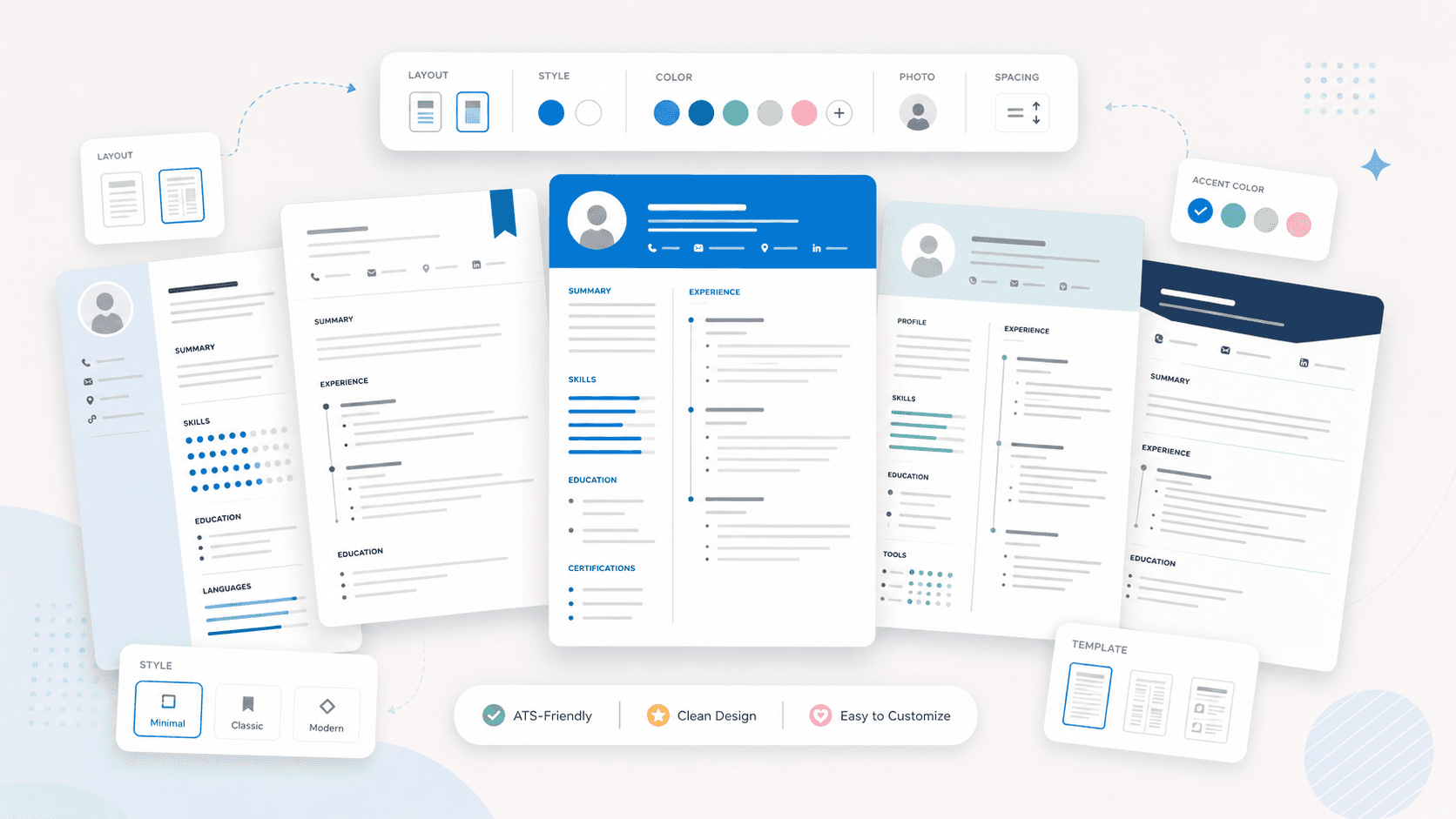
How to Customize Your Resume Design and Layout
Make your resume stand out with Upplai's easy-to-use design tools. See how to change templates, layouts, colors, fonts, and spacing to reflect your unique personality.
With Upplai, you can ensure that your resume is both ATS-friendly and human-friendly.
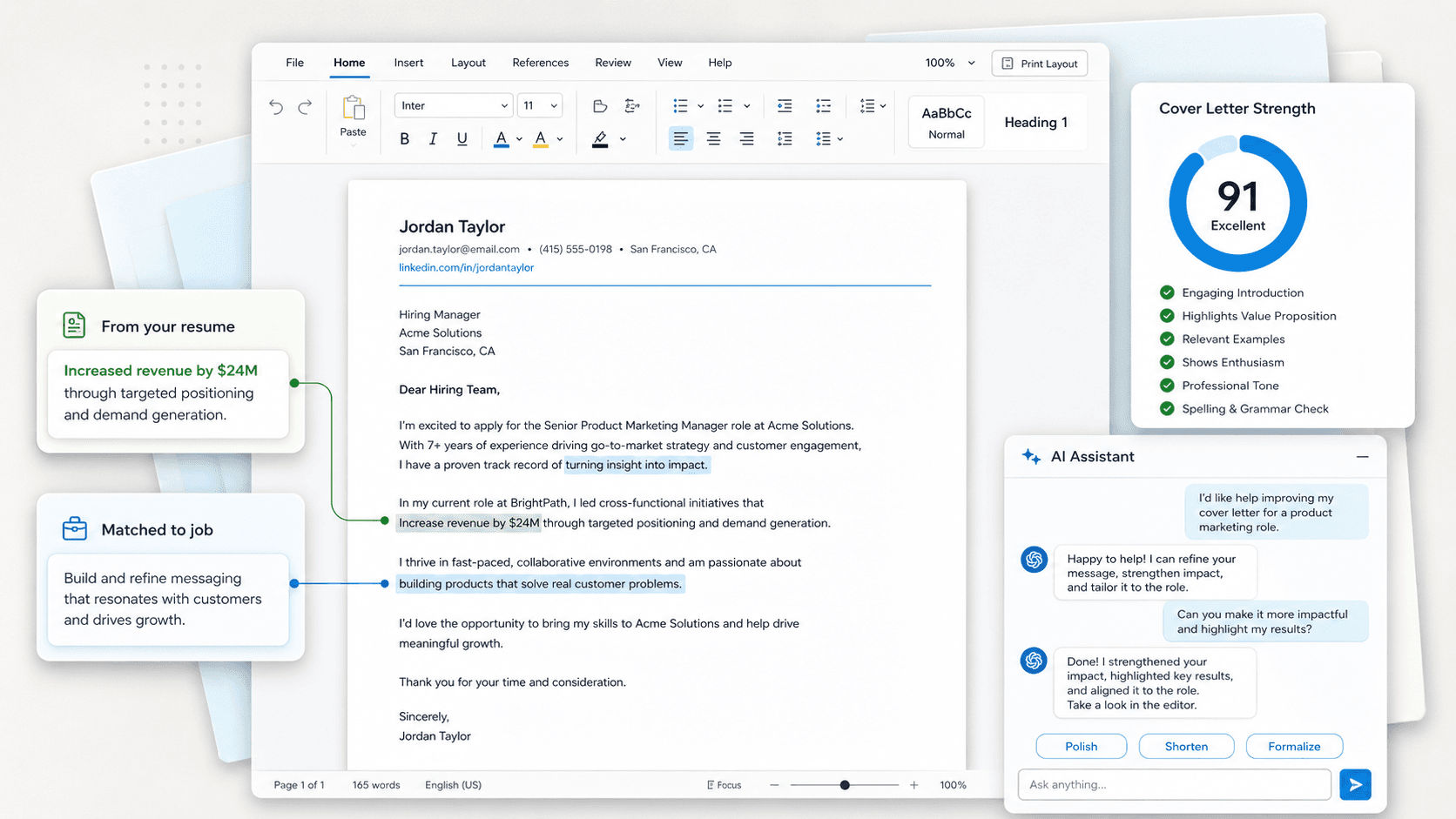
How to Create a Cover Letter Tailored to a Job
Your resume is done. Now make your application complete.
Once you've tailored your resume in Upplai, generating a matching cover letter takes one click. This video shows you how Upplai creates a cover letter aligned to your resume — same job, same voice, same design.
You'll also learn how to refine the content using Upplai's manual editor or the AI editor to add a personal touch, adjust tone, or highlight something specific before downloading.
Advanced and alternative workflows
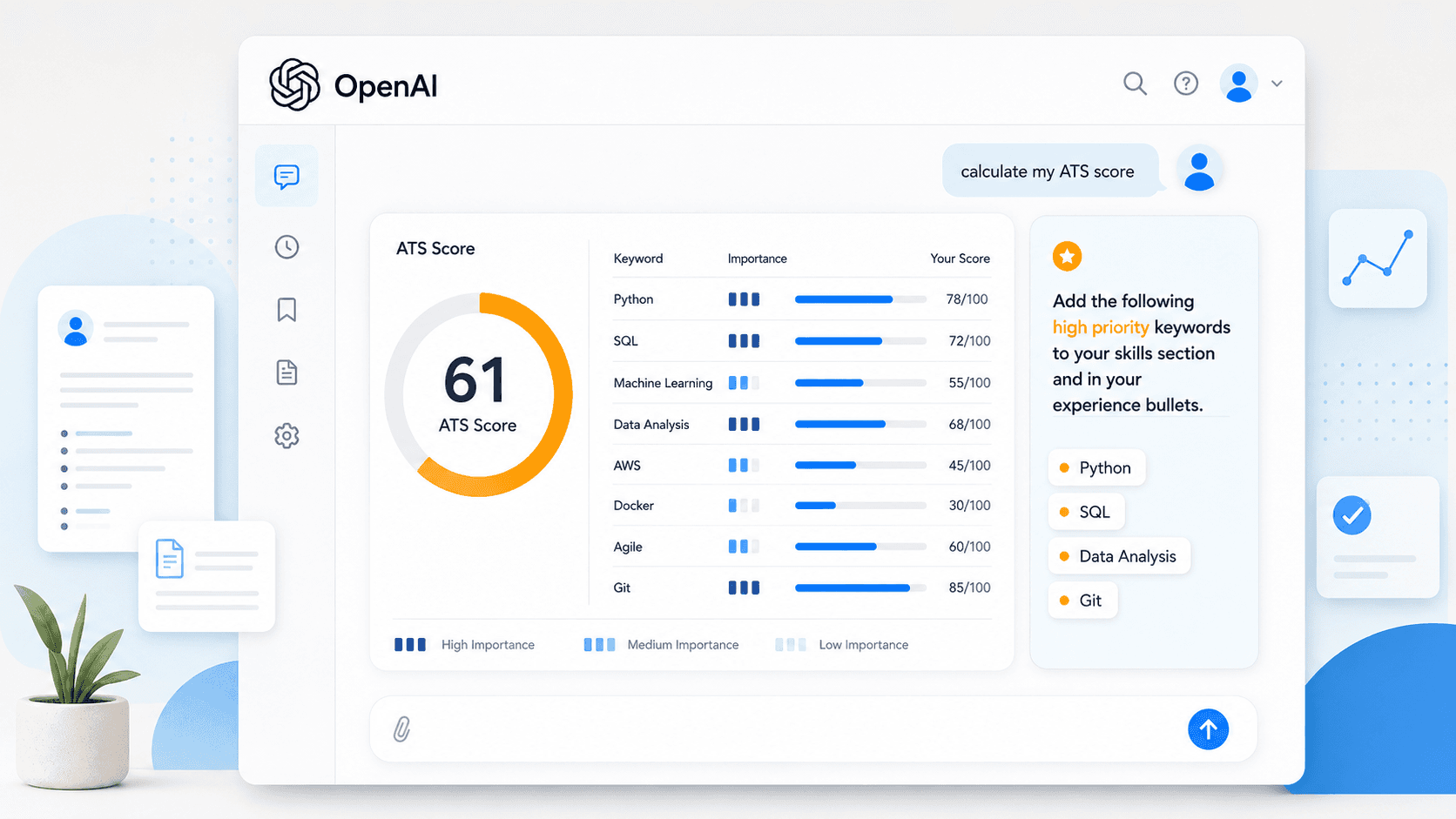
How to Get an Accurate ATS Score Inside ChatGPT
Already using ChatGPT to work on your resume?
This video shows you how to get a real, reliable ATS score without ever leaving the conversation. Add Upplai's ATS checker to ChatGPT, paste in your job description, and instantly see which keywords you're missing and how important each one is. Use that analysis to prompt ChatGPT to make targeted improvements — then score your updated resume right in the same conversation to see exactly how much the changes moved the needle.
No switching tabs. No copying and pasting to a separate ATS tool. No guessing whether ChatGPT's suggestions actually helped. A genuine ATS score, inside your existing ChatGPT workflow.
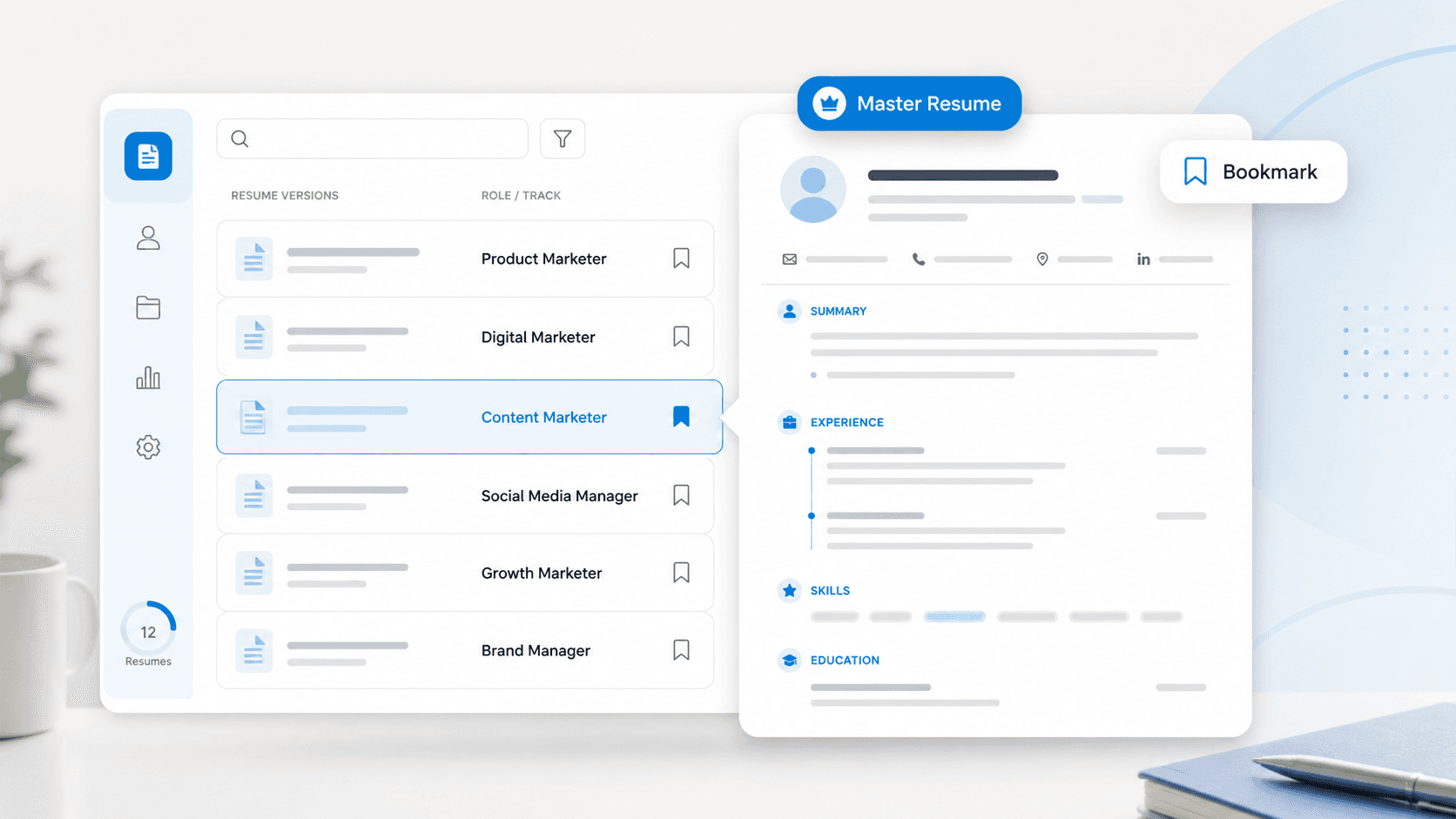
How to Bookmark and Reuse Resumes for Different Role Types
Applying to different types of roles like sales and account management, or digital marketing and product marketing?
In this video, you will learn how to manage those resume versions easily using the bookmarking feature in Upplai. Once you bookmark a resume, you can use it as a baseline for tailoring to similar roles in the future.
FAQ
Frequently asked questions.
Everything you need to know about Upplai, resume scoring, AI resume optimization, tailored cover letters, job application tracking, and our pricing.
General AI tools are versatile, but they are not built specifically for resume optimization.
Upplai is purpose-built for job seekers. It sees your resume and the job description together, then helps you move from analysis to a ready-to-send file.
- Updates your ATS score in real time
- Explains every suggested resume change
- Lets you download a polished PDF, DOCX, or TXT file without copying, pasting, or reformatting
Ready to take control of your career?
When companies use AI to screen your application, it’s time to level the playing field. Use Upplai to make your application stand out.
Get started for free