Before you paste your resume into ChatGPT, it helps to remember what that resume contains: your full name, contact details, employment history, and often your home address. Handing all of that to an AI chatbot raises a fair question that plenty of job seekers ask and few answer clearly. Is it actually safe?
The honest answer has two parts. A resume is not a state secret, and for most people the practical risk is modest. The concern is not imaginary either. Recent research and real incidents show that what you type into a chatbot can be stored, used to train models, and in rare cases resurface. This guide lays out what the evidence actually says, and the simple precautions that make pasting your resume into ChatGPT genuinely low-risk.
Is It Safe to Put Your Resume Into ChatGPT? The Short Answer
For most job seekers, yes, with precautions. Your resume is a document you already hand to recruiters, job boards, and applicant tracking systems, so it is not confidential the way a password or a medical record is. Pasting it into ChatGPT to tailor a bullet or review a draft is, for the average person, a low-stakes act.
The reason to be careful anyway is that a chatbot is not the same as an employer. When you send your resume to a company, it goes to a specific recipient for a specific purpose. When you paste it into ChatGPT, it goes to OpenAI's servers, where, by default, it may be stored and used to improve future models. That difference is small for a public-facing resume and larger for anything on it you would rather keep private, such as your home address or a reference's phone number. The rest of this guide is about closing that gap.
What Actually Happens to Your Resume After You Paste It
The moment you hit enter, a few things happen, and a few details are worth knowing:
- Your text is stored on OpenAI's servers. Whatever you paste, including an uploaded resume file, is sent to and kept by OpenAI rather than staying on your device.
- On personal plans, it trains the model by default. ChatGPT Free, Plus, and Pro use your content to help train OpenAI's models unless you opt out, according to OpenAI's own policy. Uploaded files count the same as pasted text.
- This is an industry-wide default. A 2025 study from Stanford's Institute for Human-Centered AI, led by researcher Jennifer King, found that leading AI companies collect and use user conversations to train their models by default unless you opt out, and flagged long retention and a lack of transparency (Stanford Report).
- Opting out still means about 30 days of retention. Even with training turned off, OpenAI says it keeps new chats for up to 30 days for abuse monitoring before deleting them.
- Business tiers are the exception. ChatGPT Team, Enterprise, and the API are excluded from model training by default.
The Real Privacy Risks, in Perspective
Three risks are worth understanding, along with how likely each one actually is.
1. Your Data Trains the Model
This is the near-certain one on a default personal account. Your resume text can become part of the pool used to train future models. On its own, that is more of a control-and-consent issue than an immediate danger, but it is the reason the precautions below matter.
2. Models Can Memorize and Leak Personal Data
This is the risk the research community takes seriously. In a well-known 2021 study, Extracting Training Data from Large Language Models, Nicholas Carlini and colleagues showed they could pull hundreds of verbatim sequences out of GPT-2, including real "names, phone numbers, and email addresses," even when a piece of information appeared in just one training document. Larger models, the researchers found, memorize more. The odds of your specific resume line resurfacing are low, but the mechanism is real and documented.
3. Stored Data Can Be Exposed
Anything stored can be breached or mishandled. The most cited cautionary tale is Samsung, which in 2023 banned employees from ChatGPT after engineers pasted in source code and meeting notes across three incidents in 20 days. The company worried the data would sit on outside servers with no easy way to delete it and could surface in other users' answers. Amazon issued a similar warning. Those cases involved trade secrets rather than resumes, but the storage concern is the same.
How to Use ChatGPT on Your Resume Safely
None of this means avoid ChatGPT. It means spending two minutes to reduce what you expose before you paste anything. Privacy advocates, including the research and consumer group PIRG, recommend keeping identifying details out of the chat window in the first place, because the safest data is the data you never upload.
Redact your resume before you paste it. You almost never need your full contact block to get drafting help. Swap your home address, full phone number, and personal email for placeholders like [Address] and [Phone]. ChatGPT can still rewrite your bullets or summary perfectly well without knowing where you live. The same goes for anyone else's details: a reference's name and phone number should never go into a chat window, because that shares their information without their consent.
Turn off training, or use a temporary chat. In ChatGPT, open Settings, then Data Controls, then switch off "Improve the model for everyone." New conversations from that point on will not be used to train OpenAI's models. If you would rather not change your account-wide setting, use a Temporary Chat instead: it is not saved to your history, is not used for training, and clears when you close it. Keep in mind that neither option is instant deletion, since OpenAI still holds new chats for up to 30 days for abuse review.
Keep a hard line around truly sensitive data. A Social Security number, passport number, bank details, or date of birth should never go into ChatGPT, and none of them belong on a resume anyway. If you are working with genuinely sensitive material, step up to a business tier like ChatGPT Team or Enterprise, which OpenAI excludes from training by default, or use a dedicated resume tool whose privacy policy you have actually read.
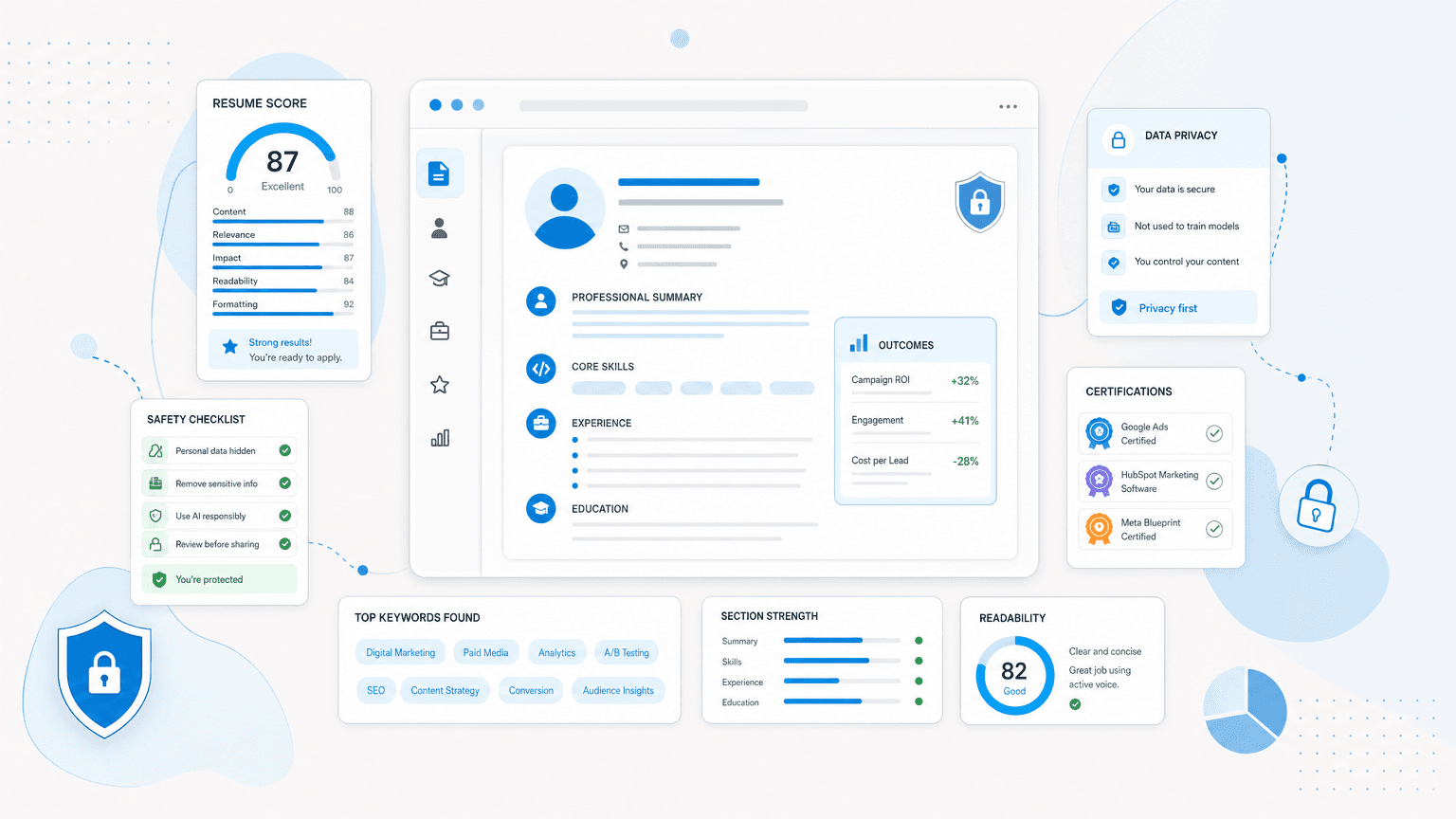
Here is the same advice as a quick pre-paste checklist:
- Replace home address, full phone, and personal email with placeholders.
- Remove reference contact details.
- Turn off "Improve the model for everyone," or use a Temporary Chat.
- Never paste an SSN, passport number, bank details, or date of birth.
- For sensitive work, use a business tier or a purpose-built resume tool.
Do these once and they become habit. The payoff is the full benefit of AI drafting with almost none of the exposure.
A Safer Setup: A Tool Built for Resumes
A general chatbot treats your resume as one more block of text to learn from. A tool built for resumes treats it as the thing you are working on. That difference is the practical case for using a dedicated resume tool instead of a raw chat window when you are handling your full, real resume.
Upplai is one such option. It is a dedicated resume platform rather than a general-purpose chatbot, and it is built around keeping you in control: it explains every suggested change and lets you accept or reject each one, so you are editing your resume rather than handing it over to be reshaped however a model sees fit. As with any tool you upload personal information to, check the data-handling specifics first; Upplai's privacy policy covers how your information is stored and used. If you want ATS scoring without leaving ChatGPT, it also runs as an app inside ChatGPT through the ATS checker for ChatGPT.
The Bottom Line
So, is it safe to put your resume into ChatGPT? For most people, yes, as long as you treat it like what it is: a helpful assistant that also stores and learns from what you type. Strip the personal details you do not need to share, turn off model training or use a temporary chat, and keep truly sensitive identifiers out entirely. Do that, and you get the speed of AI drafting without giving away more than a public resume already reveals. And if the raw ChatGPT process feels careless with your data, that is a good reason to review the common ChatGPT resume mistakes and consider a tool built for the job instead.
Tailor your resume without pasting it into a chatbot
Upload your resume to a tool built for it, get a real ATS score and tailored edits, and keep control of every change.