Your resume has to satisfy two readers: the applicant tracking system that parses and ranks it before anyone human sees it, and the recruiter who then spends a few seconds deciding whether to read on. This guide covers every section, the formatting rules that keep you parseable, bullet points that land, how to write a first resume, and how to tailor for each job — with a link to a dedicated deep-dive for each part.
It draws on guidance from recruiters and professional resume-writing bodies including the NRWA, PARWCC, and CDI.
The 6 Essential Resume Sections
Every resume needs these. Everything else is optional and depends on your career stage.
| Section | What goes in it | Full guide |
|---|---|---|
| Contact header | Name, phone, professional email, LinkedIn, city and state | Resume header |
| Professional summary | Two to three sentences: who you are professionally, your strongest achievement, what you're targeting | Resume summary |
| Work experience | Reverse-chronological, achievement-led bullet points with numbers wherever possible | Work experience |
| Education | Degree, institution, graduation year. GPA only if it's strong and you're early career | Education section |
| Skills | Hard and soft skills matched to the language of the job description | Resume skills |
| Optional sections | Certifications, projects, volunteering, awards — include what's relevant to the role | Resume sections |
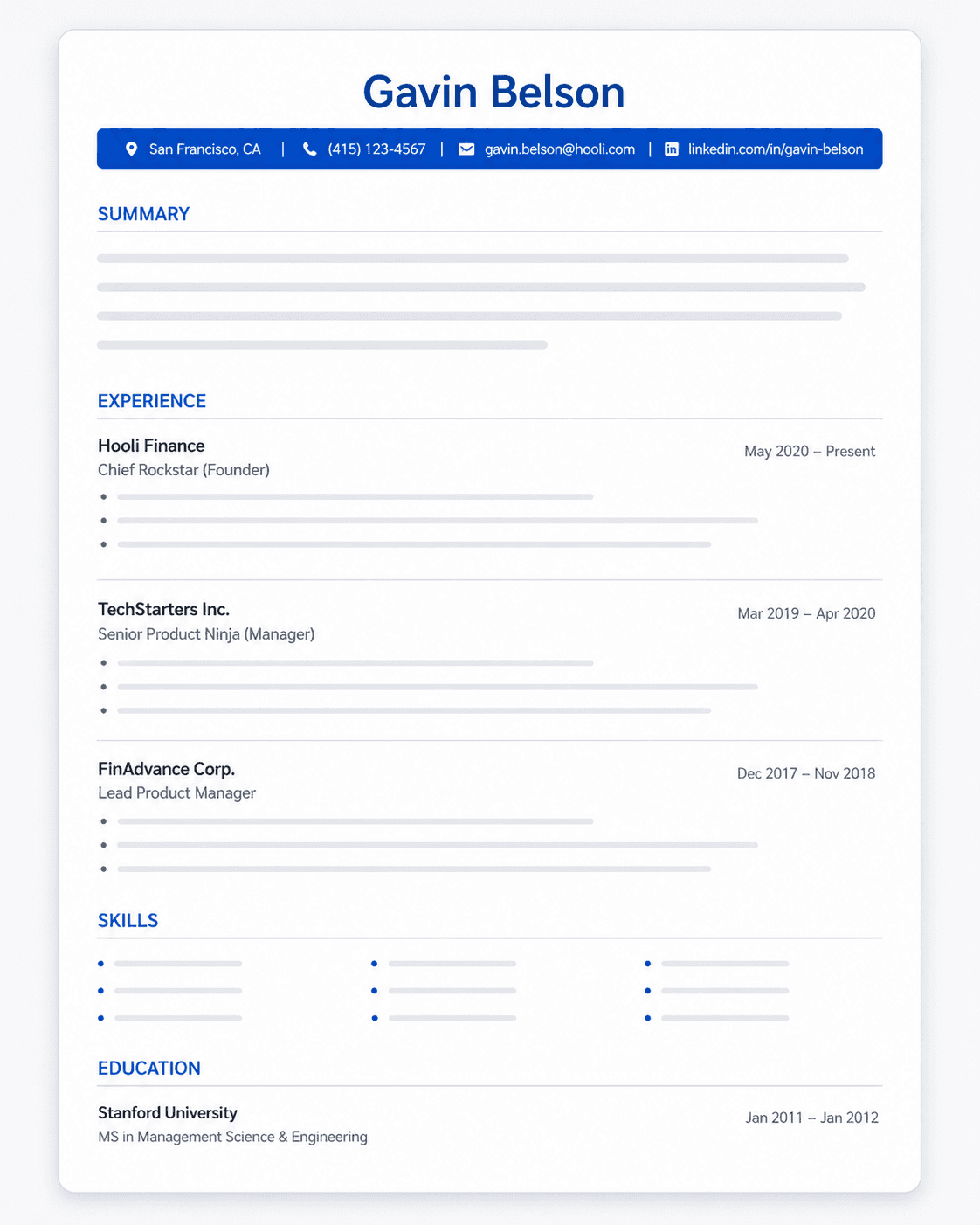
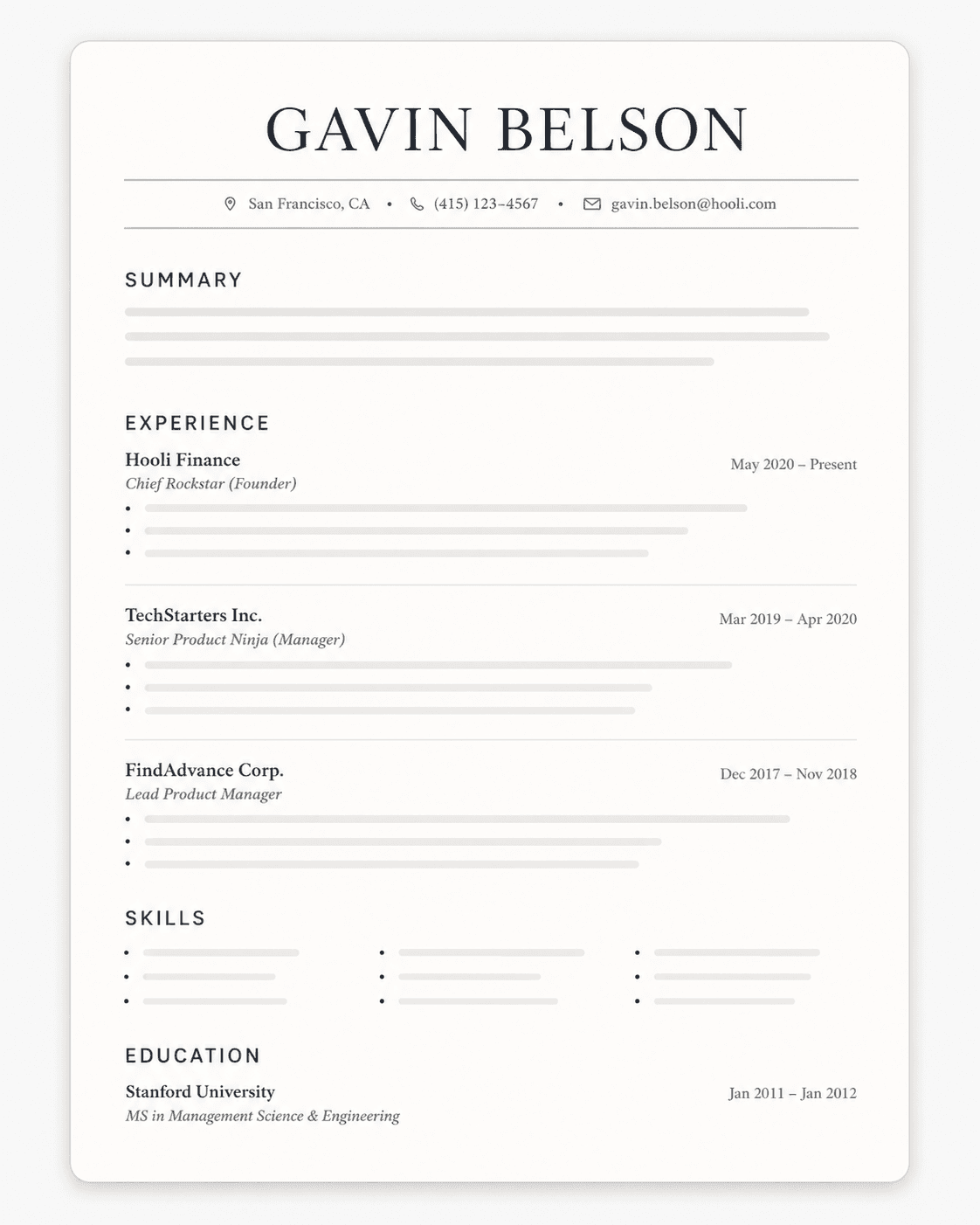
The order matters. Most people should use reverse-chronological: contact header, summary, work experience, education, skills. If you're a student or new grad with limited work history, education moves above experience. That's the only common exception.
One page, unless you have a reason. Under ten years of experience should fit on one page. Beyond that, two is acceptable. Three is almost never right outside academia.
In This Guide
- The 6 essential sections
- Build a master resume first
- Each section, in order
- Optional sections
- Choosing a format
- Writing impactful bullet points
- Formatting: what breaks ATS parsing
- Writing a resume with no experience
- Tailoring to each job
- Converting an existing resume to ATS format
- Templates and examples
Before You Start: Build a Master Resume
Before you write a single targeted resume, build a master document — a running log of every role, project, achievement, metric and tool you've ever worked with. It's never sent anywhere. It's the source you cut each application down from, which is what turns tailoring into a 15-minute job instead of an afternoon. AI resume tools like Upplai pull from a document like this to personalise each version you send.
Resume Sections in Order
Contact header
Name, mobile number, a professional email address (firstname.lastname@gmail.com, not a nickname or your current employer's domain), city and state, and your LinkedIn URL. No street address, and no photo if you're applying in the US, UK, Canada or Australia. Put it all in the body of the document, not a header or footer — some parsers skip those entirely.
→ What belongs in a resume header and how to format it
Professional summary or objective
Two to three sentences at the top: who you are professionally, your strongest relevant achievement with a number, and what you're targeting. Use a summary if you have more than about two years of relevant experience. Use an objective only for a genuine career change or a first resume, where your history doesn't explain your target on its own. Never both.
→ How to write a resume summary · When an objective still makes sense
Work experience
Reverse-chronological. For each role: job title, company, dates, and achievement-led bullet points — what changed because you were there, with numbers wherever you have them. Three to six bullets for recent, relevant roles; one to three for older ones. Provide detail for the last 10–15 years and compress or drop what's older and less relevant.
→ Writing the work experience section
Education
Degree, field, institution, and graduation year. Add GPA only if it's 3.6+ and you're within about five years of graduating; the same window applies to honours and relevant coursework. Beyond that, two lines is enough. Current students should use an expected graduation year and can list "Candidate: [degree]".
→ The education section in full
Skills
A scannable list of hard skills and tools, grouped into two or three categories and matched to the language of the job description. Leave out generic soft skills with no context and anything you can't discuss confidently. This is also where ATS keywords sit most naturally.
Deep dives by skill type: hard skills, soft skills, language skills, programming skills, leadership skills, communication skills, interpersonal skills, customer service skills, and demonstrating work ethic.
Section order
Most experienced candidates: contact, summary, experience, skills, education. Students and new grads: contact, education, experience, projects, skills. Entry-level technical roles often move skills above experience. Adjust so your strongest evidence lands in the top third of the page.
→ Ordering resume sections by experience level
Optional Sections: What to Include and When
Add these only when they're relevant to the target role or fill a genuine gap.
Certifications
List certifications relevant to the role, with the issuing body and the year. An active professional licence belongs near the top if the job requires one. Expired or tangential certifications add noise rather than credibility.
→ Which certifications to include and how to format them
Projects
Personal, academic, freelance or open-source projects, each with a one-line description, the tools used, and an outcome. Often the strongest section on a first resume; usually unnecessary once you have several years of relevant work.
→ Putting projects on your resume
Volunteer experience
Worth including when it demonstrates a skill the role needs, shows initiative during a gap, or signals alignment with a mission-driven employer. Describe it the way you'd describe a job.
→ Volunteer experience on a resume
Awards
Named, recognisable awards that speak to performance in your field. Skip internal "employee of the month" style recognition unless the context makes it genuinely meaningful.
Publications
Relevant for academic, research, technical and some marketing roles. List peer-reviewed work, industry-journal articles, and widely-read pieces; drop the rest.
Relevant coursework
Useful on a student or career-change resume to show exposure to a skill your work history doesn't cover. Four to six courses, named as they'd be recognised rather than by course code.
→ When and how to include coursework
Extracurricular activities
Team roles, society positions and organised activities that show leadership, collaboration or time management — mainly for early-career resumes.
→ Extracurricular activities on a resume
Hobbies and interests
Optional and usually last. Include one line only if a specific interest is genuinely relevant to the role or company, or is a strong conversation hook. Skip generic entries.
→ Whether to list hobbies and interests
References
Don't put references — or "references available on request" — on the resume itself. Keep a separate list ready for when an employer asks.
→ How to handle resume references
Choosing a Resume Format
For almost everyone, reverse-chronological is the right choice: it's what recruiters expect and what ATS parsers handle best. A functional, skills-based format hides your timeline, which reads as evasive to both audiences — the rare case for it is a very early career or a long, unavoidable gap, and even then a hybrid usually works better.
→ The reverse-chronological format · Functional vs reverse-chronological
If you're applying in the United States, follow the local conventions: no photo, no personal details, "resume" not "CV" for most roles, one page where possible.
→ US resume conventions · Choosing a resume format
Writing Impactful Bullet Points
Every bullet should follow the same shape: action verb + what you did + measurable result + timeframe where it's relevant.
"Responsible for managing a team"
"Led a cross-functional team of 12 engineers, cutting product delivery time 40% over six months"
When you don't have a hard number, show scale another way: team size ("led a team of 8"), budget ("managed a $2M budget"), frequency ("coordinated daily with 15+ stakeholders"), or a relative change ("halved processing time").
Language to cut:
- Buzzwords: "synergy", "out-of-the-box", "disruptive"
- Self-describing adjectives: "hardworking", "results-oriented", "dynamic"
- Adverbs: "successfully", "quickly", "efficiently"
- "I" — drop it and start with the verb
- Jargon a non-specialist recruiter wouldn't recognise
Past tense for previous roles, present tense for the current one. Let the quantified result carry the sentence.
Resume Formatting: What Breaks ATS Parsing
Applicant tracking systems read your resume by converting it to text. Most formatting problems come from designs that look fine to a human but produce garbled text when parsed.
The rules that matter:
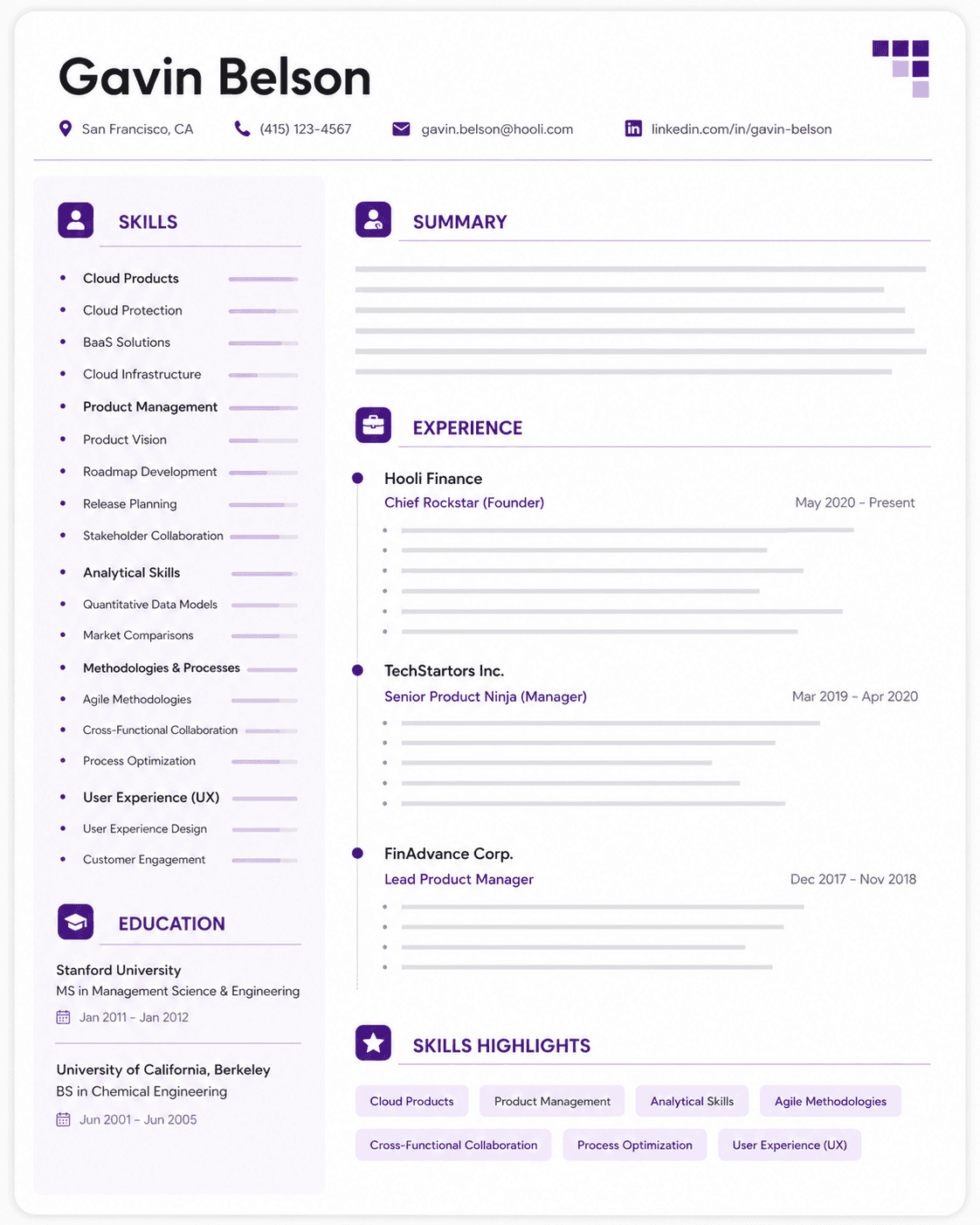
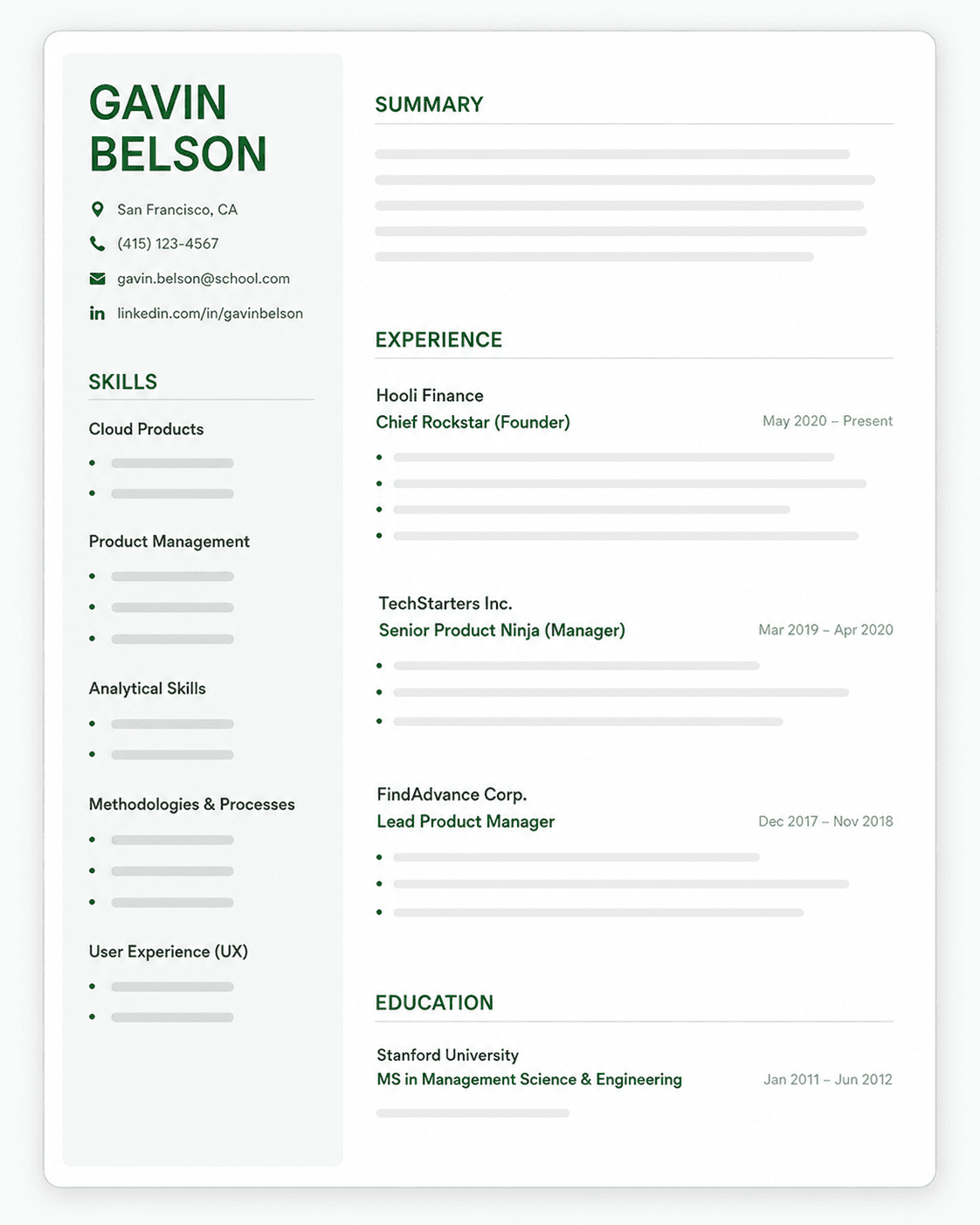
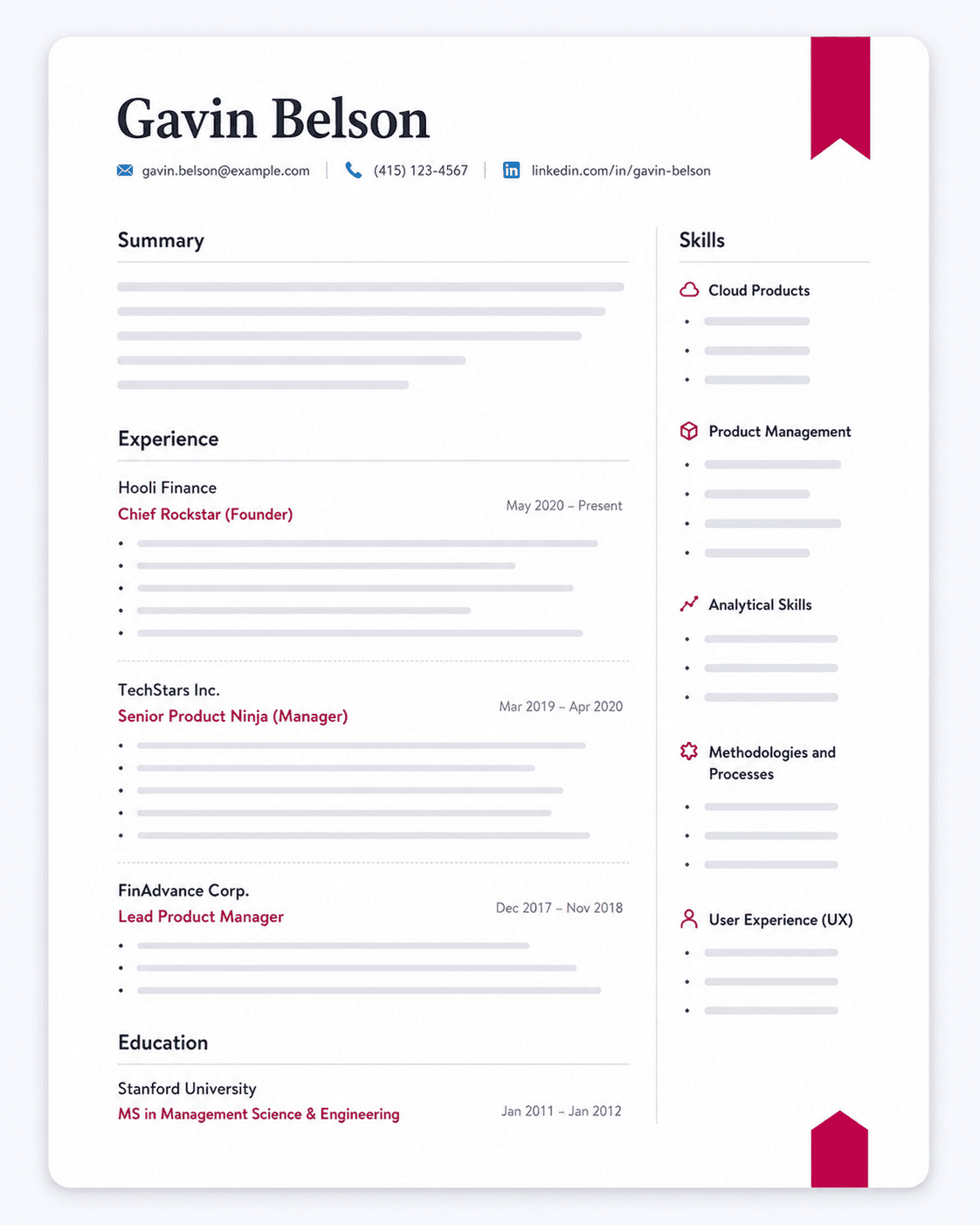
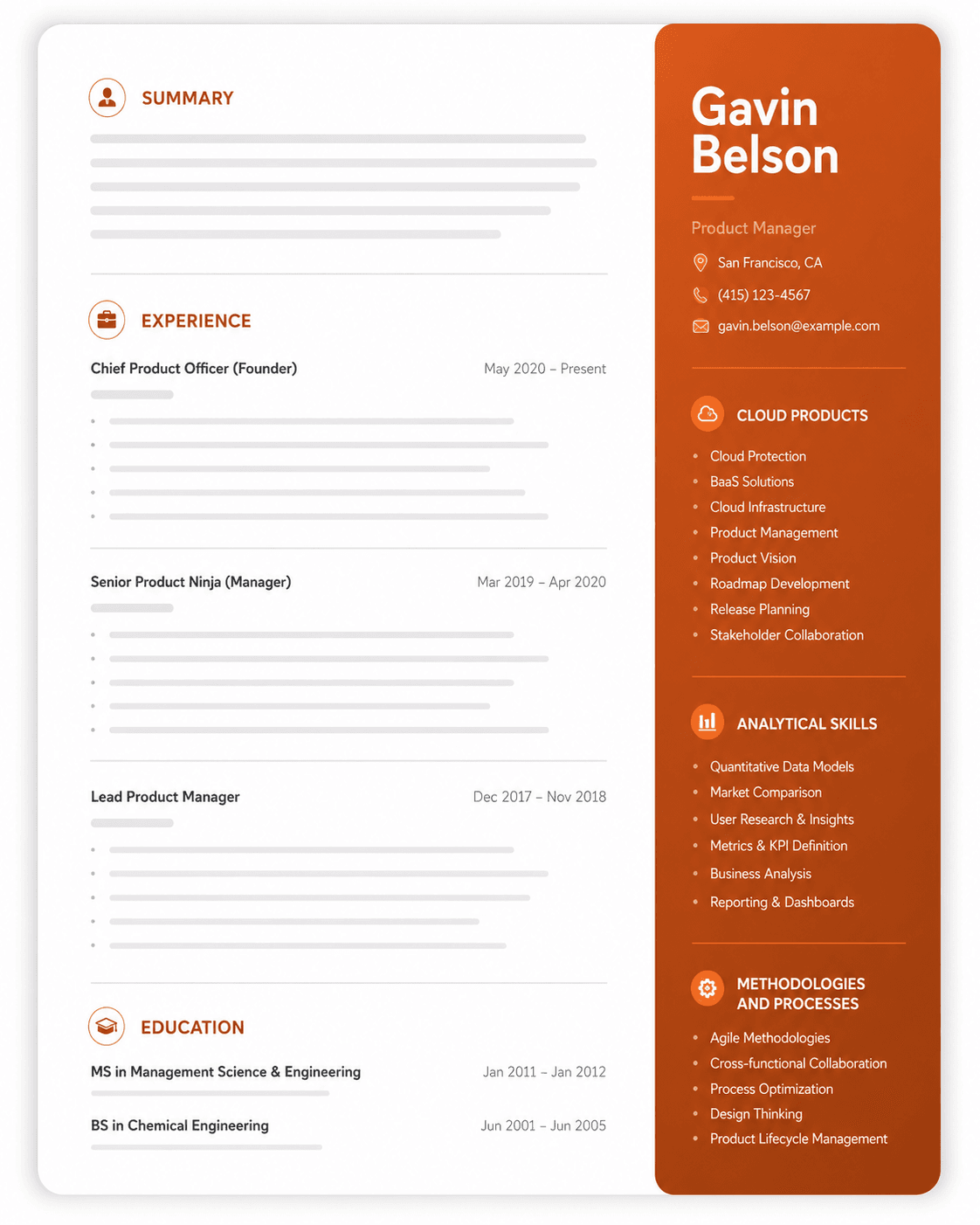
- Single column. Two-column layouts are the most common cause of scrambled parsing — the system reads across the page rather than down the column.
- No tables inside the resume file. Content in table cells frequently parses out of order or disappears. (Tables are fine in an article like this one. In a resume file they're a liability.)
- No text boxes. Text inside a box is often skipped entirely.
- No graphics carrying information. Skill-level bars, rating dots, and icon-only contact details convey nothing to a parser. If a graphic is the only place a piece of information appears, that information is invisible.
- Standard section headings. Use "Work Experience," not "My Journey." The parser is matching against expected labels.
- Standard fonts. Arial, Calibri, Helvetica, Garamond, Georgia. Anything decorative risks character-recognition errors.
- No headers or footers for essential information. Some parsers ignore them entirely, and that's where people put their phone number.
- Save as .docx or a text-based PDF. Both parse reliably. What doesn't is a PDF exported as an image, or a scanned document — if you can't select the text in your own file, neither can the parser.
A useful test: open your resume, select all, copy, and paste into a plain text editor. What you see is roughly what the ATS sees. If sections are out of order or missing, fix the formatting before you apply anywhere.
→ The full ATS optimisation guide · How ATS actually works
Writing a Resume With No Work Experience
A first resume isn't a shorter version of an experienced person's resume — it's a different document with a different order.
Reorder the page. Education moves above experience. Your degree, coursework, and academic projects are your strongest evidence, so they go where a hiring manager looks first.
Widen what counts as experience. Part-time and seasonal work demonstrates reliability and customer handling. Volunteering demonstrates initiative. Society roles and team positions demonstrate leadership. Course projects demonstrate applied skill. All of it belongs on the page, described the same way you'd describe a job — what you did, and what changed because you did it.
Quantify anyway. "Coordinated a fundraising event that raised $2,400 across 60 attendees" is a real achievement with real numbers. The absence of a salary doesn't make it less measurable.
Use a summary, not an objective. Two sentences on what you're studying, what you're good at, and what you're looking for. Skip "seeking a challenging position that allows me to grow" — it says nothing, and every graduate resume has a version of it.
Where to find material:
- Projects on your resume — often the strongest section on a first resume
- Relevant coursework — when and how to include it
- Volunteer experience
- Extracurricular activities
- The education section
If you're an international student, work authorisation shapes the search more than the resume does — see resumes for international students.
Tailoring Your Resume to Each Job
You have to tailor for every role — for both the ATS and the recruiter.
For the ATS: pull the exact keywords from the job description and use them verbatim. If the posting says "customer-centric", write "customer-centric", not "user-focused". Put keywords in context — in your summary and bullet points, not just a skills list — and if a term appears several times in the posting, it's fine for it to appear more than once in your resume. See which keywords to target for how to prioritise them.
For the recruiter: lead with the experience most relevant to this role, rewrite the summary for each application, and cut achievements that don't support your case — an irrelevant win reads as a lack of relevant ones. Getting noticed by recruiters is mostly about making the match obvious in the first few seconds. Career changers should also read the career change resume guide.
How to Convert an Existing Resume to ATS Format
If you already have a resume that looks good but isn't getting responses, you usually don't need to start over. You need to strip out what's breaking the parse.
Work through it in this order:
- Collapse to one column. If you have a sidebar, move its contents inline. This alone fixes most parsing problems.
- Pull everything out of tables, text boxes and graphics. Skill bars become a plain list. Icon-only contact details get labels.
- Move header and footer content into the body. Especially your name and phone number.
- Rename non-standard headings. "Where I've Worked" becomes "Work Experience."
- Replace decorative fonts with a standard one throughout.
- Re-save as .docx or a text-based PDF.
- Run the copy-paste test from the formatting section above.
Then check it against a real job. Formatting only gets you parsed — matching gets you shortlisted. Run the converted resume against a specific job description and check which keywords from the posting are actually present.
→ Check your resume's ATS score for free · Which ATS keywords to target
Resume Templates and Examples
Once you know what goes on the page, a template saves you the layout work — as long as it's one that parses cleanly.
What makes a template ATS-safe: single column, standard headings, no graphics carrying information, standard fonts. Most visually striking templates fail at least two of those, which is why a resume that looks impressive can perform worse than a plain one.
→ ATS-friendly resume templates → ATS resume examples by role → Choosing a resume format
Resume Optimization Tools
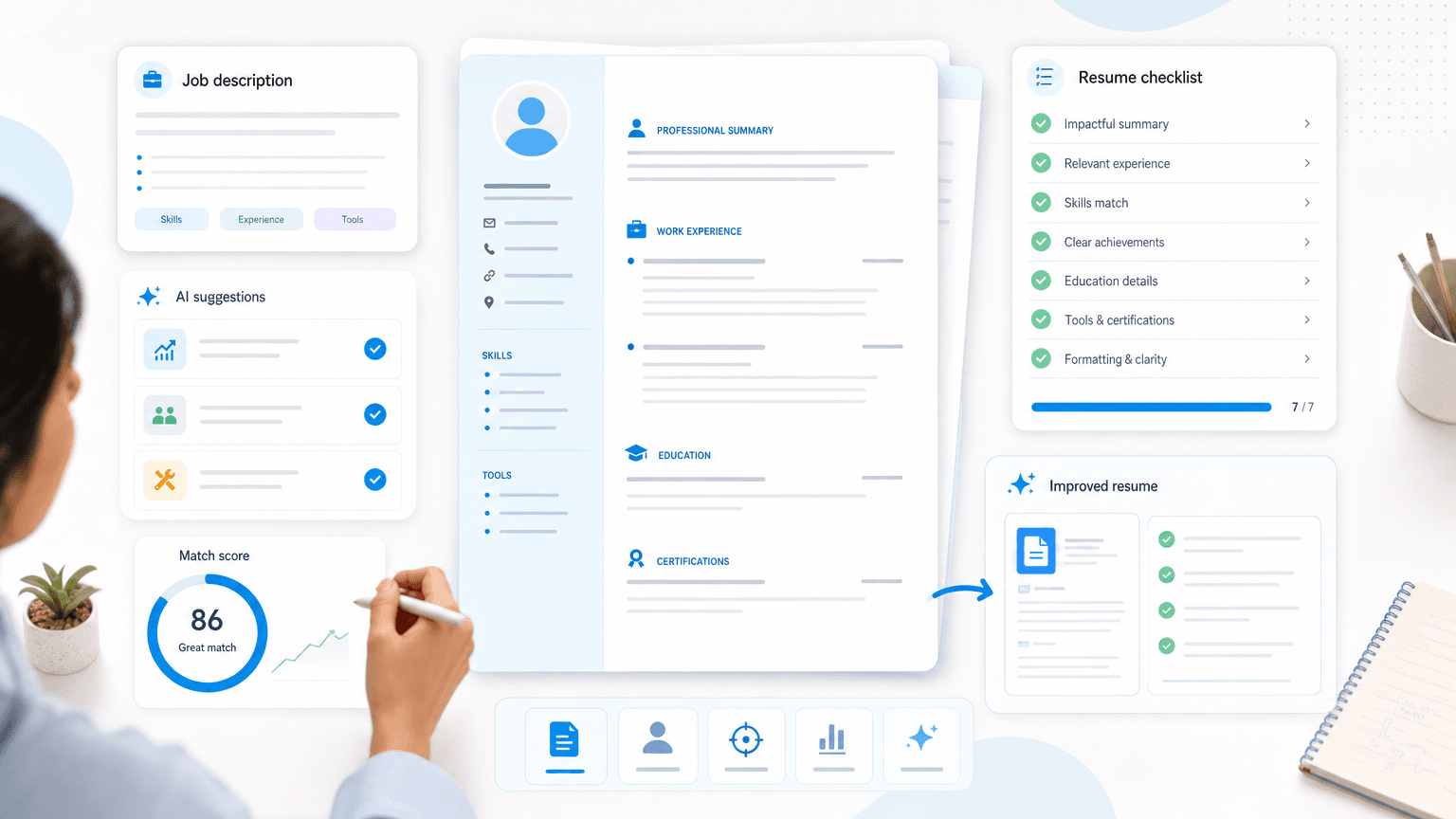
Most of this can be done by hand, and this guide is enough to do it well. If you'd rather not, Upplai automates the same steps — ATS-formatting, section ordering, achievement-focused bullets, keyword placement, and compressing older experience — and shows an ATS score as you edit.
Conclusion: Your Next Steps
A resume that gets interviews in 2026 does five things: it's tailored to the specific posting, it leads with quantified achievements, it's formatted so an ATS can parse it, it uses the posting's own keywords in context, and it's the right length for your experience. Everything in this guide, and the dedicated pages it links to, serves those five.
Start with the master resume, then tailor a copy for the next role you apply to — or let Upplai do the tailoring for you.