Administrative assistant roles exist across every industry. Law firms, hospitals, corporate offices, nonprofits, government agencies, academic institutions, and startups all hire for these positions regularly. The scope of the work varies significantly by setting: some roles are primarily calendar and travel coordination, others involve office management, vendor relationships, budget tracking, and executive-level support.
What most of these roles share is that hiring managers are looking for the same core qualities: reliability, organizational precision, communication skill, and the ability to manage competing demands without dropping anything. Most general resume advice does not account for how to demonstrate these qualities concretely, which is why this guide walks you through every section of an administrative assistant resume with examples you can actually use.
How to Write an Administrative Assistant Resume That Gets Interviews
Write a Targeted Summary or Objective
Your resume summary is the first thing a hiring manager reads. In administrative hiring, it needs to establish three things immediately: the type of environment you have worked in, the scope of your administrative responsibilities, and a concrete outcome that shows you made operations run more smoothly.
If you have previous experience in an administrative role, write a professional summary. Keep it to three or four sentences. Lead with your years of experience and the type of organization or team you supported. Follow with your strongest administrative competencies and the tools you used. Close with a concrete result, such as a process you streamlined, a volume you managed, or a metric that reflects your reliability or accuracy.
A weak summary looks like this:
"Organized and dependable administrative assistant with excellent communication skills and a positive, team-oriented attitude."
A stronger one looks like this:
"Administrative assistant with 5 years of experience supporting C-suite executives in fast-paced financial services environments, managing complex calendars across 4 time zones, coordinating domestic and international travel for 6 executives, and processing 200 to 300 expense reports monthly. Reduced scheduling conflicts by 40% after redesigning the executive calendar management system and introducing a shared booking protocol across the department."
The second version names an environment, a support level, a volume of work, and a measurable process improvement. A hiring manager knows exactly what kind of administrative professional you are before reading a single bullet point.
If you are entry-level or transitioning from a different field, use an objective statement instead. This applies to backgrounds in retail, hospitality, reception, data entry, or any coordination-heavy role. The same reframing techniques used on a career change resume help that experience read as administrative work.
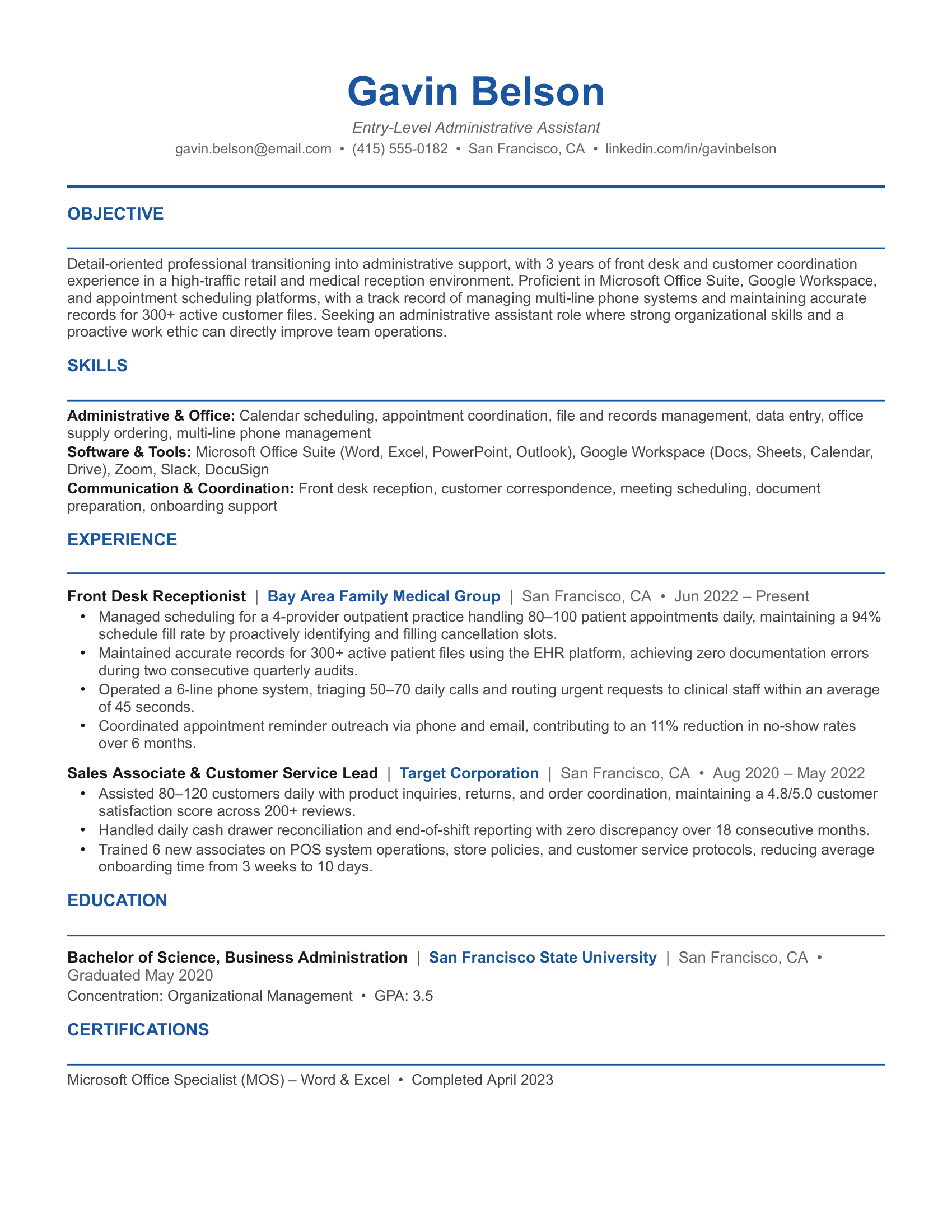
"Detail-oriented professional transitioning into administrative support, with 3 years of front desk and customer coordination experience in a high-traffic medical office. Proficient in Microsoft Office Suite, Google Workspace, and appointment scheduling platforms, with a track record of managing multi-line phone systems and maintaining accurate records for 400+ active patient files."
A few principles apply regardless of experience level:
- Name the specific type of organization or industry you supported rather than describing yourself as "organized" or "detail-oriented" in general terms
- Tailor your summary for each application. A legal administrative assistant role and an executive assistant role at a tech startup are looking for different things
- Avoid filler language like "strong work ethic" or "excellent communication skills." These phrases appear on nearly every resume and carry no information for a hiring manager
Build a Skills Section That Speaks to Hiring Managers
Administrative assistant roles require a broader range of competencies than the title suggests. Calendar management, document production, vendor coordination, office systems, communication, and industry-specific knowledge all belong on your resume, but they need to be organized into clear, readable categories.
Administrative and Office Management Calendar and schedule management, travel coordination, expense reporting, meeting coordination, file and records management, office supply procurement, vendor management, event planning, budget tracking, project coordination
Software and Tools Microsoft Office Suite (Word, Excel, PowerPoint, Outlook), Google Workspace, Zoom, Microsoft Teams, Slack, Concur, SAP, QuickBooks, Salesforce, DocuSign, SharePoint, Asana, Trello, Notion, Adobe Acrobat
Communication and Coordination Executive-level correspondence, multi-line phone management, internal and external stakeholder communication, meeting minutes and documentation, report preparation, presentation support, onboarding coordination
Industry-Specific Knowledge Legal document management, HIPAA compliance, financial reporting support, academic scheduling, government records management, HR file maintenance
A few things to keep in mind when building this section:
- Only list software you can navigate without a tutorial. Administrative roles often involve jumping into a tool on day one, and hiring managers may ask about specific workflows during a screen
- Mirror the terminology in the job description. One organization calls it "calendar management," another calls it "scheduling coordination." One lists "travel logistics" and another lists "travel arrangements." Use their language where it accurately reflects your experience
- Include any industry-specific compliance knowledge if it is relevant to the role you are targeting. HIPAA familiarity for healthcare admin roles, legal terminology for law firm support positions, and financial reporting basics for corporate environments all signal that you can onboard without a long ramp-up period
Write Achievement-Focused Experience Bullets
Administrative assistant experience bullets tend to read as task lists. "Managed calendars and handled correspondence" and "assisted with travel arrangements and expense reports" describe what the job involved, not what you produced while doing it.
Use this formula for each bullet: [Action verb] + [specific task or method] + [quantifiable result or scope]
Weak: "Managed calendars and coordinated meetings for the executive team."
Strong: "Managed calendars for 3 senior vice presidents across overlapping time zones, coordinating 40 to 50 internal and external meetings weekly and reducing double-booking incidents from 8 per month to zero after implementing a centralized scheduling protocol in Outlook."
The second version gives a hiring manager three things to evaluate: the scope of your support, your volume, and a measurable process improvement with a before-and-after comparison.
Here are more examples across different administrative assistant roles:
Executive Assistant
- Coordinated domestic and international travel for 5 C-suite executives, managing itineraries, visa documentation, and hotel logistics for 120+ trips annually while maintaining under a 2% booking error rate
- Prepared board meeting materials including agendas, presentations, and briefing documents for quarterly sessions attended by 18 board members, with all materials completed 48 hours in advance of each meeting
Legal Administrative Assistant
- Managed case file documentation for a team of 8 attorneys handling 200+ active litigation matters, maintaining 100% compliance with filing deadlines across all state and federal court systems
- Drafted and proofread correspondence, pleadings, and settlement agreements under attorney supervision, reducing document revision cycles from an average of 3 rounds to 1.5 rounds through a standardized template system
Medical Administrative Assistant
- Coordinated scheduling for a 6-provider outpatient practice managing 120 to 140 patient appointments daily, maintaining a schedule fill rate of 96% and reducing no-show rates by 18% through an automated reminder protocol
- Processed prior authorizations for 30 to 40 insurance requests weekly, achieving an average approval turnaround of 2.4 days against an industry benchmark of 5 days
Office Manager and Administrative Coordinator
- Oversaw day-to-day office operations for a 60-person office, managing vendor contracts, supply procurement, facilities requests, and a $120,000 annual operating budget with a 4% year-over-year cost reduction
- Led the office relocation project for a team of 45, coordinating with IT, facilities, and moving vendors to complete the transition 3 days ahead of the planned timeline with zero business disruption
Academic Administrative Assistant
- Supported a department of 22 faculty members by managing course scheduling, room reservations, and academic calendar coordination for 3 academic terms annually across 80+ course sections
- Processed payroll and stipend documentation for 35 graduate teaching assistants each semester, maintaining a zero-error record over 4 consecutive terms
When clean metrics are not available, quantify scope instead. How many people did you support? How many meetings, documents, or requests did you handle weekly? What was the size of the budget or office you managed? Scope metrics are weaker than outcome metrics but significantly stronger than purely descriptive bullets.
One practical step before writing your resume: check your sent folder, calendar history, and any project tracking tools you used in past roles. Document volume, meeting frequency, and workflow data are often sitting in tools you no longer check regularly.
Organize Your Work History the Right Way
Administrative assistants often underestimate how much of their experience transfers across industries. A background in legal admin is relevant for a healthcare or financial services role. Office management experience at a startup translates directly to a corporate environment. Receptionist and front desk experience covers scheduling, communication, and records management competencies that hiring managers value in every sector.
The key is framing your role entries so the transferable skills are visible rather than buried under industry-specific context.
Each role entry should include your job title, the company name, the location, and your dates of employment. Follow with three to five bullets depending on how relevant the role is to your target position. Your most recent and most relevant role should carry the most detail.
If your official job title was broader than your actual function, add a clarifier: "Office Coordinator (Executive and Administrative Support Lead)" or "Receptionist (Office Manager Functions)." This gives a hiring manager useful context without misrepresenting your credentials.
Address Software Proficiency Specifically
Software proficiency is one of the first things hiring managers filter for in administrative roles. Most job postings list required platforms explicitly, and candidates who match those tools exactly have a clear advantage over those who list "proficient in Microsoft Office" without any specificity.
Go beyond the suite name and list the specific applications you use regularly. "Microsoft Office Suite (Word, Excel, PowerPoint, Outlook)" is more useful than "Microsoft Office." If you use advanced Excel functions like pivot tables, VLOOKUP, or data validation, note that — this signals a meaningfully higher skill level than basic spreadsheet work.
If you use project management tools like Asana, Trello, Monday.com, or Notion in your day-to-day coordination work, list them. Many hiring managers for administrative roles at growing companies now consider these as important as traditional office suite proficiency.
For roles in finance, HR, or legal, add any industry-specific platforms you have used: Concur for expense management, Workday or ADP for HR coordination, Clio or iManage for legal document management, or QuickBooks for basic accounting support. These platform-specific skills are harder to find and make your resume stand out in specialized environments.
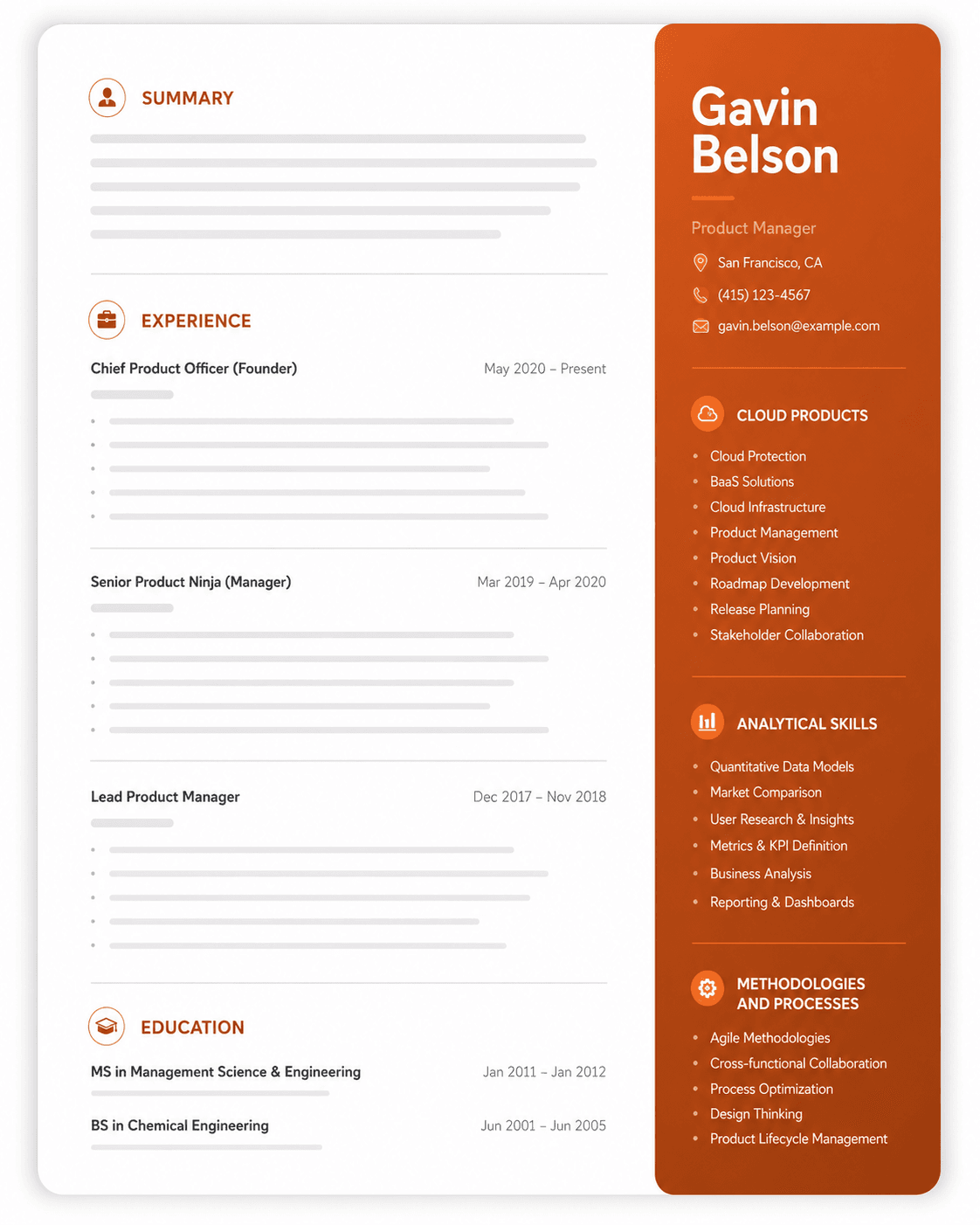
Administrative Assistant Resume Examples
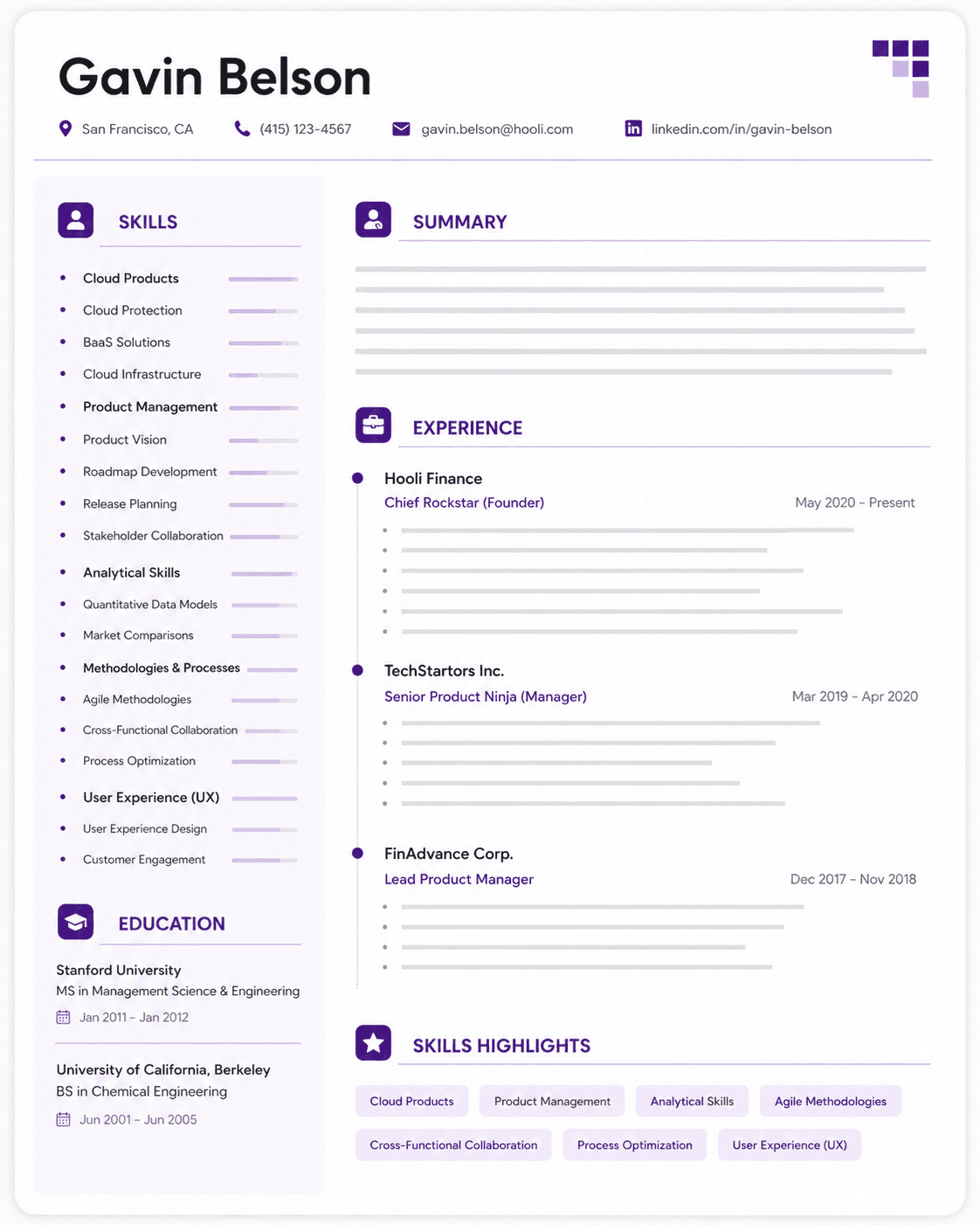
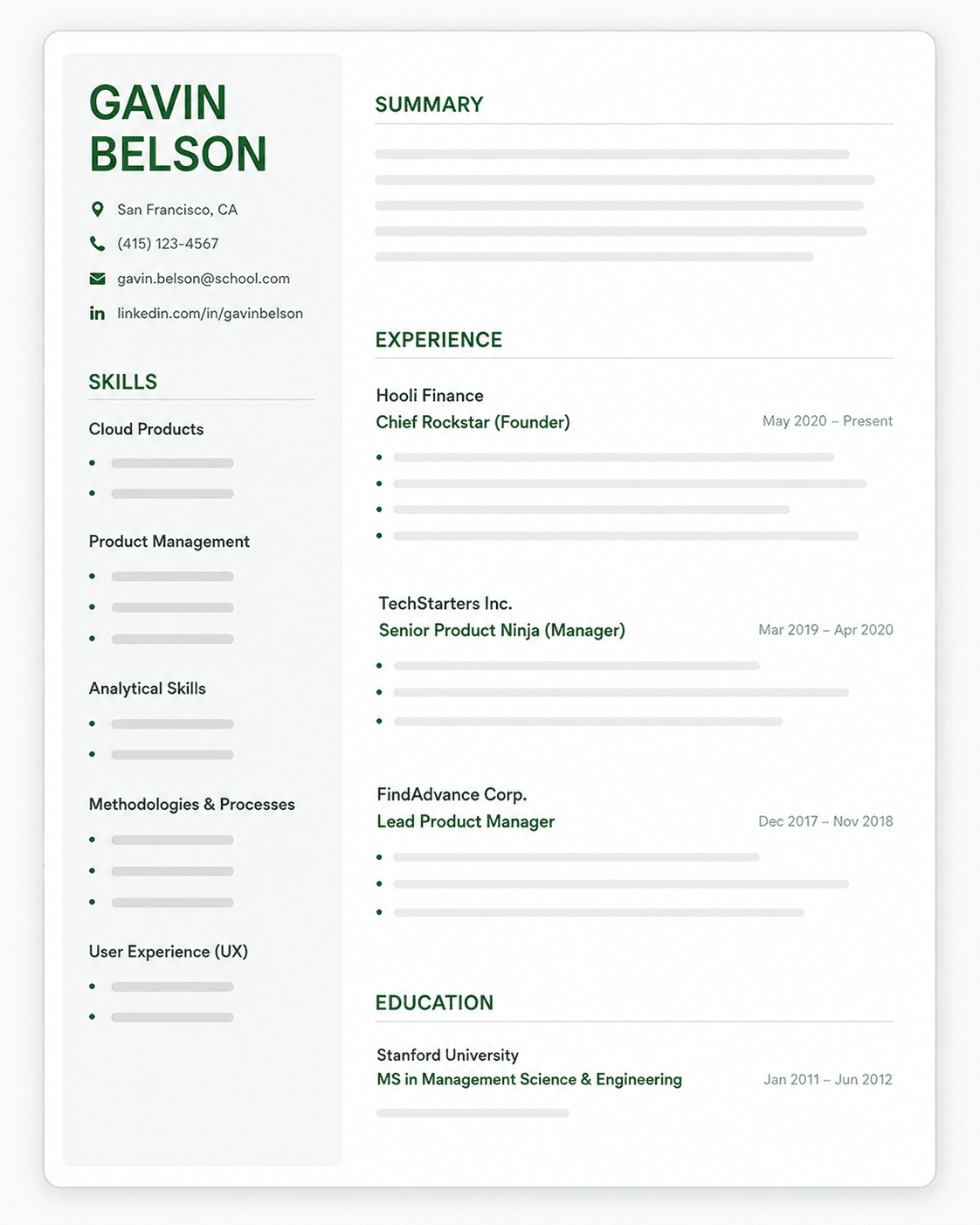
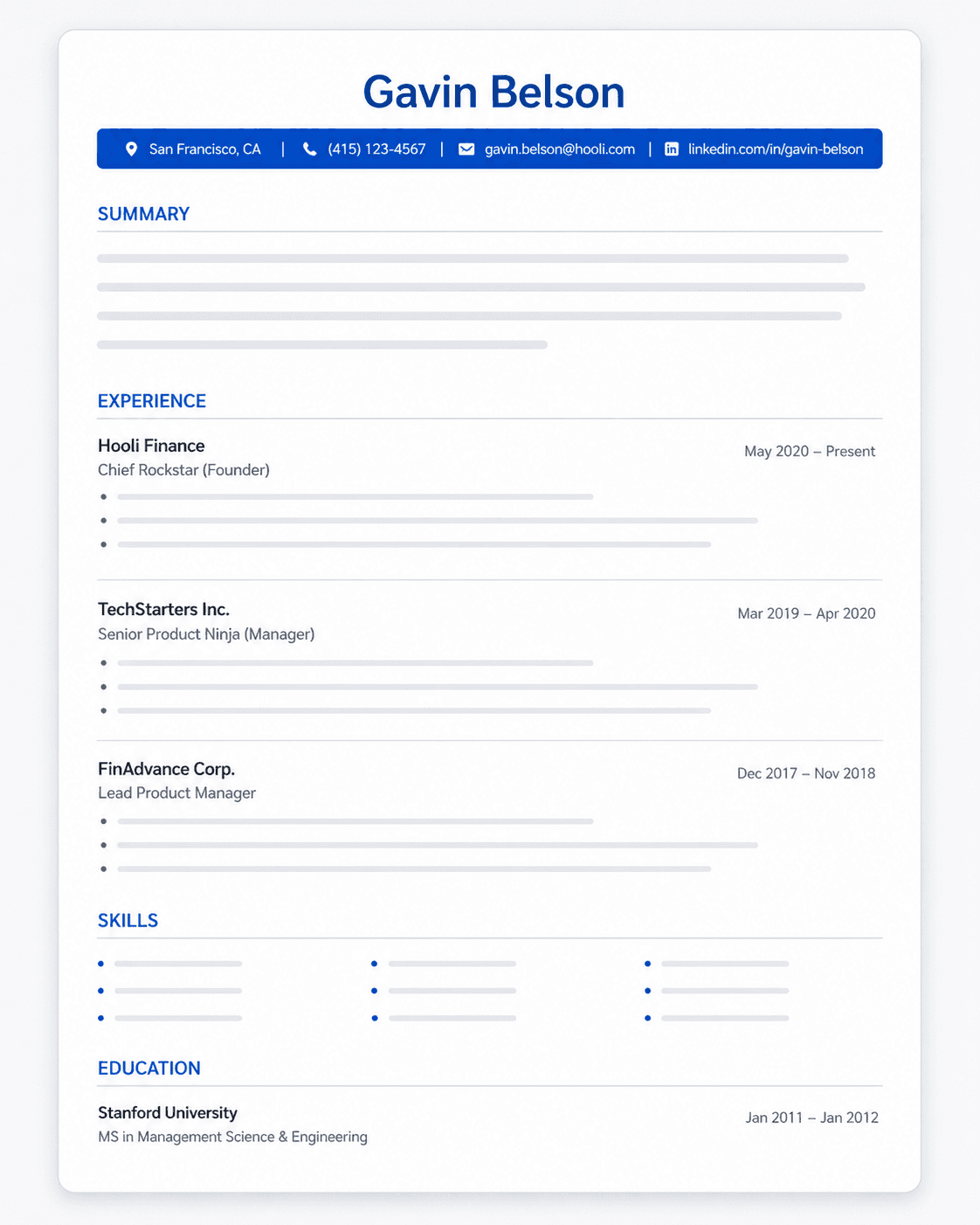
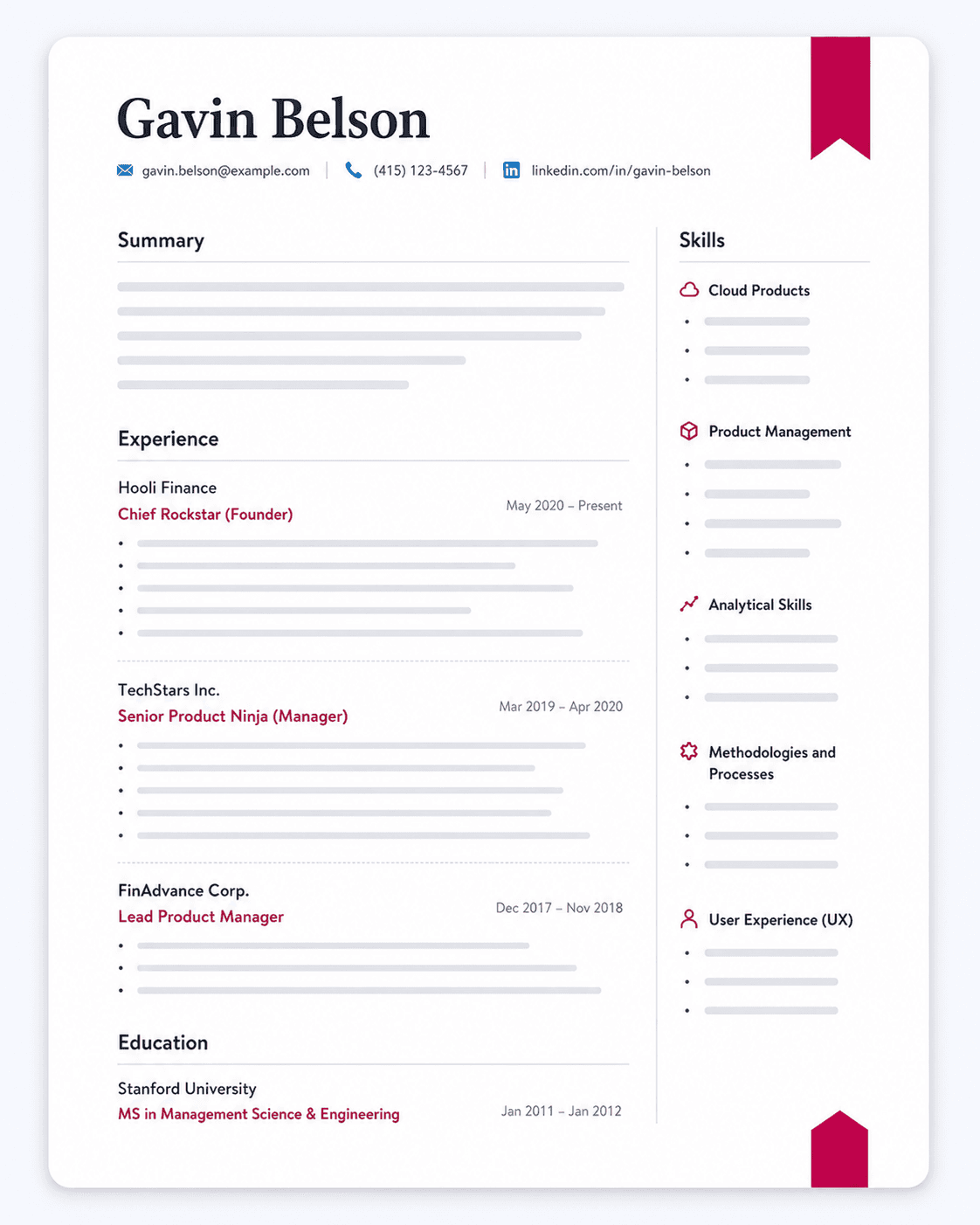
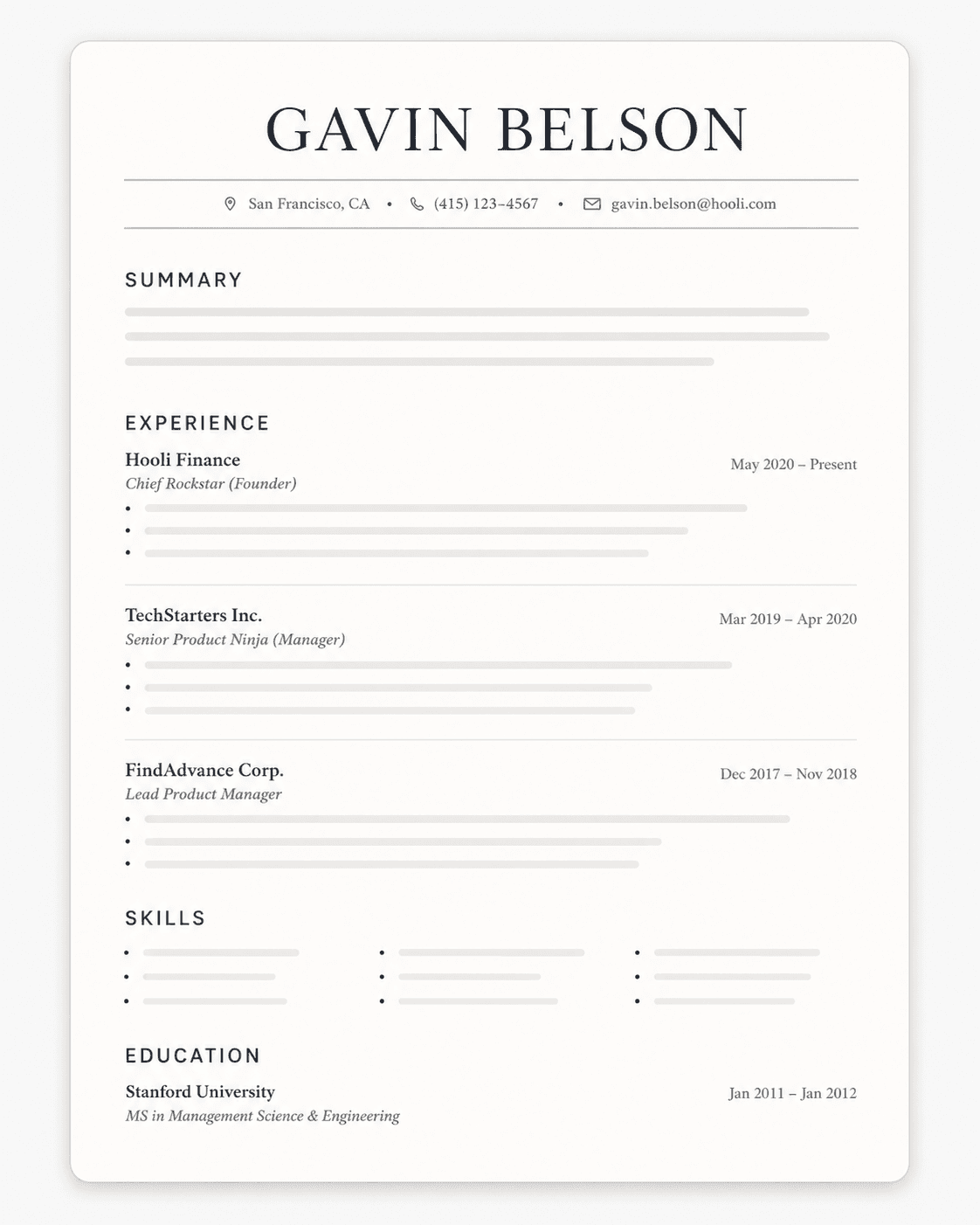
Entry-Level Administrative Assistant Resume Template
Mid-Level Administrative Assistant Resume Template
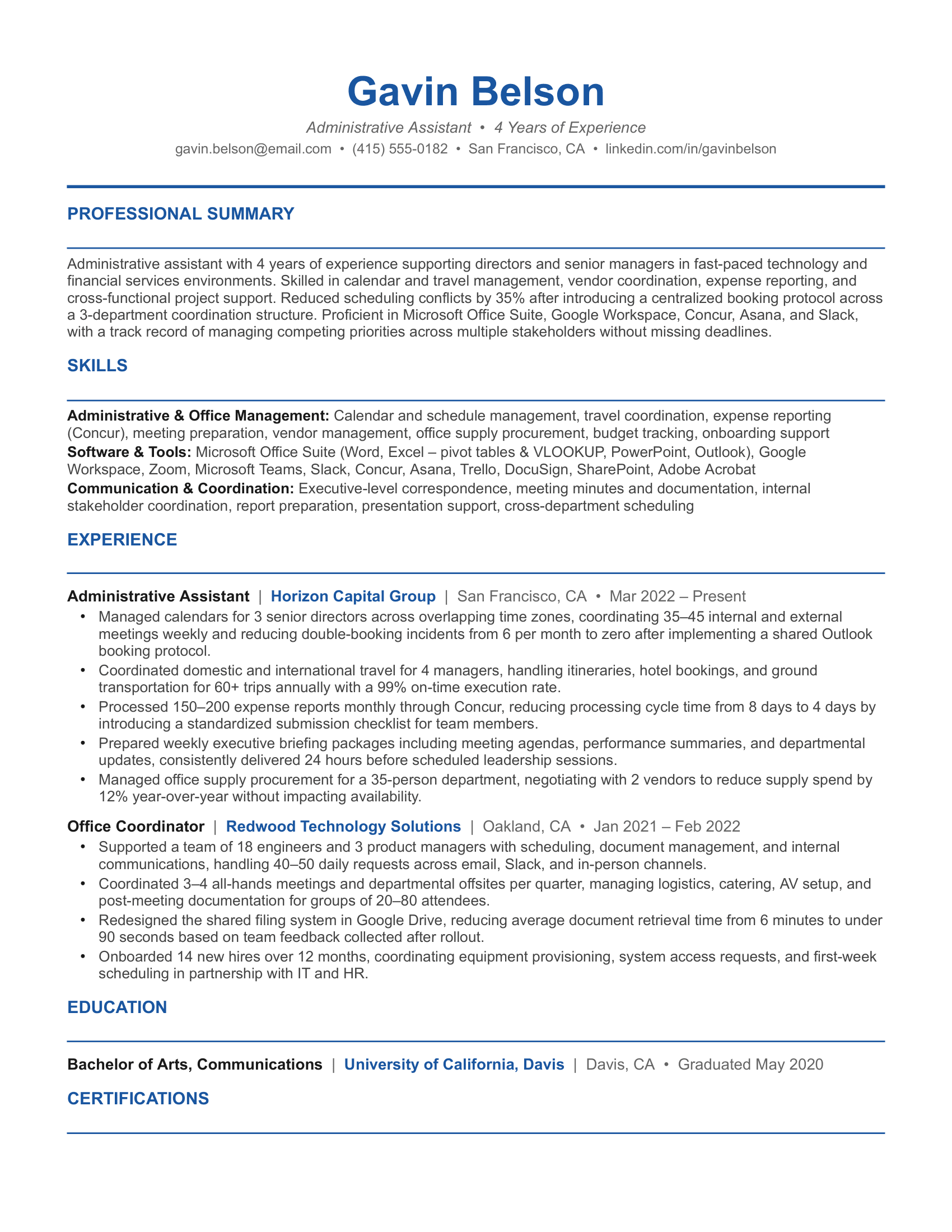
Senior-Level Administrative Assistant Resume Template
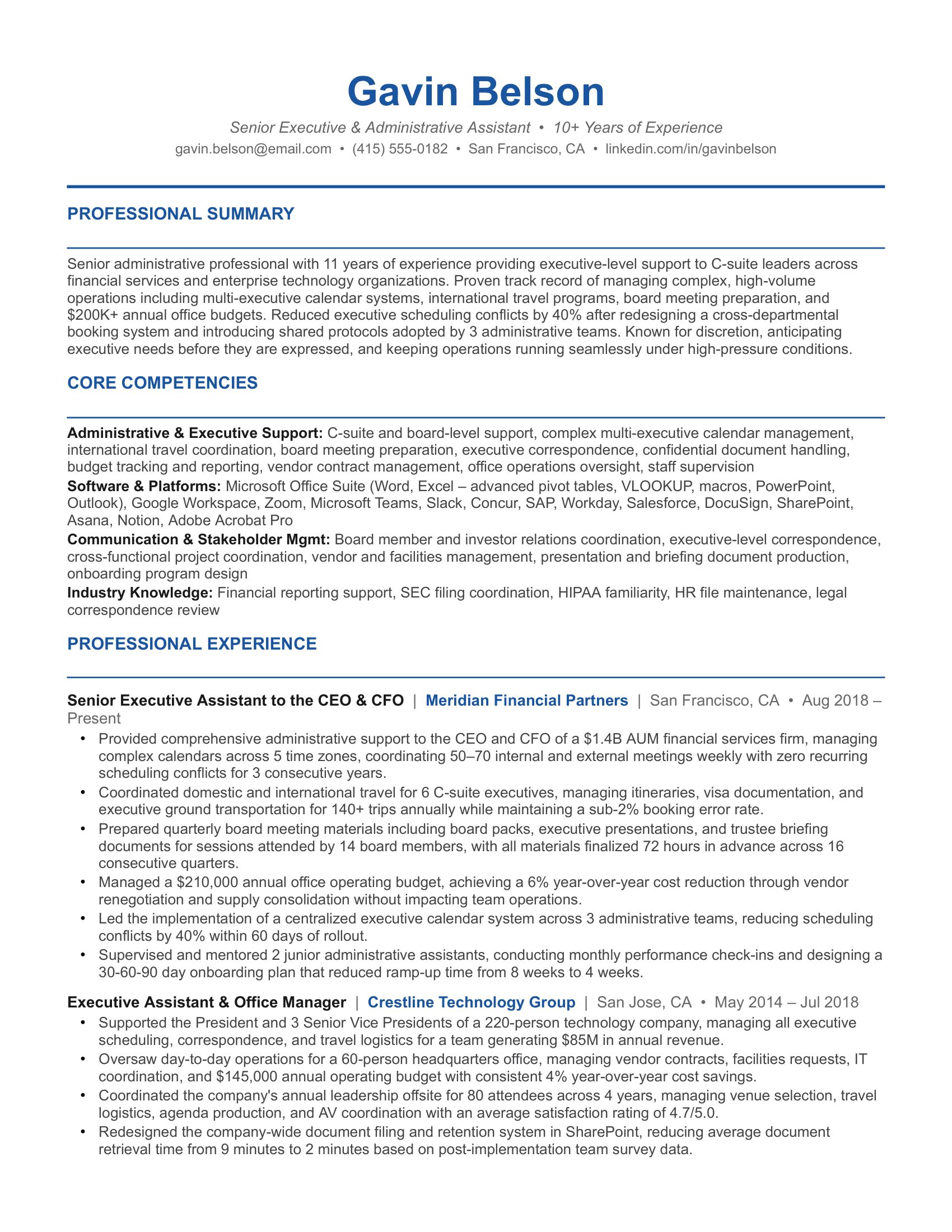
Want more layouts? Explore our complete library of free resume templates for administrative and office roles.
Common Administrative Assistant Resume Mistakes to Avoid
Describing tasks instead of impact
Bullets like "answered phones and managed calendars" or "organized files and ordered supplies" describe the job function, not your performance within it. Hiring managers want to see the volume you handled, the systems you built or improved, and the outcomes that resulted from your work. Pull those numbers before writing your resume.
Using the same resume for every administrative role
An executive assistant role at a law firm and an office coordinator position at a startup are looking for entirely different profiles. Sending an unmodified resume to both reduces your relevance in each. Adjust your summary, your software list, and your most prominent bullets for the specific environment and scope of the role you are applying to.
Listing software without specifying proficiency level
Writing "Microsoft Excel" tells a hiring manager you have opened the application. Writing "Microsoft Excel (pivot tables, VLOOKUP, data validation, conditional formatting)" tells them you can actually use it to do the work they need. Be specific about what you can do in each tool.
Ignoring ATS formatting requirements
Administrative role postings at large organizations and staffing agencies frequently go through ATS before a human reviews them. Templates with tables, graphics, columns, or text boxes often fail to parse correctly. Use standard fonts, clear section headers, and simple bullet points. If the job description names specific tools or functions, use that exact language in your resume.
Leaving out process improvement contributions
Many administrative assistants have redesigned a filing system, created a new template, consolidated a vendor list, or introduced a tracking process that saved the team real time. These contributions belong on the resume. Hiring managers are not just looking for someone who can execute existing systems; they want someone who makes the systems better.
Underselling the office management scope
If your role involved managing vendors, overseeing office budgets, onboarding new employees, coordinating facilities, or supervising junior admin staff, that scope needs to be visible on your resume. Many administrative assistants functionally operate as office managers without the title. Make sure the actual scope of your work is reflected in your bullets, not just the title you were given.
Omitting soft skills entirely
Communication, discretion, prioritization under pressure, and stakeholder management are real differentiators in administrative hiring. They belong in your skills section under a clearly labeled category. Leaving them out entirely because they feel too obvious is a common mistake that results in a resume that looks technically competent but interpersonally flat.
Why You Should Customize Your Resume for Each Administrative Role
Administrative assistant roles vary more than the shared title suggests. An executive assistant role supporting a C-suite leader at a large corporation requires a different emphasis than an office coordinator role at a small business or a legal administrative assistant position at a law firm. One weighs calendar management and travel coordination at a senior level, another weighs office operations and vendor management, and another weighs document preparation and matter-specific software fluency.
Tailoring your resume for each of these manually is slow, and generic resumes in administrative hiring get filtered out quickly, especially when hiring managers are screening for specific software proficiency, industry experience, and scope of support.
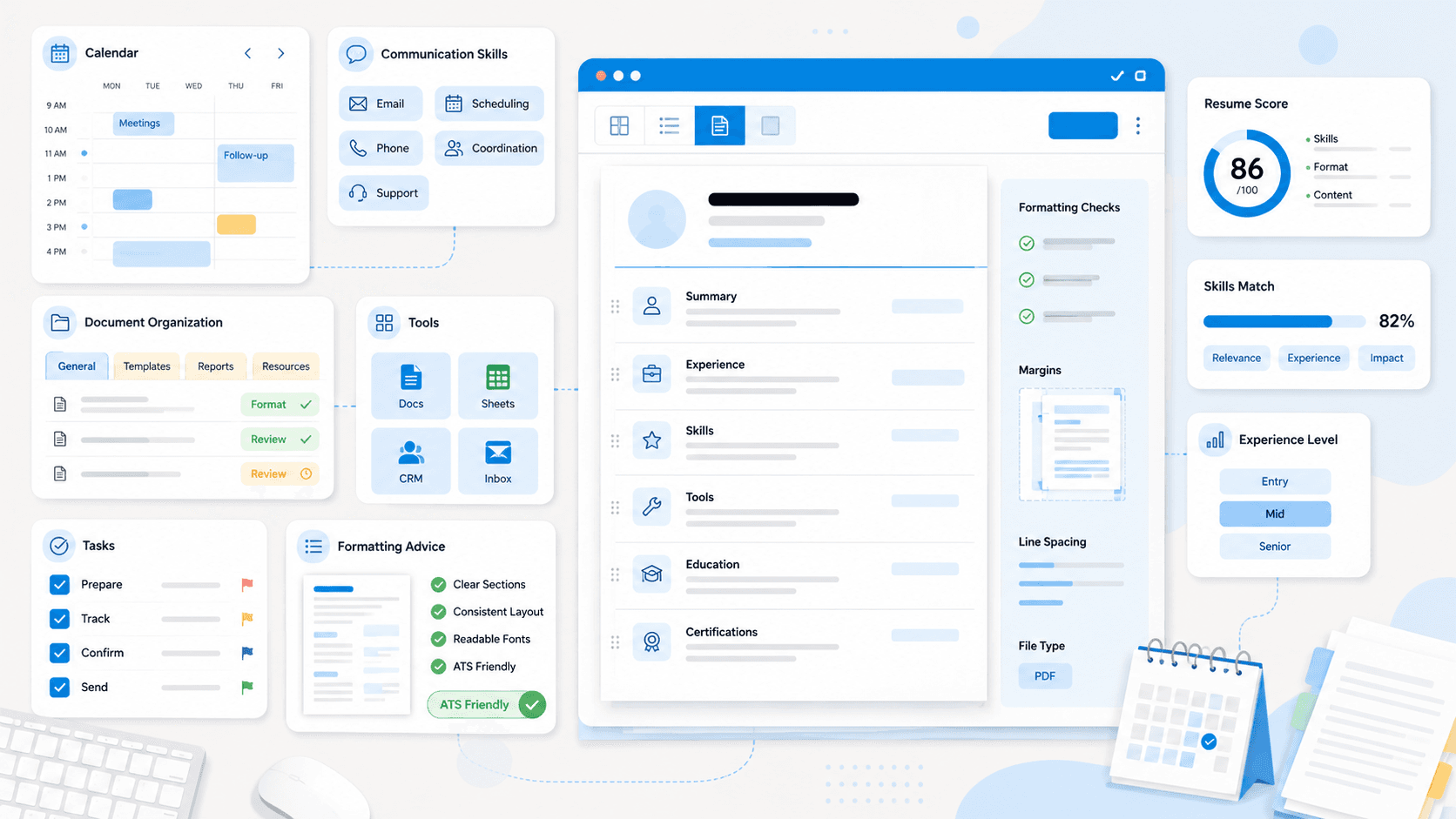
This is where an AI resume optimizer tool like Upplai can help. Here is how Upplai can simplify your search for a suitable administrative role:
- Real-time ATS scoring: Upplai updates your ATS score as you edit, so you can see the impact of every change instantly rather than re-uploading your resume each time.
- Transparent suggestions: Every recommendation comes with a clear reason behind it and controls. You can accept or reject it in one click without guessing about the logic.
- Automatic formatting: You get a clean, professionally designed resume without adjusting a single margin or font size after every edit.
- Structure guidance: Upplai guides you on resume writing best practices developed by recruiters and resume coaches — when to use a summary versus an objective, where to place your software proficiencies, which administrative responsibilities to lead with, and how to order your experience based on the level of support you provided. It also flags content that can lead to potential recruiter bias.
- Preference memory: Your software stack, scope metrics, section ordering, and formatting choices carry over each time you apply somewhere new, saving you hours in your job search.
If you are worried about getting trapped in subscription fees, Upplai's pricing is straightforward. You get 200 ATS scores per month, three tailored resumes, and unlimited downloads with no credit card in the free plan. If you need additional resumes, you can pay $0.50 or $1.00 each with no subscription attached.