A cover letter used to take an evening. ChatGPT can draft one in about thirty seconds, which is why so many people now start there. The problem is that a cover letter written entirely by ChatGPT, with no real input from you, reads exactly like the hundreds of others a recruiter sees, so it gets skimmed and set aside.
Used well, though, ChatGPT is a genuinely useful cover-letter partner. The trick is to treat it as a first-draft engine and do the part it cannot: make the letter specific, honest, and yours. This guide walks the full process step by step, gives you a prompt you can copy, and shows the mistakes that get AI cover letters ignored. If you are early in your job search, follow it in order and you will end up with a letter that sounds like a real person wrote it.
How to Write a Cover Letter with ChatGPT, Step by Step
Step 1: Gather your resume, the job post, and a few notes about the company
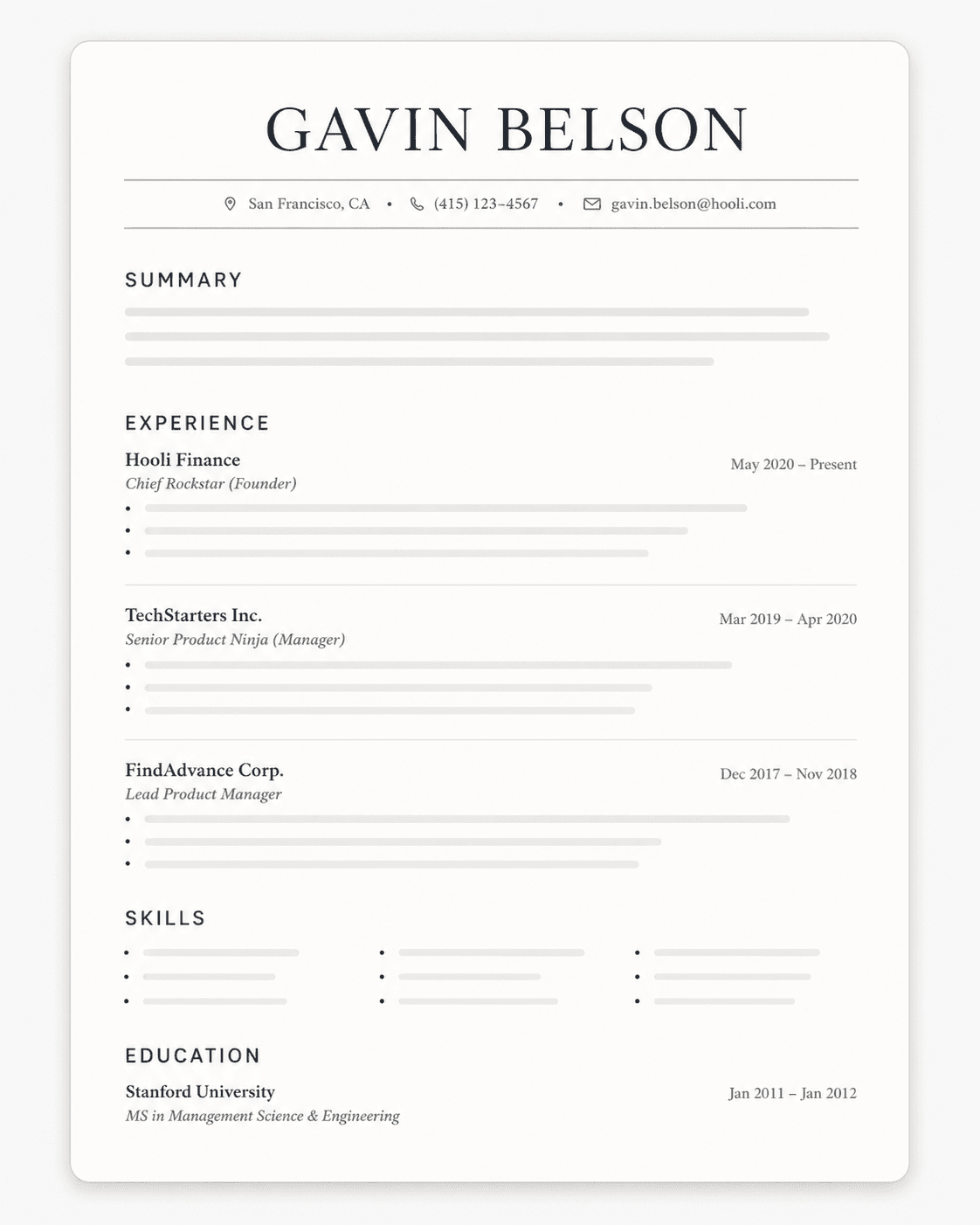
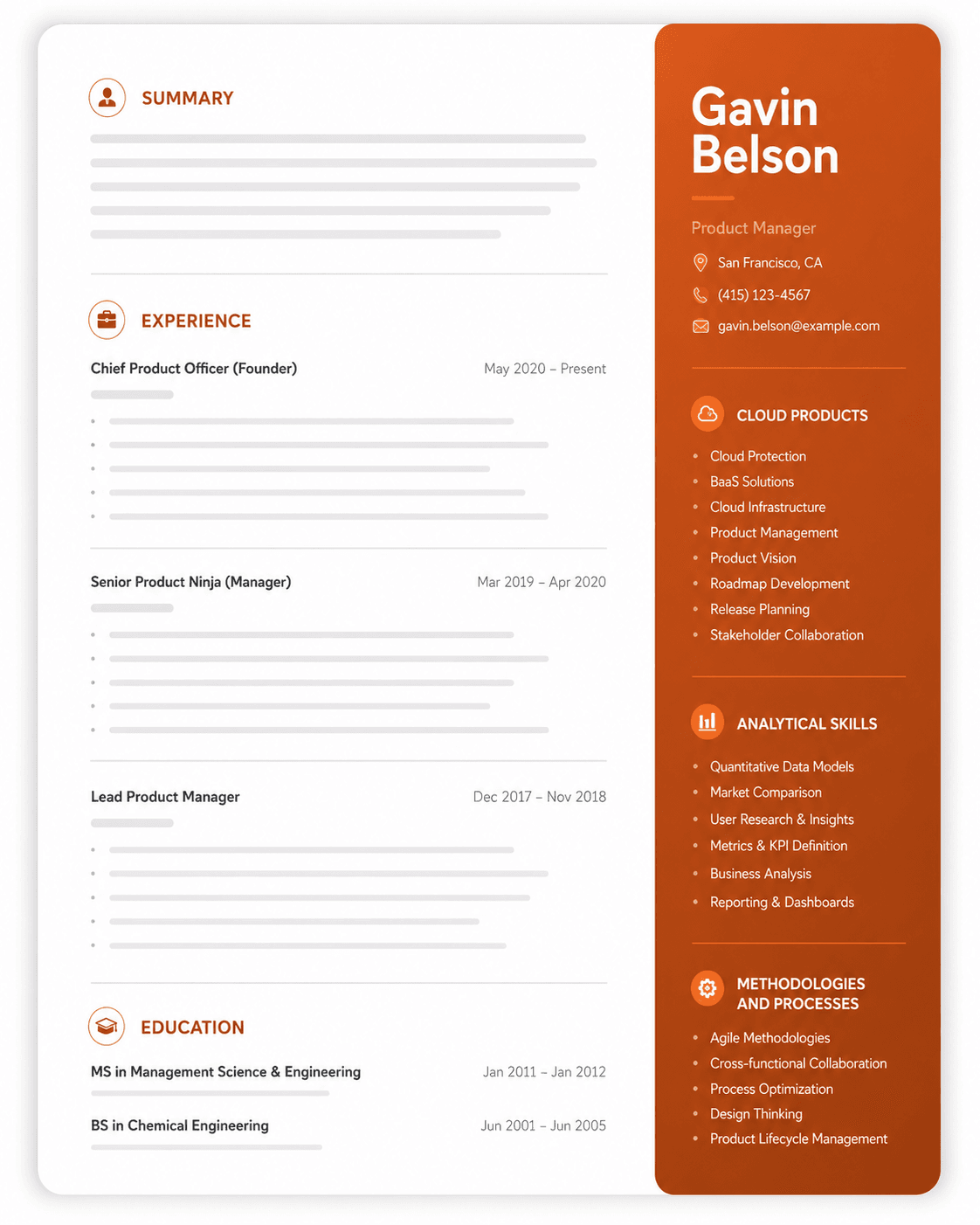
Before you open ChatGPT, get three things in front of you. First, your current resume, because your cover letter should build on it rather than repeat it. If your resume needs work first, our resume writing guide and a proven resume template are the place to start. Second, the full job posting, copied top to bottom, with the requirements and the "nice to haves" included. Third, a few quick notes about the company: what they do, something recent or specific about them, and the role title exactly as written.
Those company notes are what separate a real cover letter from a template. A hiring manager can tell in one line whether you actually know anything about them. Spend two minutes on the company's About page or the top of the job post and jot down one specific thing you can mention. You will hand all of this to ChatGPT in a moment, and the more real detail you give it, the less it has to make up.
Step 2: Ask ChatGPT to break down what the job is really looking for
New job seekers often jump straight to "write me a cover letter," which is exactly why they get a generic result. Do this instead: paste the full job description and ask ChatGPT to list the top five things the employer cares about most, in priority order.
You will get back a short list, something like "project coordination, stakeholder communication, budget tracking, attention to detail, and experience with Asana." That list is your blueprint. It doubles as the resume keywords the role screens for, so the ones that genuinely apply to you should show up in your letter. It also keeps you from spending three paragraphs on the wrong strengths. Keep it on screen, because you will match your own achievements to it in the next step.
Step 3: Give ChatGPT your real story to work from
This is the step that makes or breaks the letter, and it is the one beginners rush. ChatGPT cannot write about your experience until you hand it your experience. Tell it your name, your current or most recent job title, and the two or three achievements that line up with the priorities from Step 2. For each one, include a real number or result if you have it, the same way you would when you use ChatGPT to review your resume.
For example, instead of "I am good at customer service," give it "At my last job I handled around 60 support tickets a day and kept a 95% satisfaction score." Then add the human part: one or two honest reasons this specific role appeals to you. Maybe you admire the product, or the job is a step toward where you want to go. That reason becomes the heart of your opening, and it is the one thing no AI can invent for you.
Step 4: Ask for a structured first draft
Now you ask for the letter, and how you ask matters. Do not request "a cover letter" and hope. Request a specific structure so the draft comes out usable: an opening that names the role and leads with your reason for wanting it, one or two short body paragraphs that each tie one of your achievements to a priority from the job post, and a brief closing that restates your interest and suggests a next step. Ask for plain, confident language, no buzzwords, and a length of about 300 words.
What you get back is a first draft. It will have the right structure, and it will still sound a little like a robot. That is completely normal, and smoothing it out is the next step. The section below gives you a full prompt you can paste, so you do not have to build this request from scratch.
Step 5: Rewrite the draft in your own voice
AI drafts share a tell: they are smooth, confident, and slightly hollow. Your job here is to make the letter sound like you wrote it on a good day. Read the draft out loud, and anywhere it sounds stiff or like a sentence you would never actually say, rewrite it in your own words.
Cut the filler words that scream chatbot, such as "leverage," "passionate," "dynamic," and "proven track record." Add one concrete, human detail, like a specific project, a tool you used, or the line about the company you noted in Step 1. Then check every claim: if the draft says something you cannot back up in an interview, change it or take it out. The same tells that give away an AI resume apply to cover letters, and our guide to ChatGPT resume mistakes lists the exact words and patterns to watch for.
Step 6: Trim it, proofread it, and get the details right
A cover letter earns its keep when it is short. Aim for about 250 to 350 words, or three to four tight paragraphs. If a sentence just repeats a bullet from your resume, cut it, because the letter should add context rather than echo the resume.
Then handle the small things that quietly sink applications. Make sure the company name and the role title are correct, since a leftover name from a previous draft is an instant rejection. Confirm your contact details are at the top, and read the letter once more for typos and awkward phrasing. If you can, have a friend read it, or paste it back into ChatGPT and ask, "does anything here sound generic or unclear?" Fix what it flags, and you have a letter ready to send.
A ChatGPT Cover Letter Prompt You Can Copy
Vague prompts produce vague letters. This one gives ChatGPT everything it needs to write a draft worth editing:
"Here is my resume: [paste]. Here is the job description: [paste]. I am applying for [role] at [company]. The two things I most want to highlight are [achievement or skill 1] and [achievement or skill 2], and I want this role because [specific reason]. Write a cover letter of about 300 words in plain, confident language with no buzzwords or cliches. Open with a specific hook, connect my achievements to the job's needs, and close with a clear next step. Use only the information I gave you, and flag anything you cannot support."
After it drafts, follow up with quick edits like "make the opening less formal" or "tighten the second paragraph." For more prompt patterns, see our guide to ChatGPT resume prompts, which work for cover letters too.
Common ChatGPT Cover Letter Mistakes to Avoid
Most weak AI cover letters share the same handful of flaws:
- Leaving it generic. Placeholder phrasing and lines that could apply to any job are the number-one giveaway. Name the company and the specific role.
- Repetitive, stiff phrasing. AI cycles through the same sentence structures, which reads flat and impersonal. Vary your sentences and cut the cliches.
- Feeding it a lazy prompt. "Write me a cover letter" returns a generic cover letter. Give it your resume, the posting, and your specifics.
- Fabricated claims. ChatGPT will invent achievements to sound impressive. Every line has to be true and something you can defend in the interview.
- One letter for every job. Sending the same AI letter to twenty roles wastes the one advantage a cover letter has, which is showing you understand this role.
- Too long, or just the resume again. Keep it short and add context your resume cannot, rather than restating your bullet points.
What ChatGPT Gets Right and Wrong About Cover Letters
It helps to know where ChatGPT actually earns its place. It is genuinely good at getting you past the blank page, giving you a clean structure, and reframing a rough idea into a readable paragraph. For speed and a starting point, it is hard to beat.
What it gets wrong is everything that depends on knowing you and the company. It does not know your real reasons for wanting the role, your voice, or the team's culture, so left alone it writes something polished and forgettable. It will also state things confidently that are not true. The takeaway is simple: ChatGPT writes a good first draft and a weak final letter, and the editing is on you. If you want tools that handle more of this for you, our roundup of the best ChatGPT apps for job seekers is a good place to look.
The Faster Way: A Tailored Cover Letter with Upplai
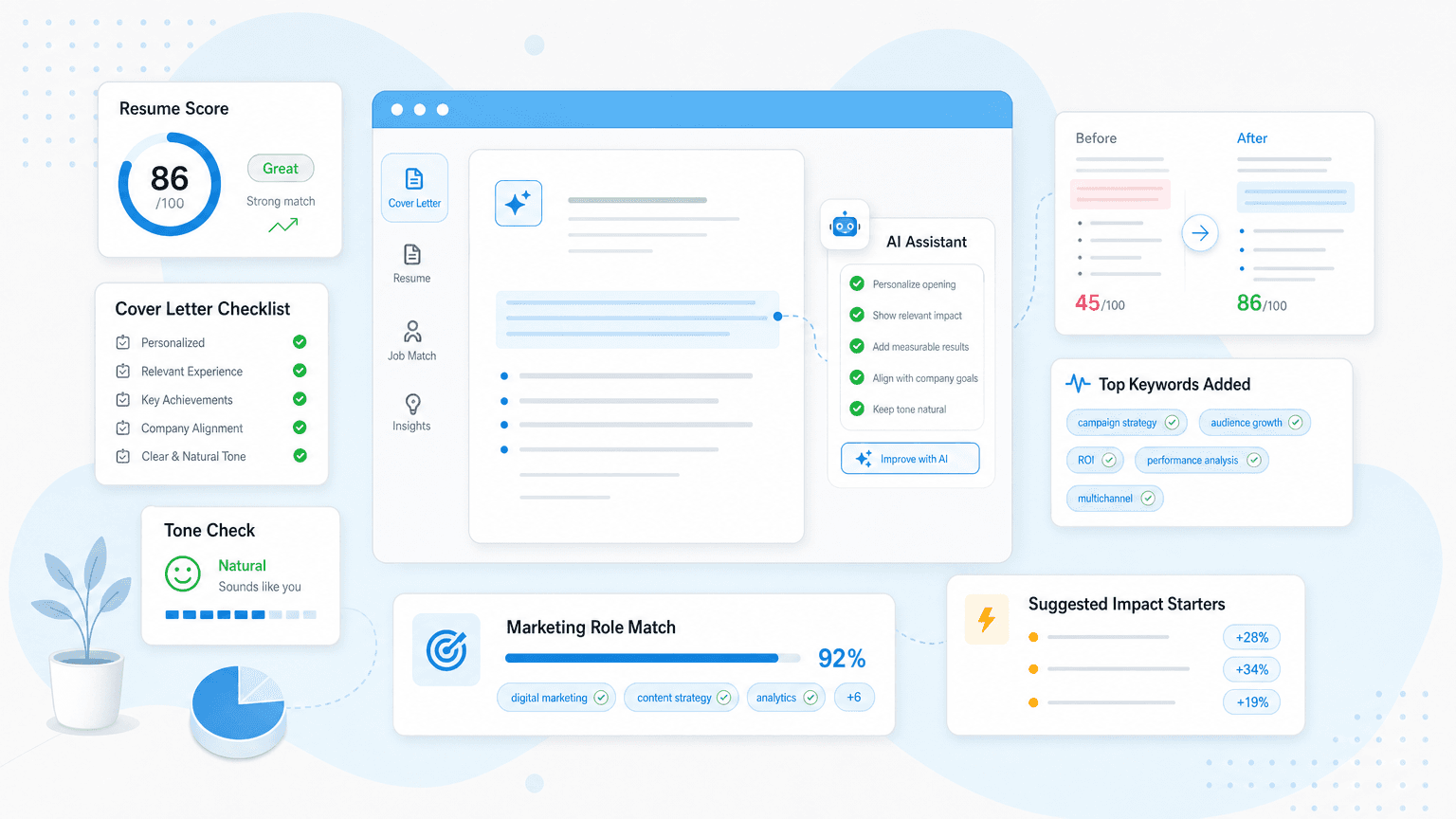
If the back-and-forth of prompting and editing feels like a lot, there is a shortcut built for exactly this. Upplai generates a tailored cover letter from your resume and the job description in under ten seconds, free with every resume you tailor, in a template that matches your resume's design.
The difference from raw ChatGPT is that it works from what is already on your resume, so it does not invent experience, and it leads with your strongest pitch for the specific role. You stay in control, editing by hand or with AI, so the letter still sounds like you. And because it runs the same tailoring engine as the resume side, your application arrives as one matched, ATS-friendly packet. Given that applications with a cover letter are 1.9 times more likely to get an interview, it is worth doing well, and worth doing fast.
Get a tailored cover letter in seconds
Upload your resume, paste the job description, and Upplai writes a matching cover letter that leads with your strongest pitch, free with every resume.