TL;DR
- LinkedIn Premium is worth trying for one to three months if you are applying heavily and will use InMail. It is not worth a year-round subscription.
- LinkedIn Premium Career costs about $240/year, or $39.99/month for new subscribers, and offers limited value for most job seekers.
- Almost every feature either duplicates something free (ChatGPT, LinkedIn's own free tier) or lives only inside LinkedIn's recruiter interface, not the ATS where hiring decisions are actually made.
You're considering spending $239/year on LinkedIn Premium Career. Before you do, ask yourself: will a better LinkedIn profile help you get past the Applicant Tracking Systems that screen applications before a recruiter opens them?
The answer is no.
An ATS parses your resume into structured fields, stores it in a searchable database, and lets recruiters filter and rank applicants by keyword, title, and location. It does not automatically reject some fixed share of resumes — the widely repeated "80% filtered out" figure traces back to a vendor marketing claim with no published methodology. What an ATS does do is decide which resumes a recruiter ever looks at, and your LinkedIn profile has no bearing on that.
In this guide, we review each of the benefits listed on LinkedIn's official site and evaluate how much impact it has on your job search outcomes compared to what you already get from LinkedIn's free version.
Is LinkedIn Premium Worth It? The Short Answer
LinkedIn Premium is worth it if you're actively job hunting right now, you'll use InMail and applicant insights heavily, and you plan to cancel within one to three months.
It's not worth it if you're passively browsing, networking casually, or treating it as a year-round subscription. The free version does almost everything most people actually use.
The catch nobody mentions: Premium helps you find and reach out to opportunities. It does nothing to get your resume through the screening that happens after you apply. If you're getting no responses, Premium doesn't fix the problem — it just gives you a better view of it.
| If you're... | Verdict |
|---|---|
| Actively applying, 1–3 month window | Worth trying, then cancel |
| Passively open to opportunities | Skip it |
| A student or new grad | Usually skip — check free access first |
| In sales, recruiting, or BD | Different product, different maths |
| Getting zero responses to applications | Fix the resume first |
LinkedIn Premium Pricing in 2026
LinkedIn sells five different products under the "Premium" umbrella, and they're priced very differently. Most job seekers only need to think about the first one.
| Tier | Monthly | Annual | Free trial | Who it's for |
|---|---|---|---|---|
| Premium Career | $39.99 new / $29.99 grandfathered | $239.88/yr ($19.99/mo) | 1 month | Job seekers |
| Premium Business | $59.99–$69.99 | $575.88/yr ($47.99/mo) | 1 month | Networking, business development |
| Sales Navigator Core | $119.99 | $1,079.88/yr ($89.99/mo) | 30 days | Sales prospecting |
| Sales Navigator Advanced | $159.99 | $1,799.88/yr ($149.99/mo) | 30 days | Sales teams |
| Recruiter Lite | $169.99 | $1,680/yr ($140/mo) | Periodic | Hiring |
Two things to know before you subscribe:
Pricing is not uniform. Long-standing subscribers are often grandfathered at older, lower rates while new sign-ups pay current pricing. If a friend tells you they pay less than the price you're quoted, they're probably not wrong — they just signed up earlier.
Annual billing is cheaper but locks you in. For a job search, that's usually the wrong trade. Most searches don't run twelve months, and the value of Premium drops sharply once you stop actively applying. Monthly costs more per month and saves you money overall.
What it actually costs you for a job search: the average job search takes about five months. At the new-subscriber rate of $39.99/month, that's roughly $200. Subscribers still on the old $29.99 rate pay closer to $150.
Pricing captured August 2026 from secondary sources. LinkedIn changes prices without notice and shows different rates in different regions, so confirm on LinkedIn's own pricing page before subscribing.
Is LinkedIn Premium Worth It for Active Job Seekers?
This is the case Premium is actually built for, and it's the only segment where the maths sometimes works.
We subscribed to LinkedIn Premium Career and worked through every feature it advertises. The screenshots below are from that account. Where a feature has a free equivalent, we tested that too.
What genuinely helps:
- Applicant insights — seeing how many people applied and how your profile compares gives you real information about whether a role is worth pursuing. It won't change your odds, but it will change where you spend your time.
- InMail — the ability to message a hiring manager directly is the one thing you cannot replicate for free. Used well, on a small number of carefully chosen roles, it's the strongest feature in the package.
- Featured Applicant — modest effect, but it does move you up in recruiter views.
What doesn't help as much as it appears to:
- Who viewed your profile — interesting, rarely actionable. Covered in its own section below.
- Advanced search filters — most job seekers don't search at a volume where these matter.
- AI profile writing — general-purpose AI tools do this better, starting with your professional headline.
The honest verdict for this segment: if you're applying to 10+ roles a week and will actually send InMails, one to three months of Premium is a defensible spend. If you're applying to three roles a week and won't message anyone, you're paying for a dashboard.
The bigger caveat: every feature above helps you find and approach opportunities. None of them affect what happens after you hit apply. If your applications are disappearing without a response, that's a screening problem, and Premium has no answer for it — getting your resume noticed by recruiters starts with the resume, not the subscription.
Does LinkedIn's "Applicant Insights" Give You An Unfair Advantage Over Your Competitors?
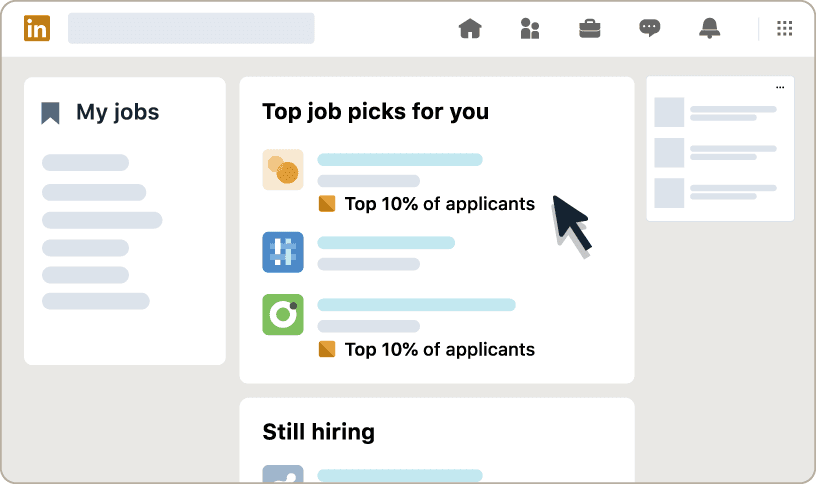
LinkedIn Premium's Applicant Insights feature helps you identify if you're among the top 10% of candidates who have applied for a job. While this seems valuable for prioritizing where to spend your application time, there are significant limitations.
Practical Considerations
- LinkedIn only sees applicants who apply through their platform, not those applying via company websites, job boards, or referrals
- Rankings change as more people apply, so you're working with a snapshot in time
- LinkedIn's ranking algorithm may differ significantly from what the actual employer values. (Based on various Reddit discussions, recruiters don't find LinkedIn's "top applicant" useful for evaluating actual fit)
Alternatives
- Use specialized tools like Upplai to get a comprehensive resume score and ATS score with detailed breakdowns of job requirements, missing skills, missing keywords and ATS optimization suggestions
Our Assessment
Medium value. While imperfect, this ranking can help you prioritize applications, but don't rely on it as your primary decision-making tool. Instead of paying $39.99/month for limited insights, you can check how your resume performs against ATS for free and get detailed keyword analysis and optimization suggestions.
Do the advanced search filters on LinkedIn actually help?
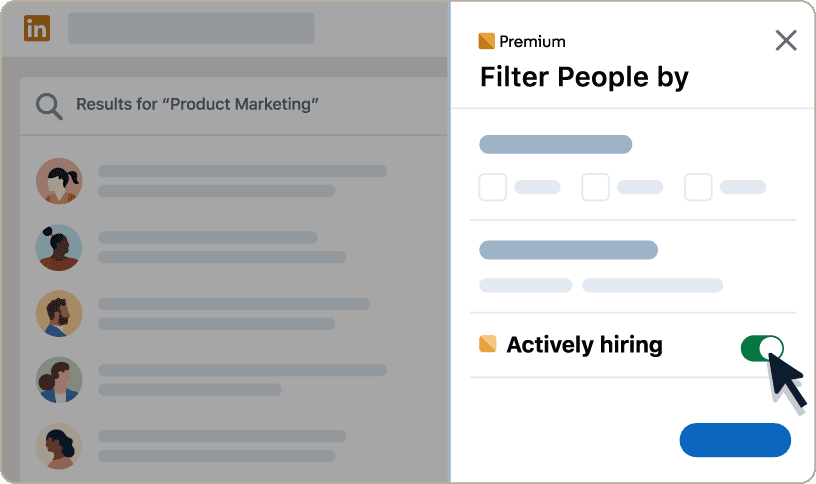
LinkedIn Premium Career users get access to advanced search filters like "actively hiring companies" and "jobs with fewer than 10 applicants". While this may sound like another edge to stay ahead of competitors, let's think through the practical considerations.
Practical Considerations
- Looking for employers who are "actively hiring" might indicate that the employer is hiring for multiple roles, but it doesn't necessarily mean that all the roles are relevant to you. Neither does it mean that you have a higher chance of getting hired by that employer than any other employer who may be hiring for just one role
- In today's market, jobs receive hundreds of applications within hours, making the "fewer than 10 applicants" filter largely irrelevant within a couple of days if not hours
Alternatives
- Use LinkedIn's free search with the "jobs posted in the past 24 hours" filter for recently posted jobs to apply before your competitors do
Our Assessment
Low value. The premium search filters don't provide meaningful advantages in today's competitive job market.
Does Marking a Job as "Top Choice" Get You Noticed?
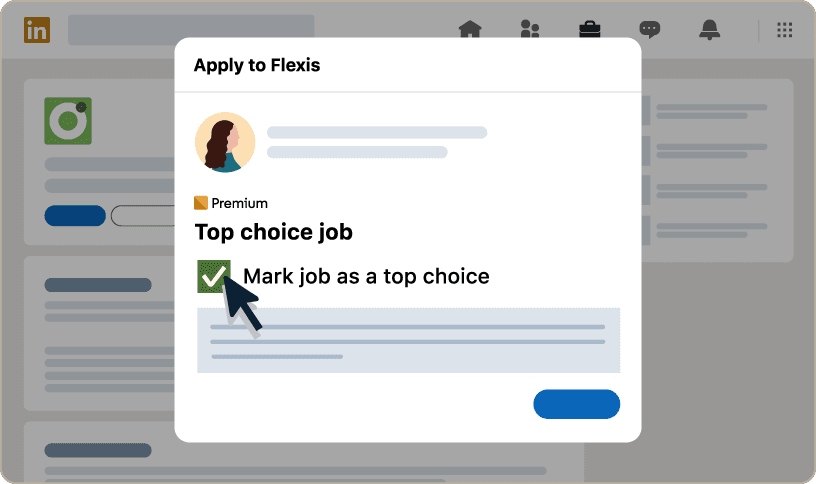
As a LinkedIn Premium Career user, you can select up to 3 jobs as your 'top choice' job every month. This allows you to include an additional 400-character message to recruiters. LinkedIn claims this improves job application response rates by 43%. But does it actually improve outcomes?
Practical Considerations
- In today's job market, recruiters are already overwhelmed with hundreds of applications and likely won't have time to read additional messages beyond resumes and cover letters
- The top choice message is shown only in LinkedIn's recruiter interface, not in companies' main ATS systems, where most hiring decisions are made. (99% of Fortune 500 companies and 75% of large employers use some form of ATS in their hiring process, and most route all applications through these systems)
Alternatives
- Use a compelling cover letter and a strong resume summary to convey the same information
- These traditional methods work across all application channels and appear in employer ATS systems
Our Assessment
Low value. This feature doesn't integrate with most companies' actual hiring workflows.
Does Being A "Featured Applicant" Improve Your Interview Chances?
LinkedIn Premium Career users can use the 'Feature My Application' functionality to highlight their application with a premium badge and to show it above non-premium users. But does it improve interview chances?
Practical Considerations
- This is essentially a "sponsored" placement. Recruiters understand applicants are paying for visibility.
- Additionally, the 'featured applicant' badge and ranking only appear in LinkedIn's recruiter interface, not in the employer's ATS, the primary platform most employers use for hiring decisions
Alternatives
- None. The closest alternative would be getting a referral from someone at the company
Our Assessment
Low value. There's no independent evidence linking LinkedIn's 'featured applicant' feature to improved hiring outcomes.
Is LinkedIn's "AI Profile Writing" Better Than ChatGPT?
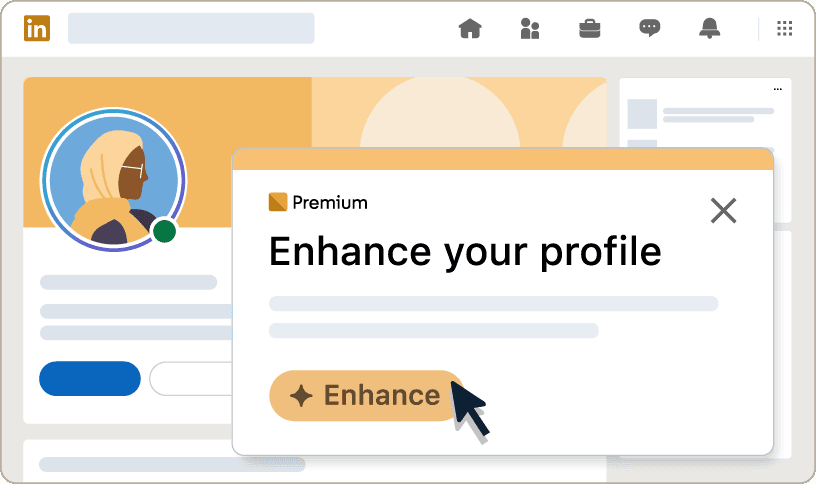
LinkedIn Premium Career users can use LinkedIn's AI features to enhance their profile to stand out to recruiters. But how does it compare to ChatGPT, which most job seekers already know and use?
Practical Considerations
- LinkedIn's AI and ChatGPT use similar underlying technology, but ChatGPT offers more flexibility and customization options
- You can give ChatGPT more detailed prompts and context about your specific industry or role
Alternatives
- ChatGPT, Claude, Gemini, or Copilot with prompts like:
- "Rewrite my LinkedIn headline for a [job title] role highlighting my [specific skills] skills and [specific experience] experience."
- AI resume optimization tools that can also help with LinkedIn profile enhancement
Our Assessment
Low value. ChatGPT provides equal or better results with more flexibility, and it's completely free.
Can LinkedIn's "AI-Powered Job Insights" Predict Your Interview Chances?
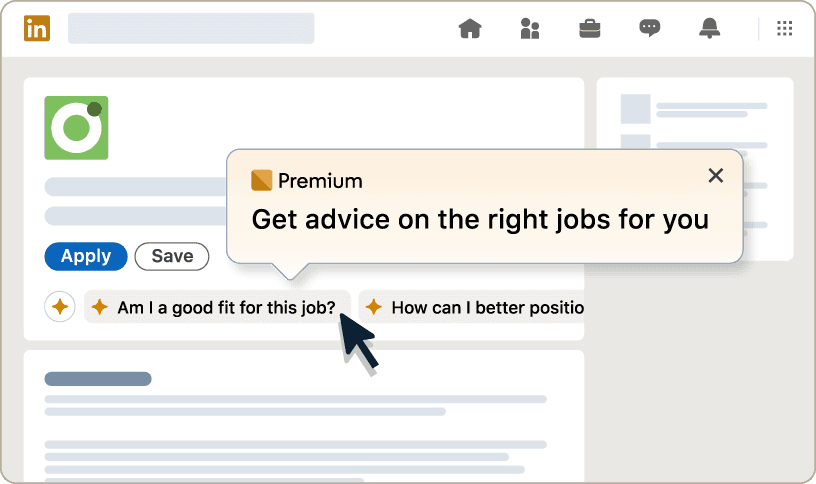
LinkedIn Premium Career users can get AI-powered insights on job posts to better understand whether they are a good fit for a role, how to stand out to recruiters, etc. But can these insights actually predict your likelihood of getting an interview?
Practical Considerations
- Free AI assistants like ChatGPT, Gemini, Claude, and Copilot can analyze job descriptions and provide fit assessments, with the added benefit of allowing follow-up questions and deeper analysis
- Most importantly, LinkedIn cannot give you an ATS score, a crucial data point showing how your resume might perform in the systems used by 99% of Fortune 500 companies
- LinkedIn's insights focus on general advice rather than specific, actionable optimization for a role
Alternatives
- ChatGPT, Gemini, Claude, or Copilot for free job fit analysis with unlimited follow-up questions
- Specialized platforms like Upplai for comprehensive ATS scoring and resume keyword optimization that actually impact interview chances
Our Assessment
Low value. Better insights available through free tools that also include crucial ATS optimization strategies that actually help you get past initial screening.
Is LinkedIn Premium Worth It for Students and Interns?
For most students, no — and often you don't need to pay for it at all.
Why the value is lower for students:
- InMail matters less. Internship and graduate hiring runs through structured programmes, campus recruiting, and application portals. A cold InMail to a recruiter running a 5,000-applicant graduate scheme rarely changes anything.
- Applicant insights are less useful. Knowing that 800 people applied to a graduate role tells you what you already knew.
- "How you compare" is discouraging, not informative. Early-career profiles compare poorly against experienced candidates by definition, and the comparison isn't measuring the thing you're being assessed on.
What actually moves the needle at this stage:
- Your university's career service and alumni network — free, and far better targeted than cold InMail
- Campus recruiting events and structured internship programmes
- A resume that's genuinely tailored, since graduate applications are screened heavily on keyword and requirement match
Before you pay: check whether you have free access already. Many universities provide LinkedIn Learning to students, and a lot of public library systems offer it free with a library card. Those cover the single feature students are most often tempted by.
If you're an international student, the constraint is usually work authorisation rather than visibility — see our guide to resumes for international students.
Is LinkedIn Premium Worth It for Career Changers?
This is the segment with the strongest case for Premium after active job seekers — and for a different reason.
Career changers have a specific problem: your resume doesn't obviously match the roles you want, so keyword-based screening works against you. The way around that is usually a human who understands your story, which means conversations rather than applications.
Where Premium helps here:
- InMail lets you reach people in your target field for informational conversations, not just job applications. This is the highest-value use of InMail and almost nobody uses it this way.
- Advanced search genuinely matters when you're mapping an unfamiliar industry and don't yet know the job titles.
- Profile views tell you whether your repositioned profile is landing with the right people.
Where it doesn't:
- None of it addresses the underlying problem, which is that your resume needs to translate your existing experience into the language of the new field.
The sequencing that works: fix the resume first so you can convert the conversations Premium helps you start. A career-change resume that reads as a list of unrelated jobs will waste every introduction you earn. See our career change resume guide.
InMail: Is Direct Messaging Worth the Premium Price?
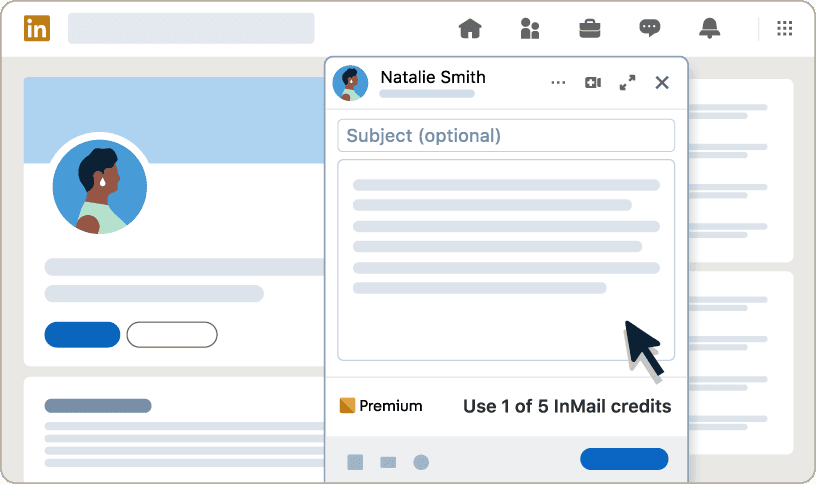
LinkedIn Premium Career users can send 5 InMail messages per month to people outside their network. But are 5 InMails worth the price when you're actively job searching?
Practical Considerations
- If you're actively applying for jobs, you're likely to apply to more than 5 roles in a month- meaning you'll want to contact more than 5 employers monthly
- If you know a person's name, you can often guess their email address using commonly used formats:
- (first name).(last name)@(company domain) => john.doe@acme.com
- (first name)_(last name)@(company domain) => john_doe@acme.com
- (first name initial)(last name)@(company domain) => jdoe@acme.com
- (first name)@(company domain) => john@acme.com
- Many professionals' email addresses can be found through quick research
Alternatives
- LinkedIn's free connection request feature with personalized messages
- Educated guessing using commonly used email formats
- Use tools like Perplexity AI to find their email address. Simply use a prompt like:
"What is the official email address of John Doe who works at Acme Corp?"
- Connect with mutual contacts to get introductions
Our Assessment
Medium value. Useful but insufficient quantity, and free alternatives exist.
Do You Need LinkedIn AI For Drafting Messages?
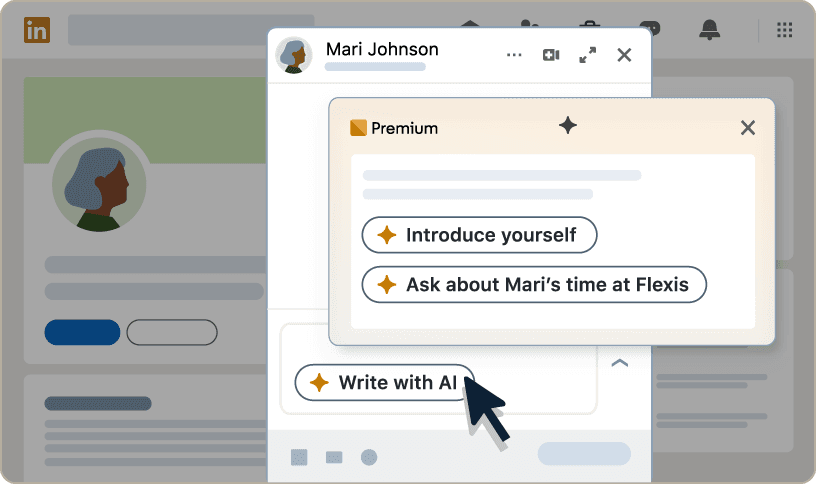
LinkedIn Premium Career users can get help drafting a message to a hiring manager using LinkedIn's AI. While this can be useful, does it justify the monthly price when free alternatives exist?
Practical Considerations
- Free AI assistants like ChatGPT, Gemini, Claude, and Copilot can craft equally effective messages to hiring managers
- These free alternatives offer greater flexibility for follow-up requests, revisions, and tweaks
- You can provide more context and specific instructions with free AI tools compared to LinkedIn's built-in prompts
- These tools integrate into workflows you're likely already using for other job search tasks
Alternatives
- ChatGPT, Gemini, Claude, or Copilot for message drafting with unlimited follow-ups
- Use prompts like:
"Help me write a professional message to a hiring manager at [Company] about the [Job Title] position, expressing my interest in the role, mentioning [specific detail from job posting], and explaining how my experience with [specific experience] at [company] aligns with their requirements"
Our Assessment
Low value. Free alternatives are equally effective with more flexibility and customization options.
Does "Who Viewed Your Profile" Actually Help?
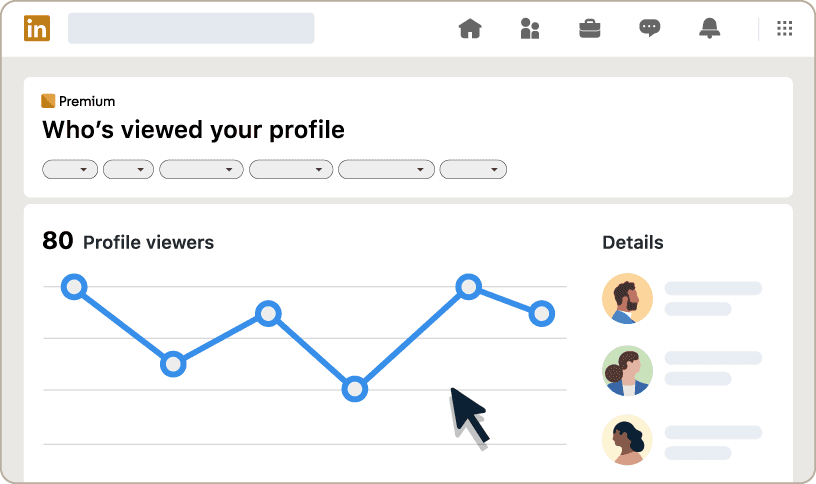
This is the single most-searched Premium feature, and the most over-valued.
What you get: the full list of people who viewed your profile in the last 90 days, rather than the handful of anonymised entries free users see.
Why people want it: it feels like inside information. If a recruiter from a company you applied to looked at your profile, surely that means something.
Why it mostly doesn't: a profile view is not a signal of intent. Recruiters view dozens of profiles a day as part of routine sourcing and screening. A view from a company you applied to usually means someone processed your application — which you already knew. It doesn't tell you whether they liked what they saw, and it doesn't tell you what to do next.
Where it's genuinely useful: if you've just repositioned your profile for a career change or a new target role, view patterns tell you whether the right kind of people are finding you. That's a real feedback loop. Watching it during a normal job search is not.
The honest assessment: worth having if you're already paying for Premium for other reasons. Not worth paying for on its own — which is exactly what a lot of people do.
Features That Aren't Worth Considering
Is LinkedIn Learning Helpful During Job Search?
LinkedIn Premium Career includes full access to LinkedIn Learning's 21,000+ courses covering business, technology, and professional skills. But is this the right time to be taking courses?
Practical Considerations
- Most effective job seekers acquire necessary skills and certifications before beginning their active job search, to include them on their resume and LinkedIn profile
- During the job search period, your time is better spent on applications, networking, and interview preparation rather than learning new skills
- New skills learned during your job search won't help with applications you're sending today
Alternatives
- Udemy, Coursera, Skillshare, and many free educational platforms
- Free YouTube courses and tutorials
- Free LinkedIn Learning access through many public libraries and universities (see the next section)
- Focus learning time before or after your active job search period
Our Assessment
Low value for active job seekers. Better to upskill before job searching begins, then focus entirely on applications and networking.
How to Get LinkedIn Premium Free or Discounted
Most people pay full price for Premium without checking whether they need to.
The standard free trial
LinkedIn offers a free trial on most Premium tiers — one month on Premium Career, 30 days on Sales Navigator. Two things to know: you need to add a payment method, and it converts to a paid subscription automatically unless you cancel. Set a calendar reminder for two days before it ends.
You can generally only use the free trial once per account, though LinkedIn periodically offers repeat trials to lapsed subscribers.
LinkedIn Learning free through your library
This is the one most people miss. Many public library systems provide free LinkedIn Learning access with a library card — the same course catalogue that's bundled into Premium. If LinkedIn Learning is the main reason you were considering Premium, check your local library first. It's a substantial share of Premium's perceived value, available free.
Universities frequently provide the same access to enrolled students.
Student and education offers
LinkedIn runs periodic student promotions. These aren't always advertised prominently, so check while signed in with a .edu address before assuming full price.
Promotional discounts
LinkedIn regularly offers discounts to lapsed subscribers and sometimes surfaces reduced rates when you begin the cancellation flow. If you're planning to cancel anyway, it costs nothing to go through the process and see what appears.
How to cancel before you're billed
Go to Settings & Privacy → Account preferences → Subscriptions, or use the Premium subscription settings on the web. Cancelling stops the next billing cycle; you keep access until the current period ends. Cancel from the web rather than the mobile app — subscriptions purchased through the App Store or Google Play have to be cancelled through those platforms, and people frequently get billed an extra cycle because they cancelled in the wrong place.
The Verdict: Where Should You Actually Invest Your Job Search Budget?
LinkedIn Premium Career: Feature Value Summary
| Feature | Our Assessment | Why |
|---|---|---|
| Applicant Insights | Medium | Helpful but limited data |
| Advanced Search Filters | Low | Minimal practical advantage |
| Top Choice Jobs | Low | Doesn't integrate with employer systems |
| Featured Applicant | Low | No proven impact on hiring |
| AI Profile Writing | Low | Free alternatives available |
| AI Job Insights | Low | Missing crucial ATS insights |
| Profile Views | Low | Vanity metric with limited value |
| InMail | Medium | Useful but limited, alternatives exist |
| AI Message Drafts | Low | Free alternatives available |
| LinkedIn Learning | Low | Poor timing for active job seekers |
The average job search takes 5 months. At the new-subscriber rate of $39.99/month, LinkedIn Premium Career would cost you about $200 for features that largely duplicate free tools or don't integrate with the systems employers actually use for hiring decisions.
Here's the reality: 99% of Fortune 500 companies use Applicant Tracking Systems (ATS) to parse, store, and rank applications, and recruiters decide which resumes to open based on how well each one matches the search. Your LinkedIn profile — premium or not — doesn't affect that match.
Better Investment: The $200 Alternative
Instead of spending $200 on LinkedIn Premium over 5 months, here's what that budget actually gets you with tools designed for ATS optimization:
With ATS-focused platforms like Upplai:
- 150-300 tailored resumes optimized for specific jobs ($0.50-$1 each)
- Each includes a custom cover letter (proven to improve interview chances by 1.9X)
- Real-time ATS scoring as you edit (not available with LinkedIn Premium)
- Complete transparency on what changed and why
- 200 resume and ATS scores every month
Or invest $0 and still get better results than LinkedIn Premium:
- Use Upplai's free tier for 3 tailored resumes + 200 ATS scores monthly
- Use ChatGPT for LinkedIn profile optimization (free vs. LinkedIn's paid AI)
- Apply within 24-48 hours of job postings using LinkedIn's free job alerts
- Track your applications so you know which strategy is actually working
- Focus on quality applications to roles where you're a strong fit
If you want a paid tool, compare the category first. LinkedIn Premium isn't really a resume tool, and the resume tools worth paying for are covered in our guides to AI job search tools worth paying for, Jobscan alternatives, Teal alternatives, and Resume Worded alternatives.
What Actually Matters in Today's Job Market?
Success in modern job searching requires beating automated screening systems first, then impressing human recruiters second. Here's what actually works:
Priority 1: ATS Optimization
- Ensure your resume includes job-specific keywords in the right context
- Use ATS-friendly formatting (no complex tables, graphics, or unusual fonts)
- Get your ATS score above 70 to avoid being buried in recruiter search results
Priority 2: Resume Tailoring
- Customize your resume for each job application (not just a one-time LinkedIn profile optimization)
- Highlight relevant experience and skills that match the job description
- Use achievement-focused bullet points with metrics
Priority 3: Speed and Consistency
- Apply within 24-48 hours of job postings (using LinkedIn's free job search filters)
- Maintain application velocity - but only to roles where you're a strong fit
- Track your applications and follow up strategically
Once you're getting interviews, shift your prep time there — a structured approach like preparing for interviews with ChatGPT does more at that stage than any Premium feature.