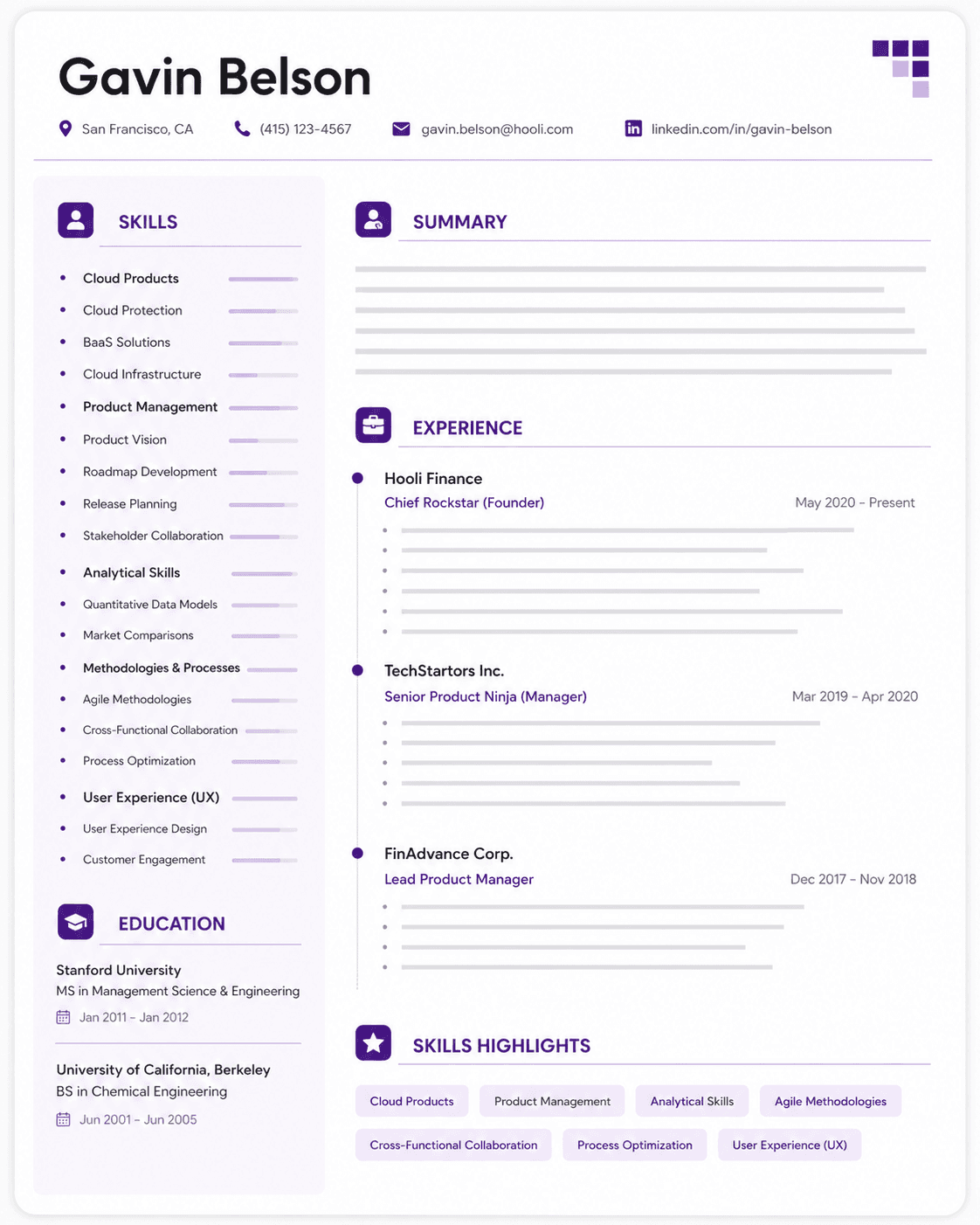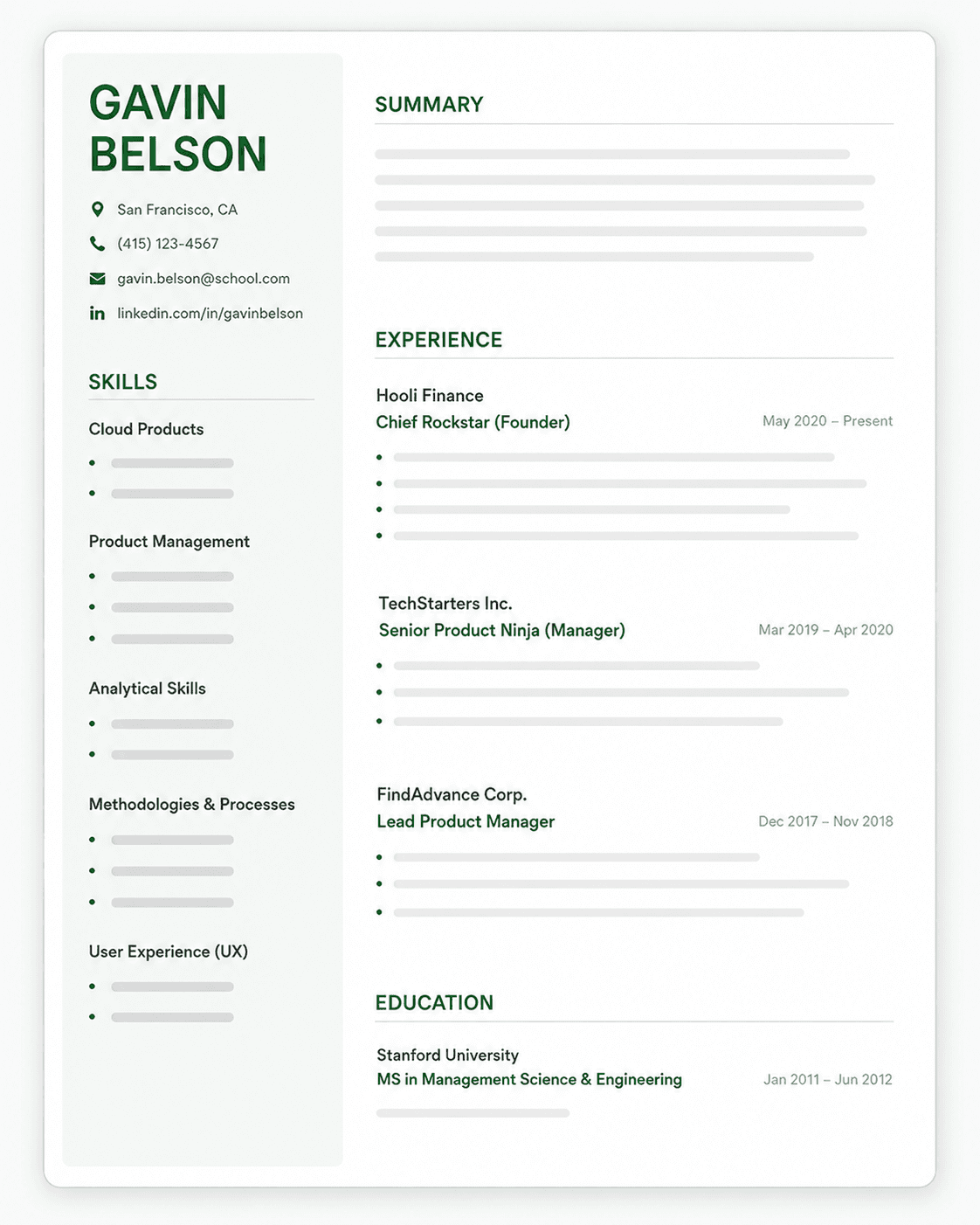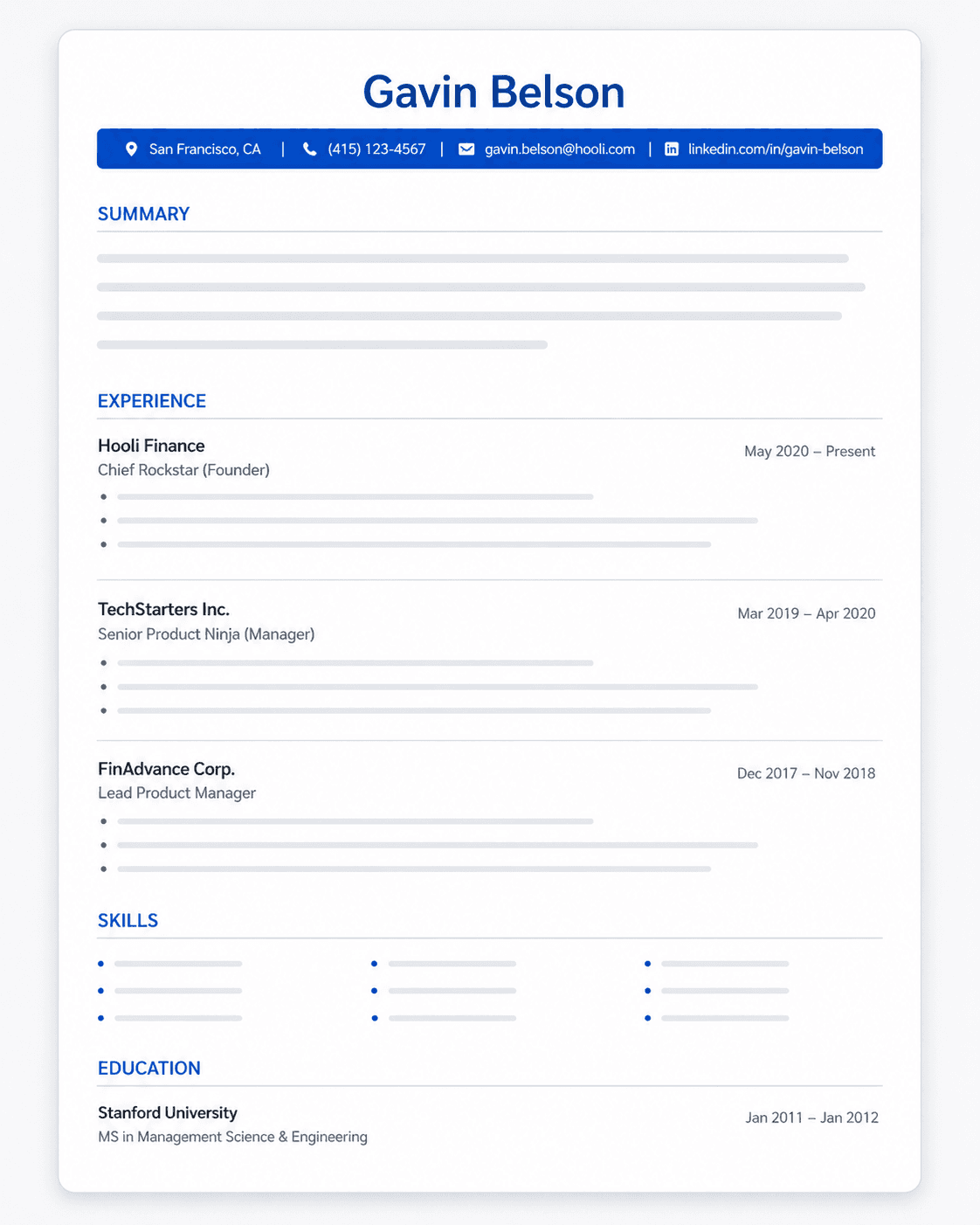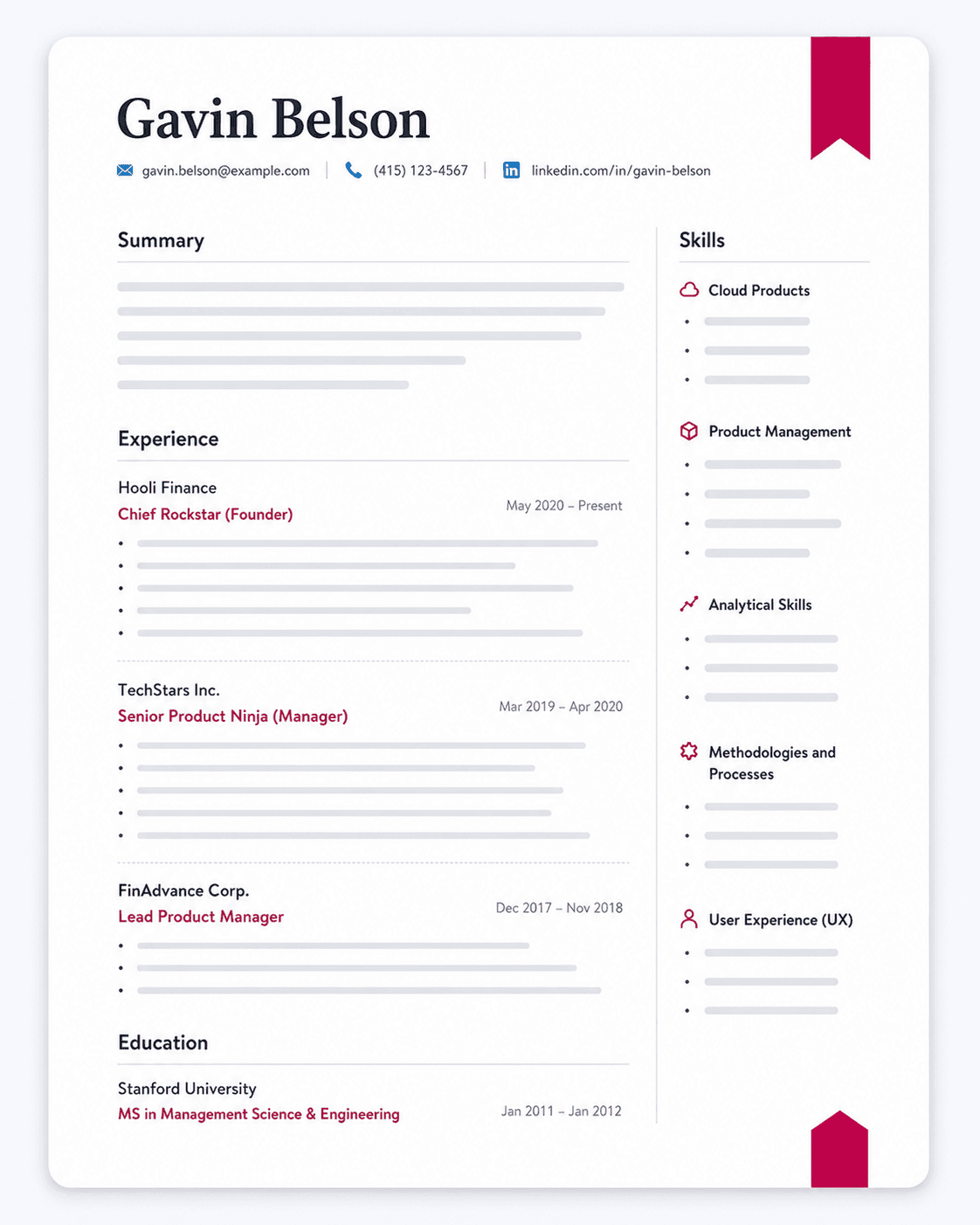
Your resume probably lists the same frameworks, tools, and "collaborated with designers" line as every other front end developer applying for the same role. That's the problem: a hiring manager scanning fifty resumes for one mid-level opening isn't looking for a list of technologies, they're looking for proof you shipped something that worked.
This guide shows you how to close that gap. You'll build a summary that leads with your stack and a real result, a skills section organized the way both a recruiter and an ATS parser expect, a portfolio and GitHub presence that does actual persuasive work instead of sitting as an afterthought link, and experience bullets that carry numbers instead of adjectives.
Work through it in order. Each section builds on the last, ending with copy-ready templates and a rundown of the mistakes that quietly sink otherwise-strong candidates.
How to Write a Front End Developer Resume That Gets Interviews
A front end developer resume gets interviews when it proves you can ship working, tested, performant code, not just describe your job title. That means four things working together: a summary that states your stack and impact in the first two lines, a skills section grouped by category instead of dumped in a list, a portfolio and GitHub presence positioned as evidence, and experience bullets that carry real numbers (load time, Lighthouse score, adoption rate).
Hiring managers for this role weigh live proof of skill (a working portfolio, an active GitHub history, shipped projects you can point to) over certifications or where you learned to code. A bootcamp grad with three deployed projects and clean commit history often clears screening faster than a candidate with a CS degree and a resume full of buzzwords and no links.
That changes what your resume should prioritize. If you've been polishing the same generic bullets for years, or leaning on AI tools to reword "worked on UI" into something that still says nothing, the fix is replacing vague tasks with verifiable outcomes and making your portfolio and GitHub do real work on the page.
The rest of this guide walks through each piece: writing a summary that leads with what you shipped, building a skills section that satisfies both a human reviewer and an ATS parser, placing portfolio and GitHub links where they'll get clicked, and turning your experience into bullets that read like proof. A ready-to-copy template follows.
Start with a Summary That Shows You Ship, Not Just Code
Your resume summary is the first two lines a hiring manager reads, and on most front end resumes it wastes both. It needs to establish three things fast: your years of experience and primary stack, one shipped result that proves impact, and a seniority signal that matches the role you're applying for. Skip the personality adjectives. A recruiter can't verify "passionate" or "detail-oriented," and neither tells them what you can build.
Weak-vs-strong summary examples
A weak summary looks like this:
"Passionate front end developer with strong problem-solving skills and a love for clean code. Experienced in building responsive, user-friendly websites and always eager to learn new technologies."
A stronger one looks like this:
"Front end developer with 3 years building React and TypeScript applications for SaaS products. Rebuilt a checkout flow that cut page load time from 4.2s to 1.1s and raised Lighthouse performance score from 61 to 94. Comfortable owning features end to end, from component architecture through deployment."
The strong version names the stack (React, TypeScript), gives one number a reviewer can picture (4.2s to 1.1s), and signals mid-level scope ("owning features end to end") without saying "mid-level" outright.
Entry-level/career-changer summary variant
If you're a bootcamp grad or self-taught with no paid front end role yet, lead with what you built, not what you're hoping to become. Drop hedging words like "aspiring."
"Front end developer with a certificate in full-stack web development and three deployed projects, including a React and Node.js marketplace app used by 40+ beta testers. Built with accessibility and performance in mind: all pages pass WCAG AA contrast checks and load under 2 seconds. Comfortable with Git workflows, component testing, and shipping from local dev to production."
Build a Skills Section Hiring Managers and ATS Both Trust
Front-end hiring managers scan the skills section first, but ATS parsers read it too. The safest way to satisfy both is to group your skills into clear categories instead of dumping every technology you've ever touched into one list.
Categorized skills block
- Languages: JavaScript (ES6+), TypeScript, HTML5, CSS3
- Frameworks & Libraries: React, Next.js, Redux Toolkit
- Styling & Tooling: Tailwind CSS, Sass, Webpack, Vite
- Testing: Jest, React Testing Library, Cypress
Four categories, one or two entries deep. That depth is deliberate, not a shortcut.
Why capping frameworks beats listing everything
Cap each category at one or two tools, not five or six. A skills block that reads "React, Angular, Vue, Svelte, jQuery" doesn't read as versatile. It reads as a developer who has sampled everything and mastered nothing, and hiring managers at product companies know it.
This section predicts your first 90 days on the job, not your entire career. Four meta-frameworks signal ramp-up time no matter which stack a team runs. One or two, backed by real project experience, signal you can contribute in week one.
There's an ATS angle too. Many ATS parsers weight keyword density, so a bloated list can look like keyword stuffing rather than genuine skill signal, which some parsers and recruiters flag rather than reward.
Two rules keep this section honest. Mirror the job description's exact naming: write "React" if the JD says "React," not "React.js." And only list what you could demo unaided in a live coding interview tomorrow. If you'd need to Google the syntax, leave it off.
Put Your Portfolio and GitHub to Work on the Resume
For a front-end developer, a live project link is worth more than another adjective in your summary. Hiring managers can watch you ship in about thirty seconds, so this section carries real weight.
Where to place links; what makes a project entry credible
Put your portfolio site, GitHub, and LinkedIn in the header, next to your email and phone number, not buried in a footer or margin. Use working hyperlinks, not plain text a recruiter has to retype.
A credible project entry needs four things: a live demo link, a source code link, a one-line description of your specific role, and a concrete outcome. Skip any one of these and the entry reads as decoration instead of proof.
Example entry:
Expense Tracker: Live Demo | GitHub
Built the front end solo using React and Chart.js, consuming a REST API for transaction data. Added client-side caching that cut repeat page loads from 2.1s to 0.6s; used daily by 40+ beta testers.
That entry names a real role, stack, and result. Compare it to "Personal project using React," which tells a hiring manager nothing.
What to do with no professional experience yet (project-as-job framing)
If you don't have a formal "Experience" section yet, don't leave a gap. Build a dedicated projects section that functions like one.
For each project, list: project name, duration ("January to March 2026"), your role, the tech stack, what you built, the outcome, and a live link. Treat it exactly like a job entry, with bullets, not a paragraph description.
Recipe Finder App | January to March 2026
Solo developer. Built with JavaScript, HTML/CSS, and the Spoonacular API.
Drop hedging language like "aspiring developer" or "still learning." The projects section should read as proof of ability, not an apology for missing experience.
Write Experience Bullets That Prove Frontend Impact
The Bullet Formula
Every experience bullet should follow one structure: [Action verb] + [specific task or method] + [quantifiable result or scope]. The first two parts describe what you did. The last part proves it mattered.
Weak: "Worked on the company's React components and helped improve performance."
Strong: "Refactored 12 legacy React components to use lazy loading and memoization, cutting page load time from 4.1s to 1.6s and improving the homepage Lighthouse score from 61 to 94."
No clean analytics access? Don't skip metrics, reconstruct them. Count the components or pages you owned, your team size, roughly how many users touched the feature, or before/after Lighthouse scores from an old deployed URL or saved screenshot. A rough, honest estimate ("reduced bundle size by an estimated 30%") beats a metric-free bullet every time.
Sub-Role Bullet Library
Pick the bullets closest to your actual level and stack, then adjust the numbers to match your real work.
Junior / React Developer
- Built 8 reusable React components for a customer dashboard using TypeScript and Storybook, reducing duplicate UI code across 3 feature teams.
- Fixed 15 accessibility issues flagged in an internal WCAG audit, bringing the app's Lighthouse accessibility score from 72 to 96.
Mid-Level Product Company FE Developer
- Led the migration of a 40-page marketing site from Create React App to Next.js, reducing average page load time from 3.8s to 1.4s and improving Core Web Vitals LCP scores across all top-traffic pages.
- Rebuilt the checkout flow's form validation and state management, decreasing cart abandonment by 18% and cutting reported checkout bugs by half over two release cycles.
Senior / Lead FE Developer
- Owned the frontend architecture for a 6-person team rebuilding a design system used across 5 product lines, reducing CSS bundle size by 45% and cutting new-feature build time by an estimated 30%.
- Drove adoption of automated visual regression and unit testing across the frontend codebase, raising test coverage from 22% to 78% and reducing production UI bugs by 60% quarter over quarter.
Career-Changer / Bootcamp Grad
- Built and deployed a full-stack recipe-sharing app (React, Node, PostgreSQL) supporting 200+ registered test users, with a live demo and public GitHub repo documenting architecture decisions.
- Optimized a personal portfolio project's image loading and code splitting, improving its Lighthouse performance score from 54 to 91 and documenting the before/after in the project README.
Accessibility Has a Legal Deadline Now, and Most Front End Resumes Still Treat It as a Preference
Accessibility used to sit on a front end resume the way "clean code" does: a values statement, unverifiable, easy to skip past. That changed while most candidates were not watching. Two separate regulatory tracks now name a specific technical standard, on a specific calendar, and the hiring managers reading your resume are personally accountable for hitting it. A candidate who can name the standard and describe a fix they actually shipped is answering a compliance question. A candidate who writes "accessibility-minded" is not.
The specifics are public and dated. In the US, the Department of Justice's ADA Title II web rule makes WCAG 2.1, Level AA the binding technical standard for state and local government websites and mobile apps. An Interim Final Rule published April 20, 2026 set the compliance dates at April 26, 2027 for public entities serving 50,000 or more people and April 26, 2028 for smaller entities and special district governments. The rule reaches past government payroll: if a private web shop builds or maintains that county park page or that city parking app, the content still has to meet WCAG 2.1 AA. In the EU, the European Accessibility Act has been national law across member states since a June 2022 transposition deadline, and it covers e-commerce, banking services, and e-books, which is a large share of the product work front end developers actually get hired to do.
What that means for your resume depends on where you are aiming. If you are targeting government contractors, civic tech, EU-facing e-commerce, fintech, or any agency with public-sector clients, write "WCAG 2.1 AA" as that literal string somewhere a parser will find it, and back it with a bullet naming what you remediated: keyboard navigation on a multi-step form, focus management in a modal, programmatic labels on a custom select component, captions on an embedded video player. Name the audit tool and the standard, not just the score.
If you are aiming at consumer product companies with no obvious regulatory exposure, do not manufacture compliance experience you do not have. Point instead at the closest real thing: a screen reader you actually tested with, a component library you built with ARIA patterns, an audit you sat in on. The distinction matters because compliance work is verifiable in a way most resume claims are not. A hiring manager who asks "what did you fix to hit AA?" will hear the difference between someone who did it and someone who added the acronym.
Front End Developer Resume Examples
Not every front end developer resume should look the same, because hiring managers read for different signals depending on career stage.
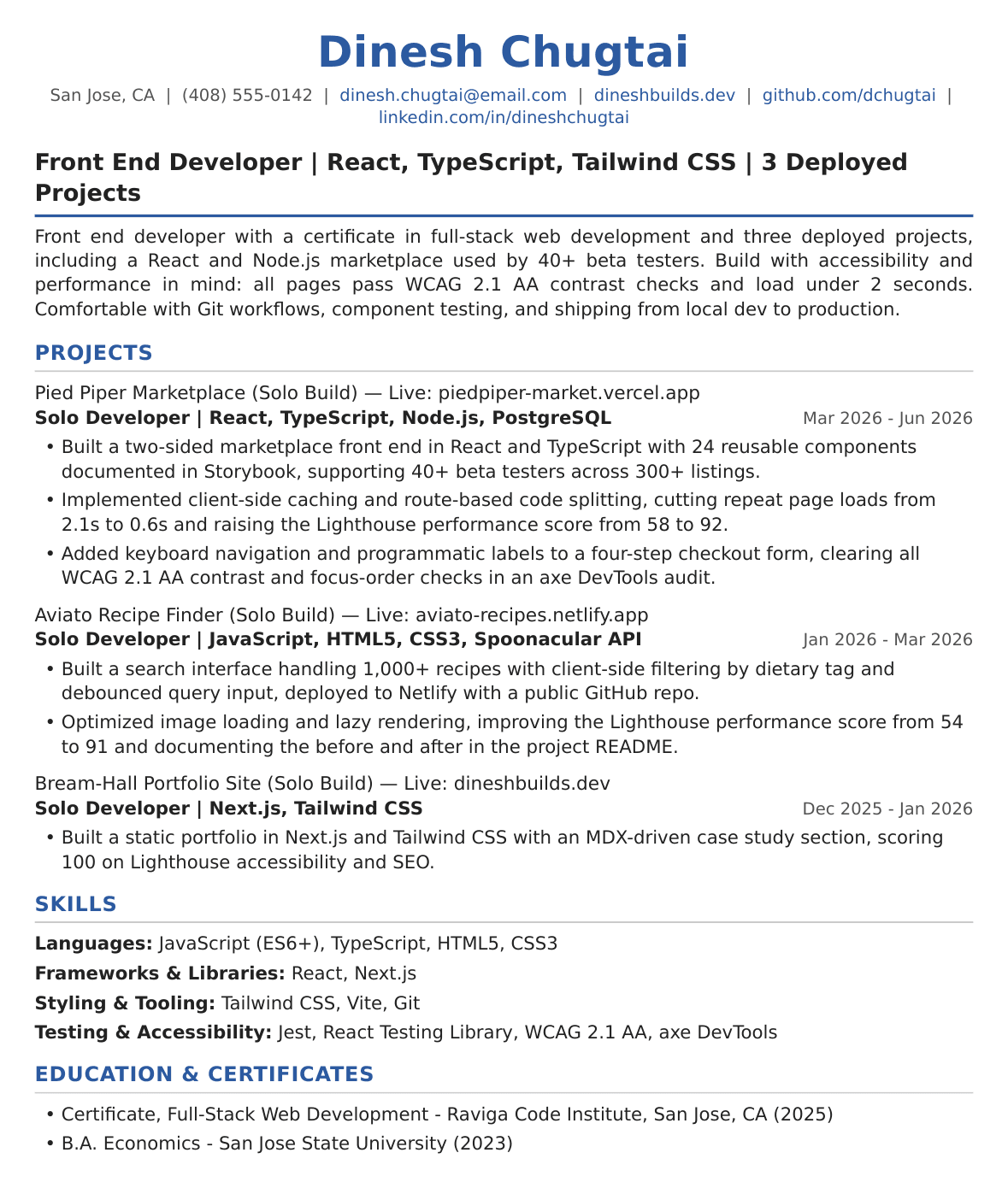
Entry-Level Front End Developer Resume
Lead with a projects section instead of a work history, placed directly under the summary. Three deployed builds with live links do the work an experience section would: name the stack for each (React, TypeScript, Tailwind CSS), state what you personally built rather than what the app does, and attach one number per project, whether that is a Lighthouse performance score you moved, a user count from beta testers, or a load time you cut. Keep the skills block to four categories at one or two tools deep, since at this stage a long list reads as tutorial exposure rather than depth. Education and any certificate go last. Every link on the page must resolve, because a broken demo is the fastest disqualifier at this level.
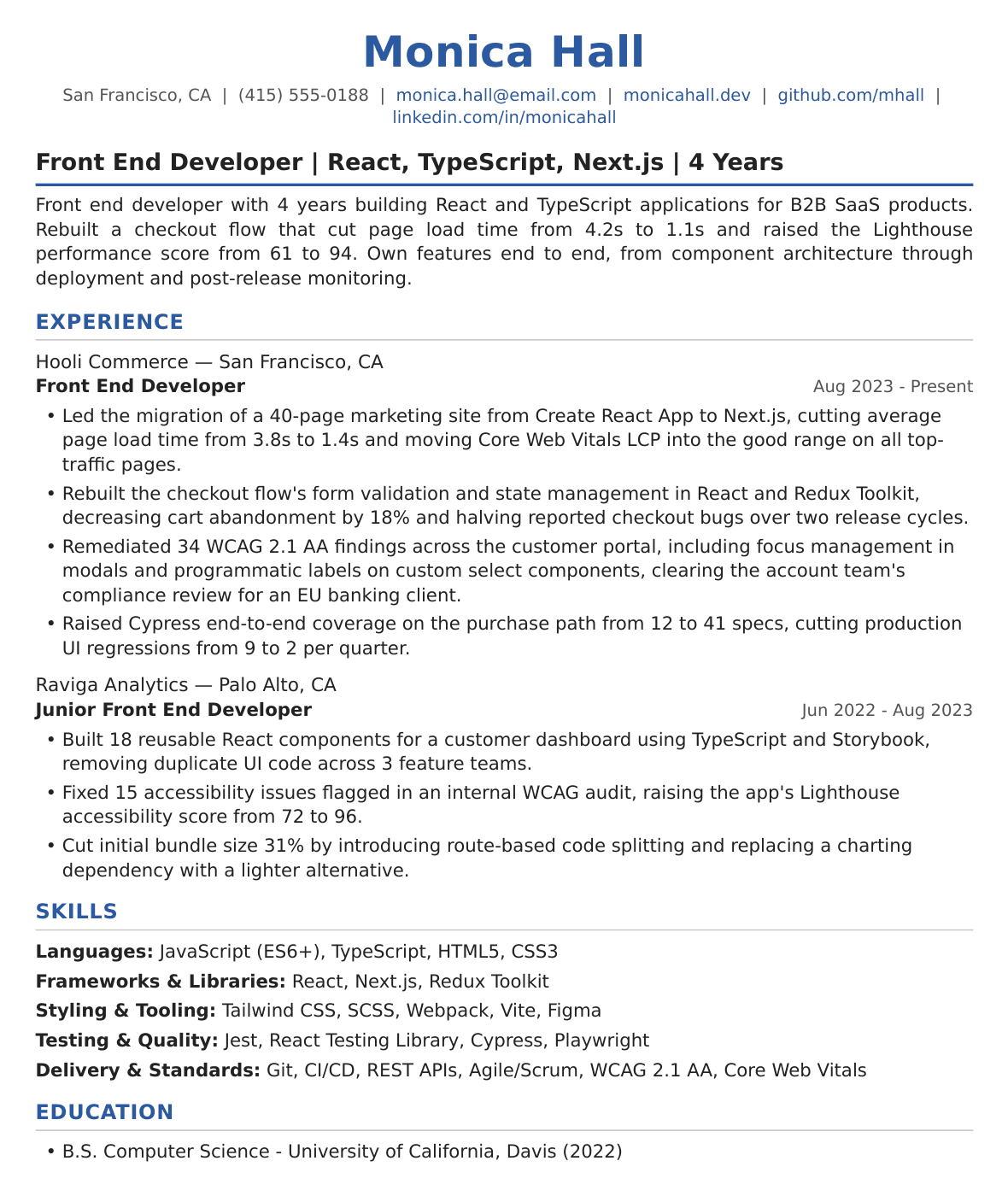
Mid-Level Front End Developer Resume
Lead with a summary naming years, primary stack, and one shipped result with a number in it, then let the experience section take most of page one. Two or three roles, four to five bullets each, and every bullet carries a metric a reviewer can picture: page load time before and after, Core Web Vitals movement, cart abandonment, bug counts across release cycles, test coverage percentage. This is the stage where the projects section shrinks to a single line or disappears, because production work outranks personal builds once you have it. Name the testing tools you use daily (Jest, Cypress, React Testing Library) rather than every tool you have opened, and mirror the posting's exact framework strings.
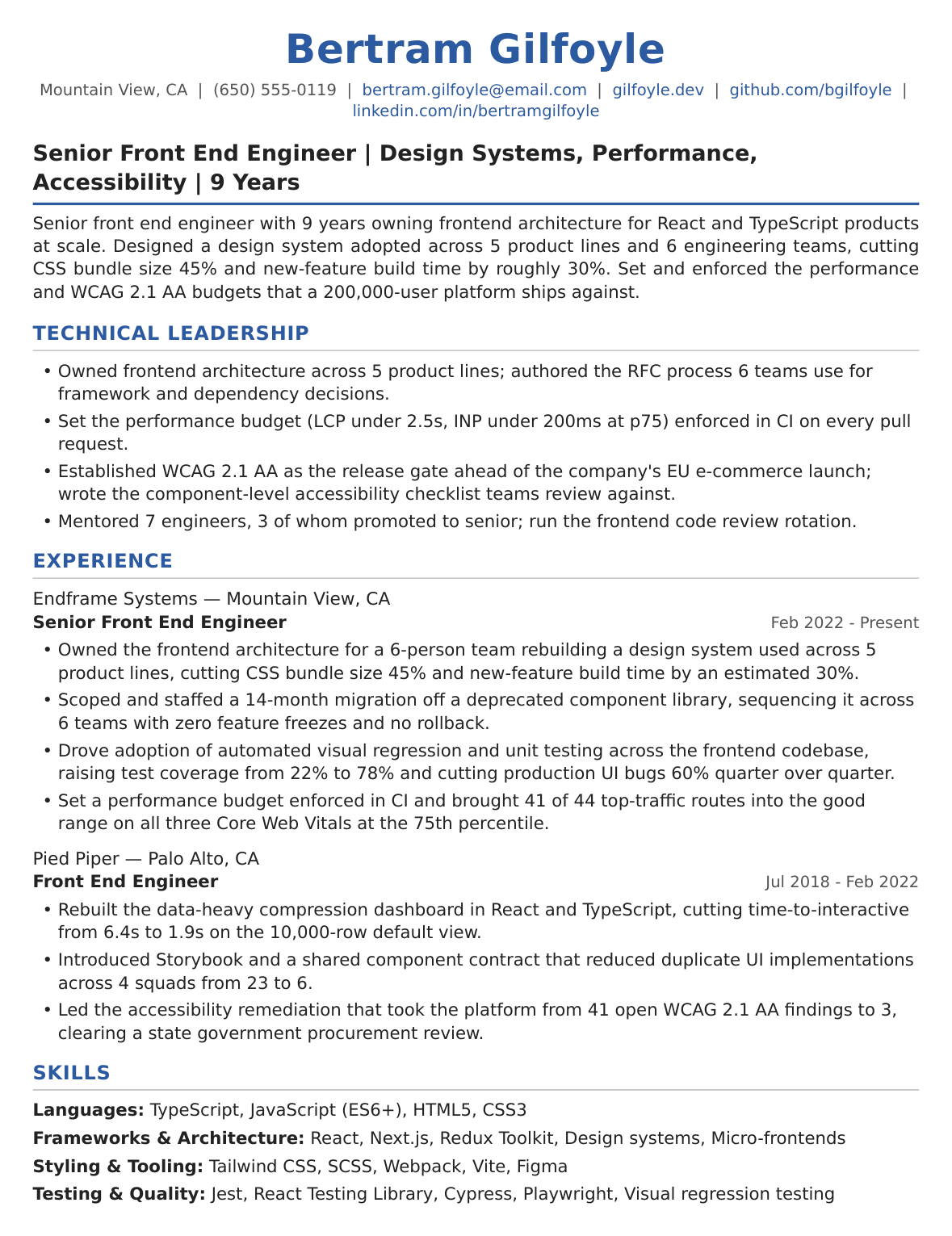
Senior-Level Front End Developer Resume
Lead with architectural scope, not task volume. The summary should establish what systems you owned, how many engineers your decisions touched, and which technical bets you made, since seniority reads through decision-making. Bullets shift from features shipped to decisions made and their downstream effect: a design system adopted across product lines, a migration you scoped and staffed, a testing strategy you drove across a codebase, a performance budget you set and enforced. Mentorship and code review belong here as scope signals, but only with a number attached. Two pages are acceptable at this level, and a short "Technical Leadership" block above experience can carry the architecture and standards work that does not fit under any single job title.
All three levels share the same backbone: a stack named the way postings name it, working links a reviewer can click, and bullets that end in a number rather than an adjective. If you sit between two levels, say three years in with real production ownership but no title change, use the mid-level structure and let your bullets carry the scope claim rather than inflating your summary to match the title you want next.
Front End Developer Resume Keywords
Front end postings are unusually literal about terminology, because the stack is the job requirement. A recruiter filtering fifty applications for a React role is not evaluating whether Vue experience transfers, and neither is the parser. Getting your ATS resume keywords right matters here mostly as a gate: the terms below get you past the filter, and your bullets are what actually make the case. The table covers the vocabulary that repeated across current front end postings. Your experience section carries the numbers.
| Category | Keywords |
|---|---|
| Core frameworks & languages | React, TypeScript, JavaScript (ES6+), Next.js, Angular, Redux Toolkit, HTML5, CSS3 |
| Styling & design tooling | Tailwind CSS, SCSS, Figma, Webpack, Material UI, Responsive design, Cross-browser compatibility |
| Testing & quality | Jest, Cypress, Playwright, React Testing Library, Selenium, Enzyme |
| Delivery, performance & accessibility | Git, CI/CD, REST APIs, Agile/Scrum, Accessibility (A11y), WCAG, Core Web Vitals, Docker |
Some of these are situational and cost you credibility if you add them speculatively. Docker and CI/CD show up mostly in full-stack-leaning and contract postings, not in pure UI roles. Selenium and Enzyme appear on older codebases; adding them to look thorough invites a question about a testing setup you have never run. Angular and React rarely appear in the same posting as equals, so pick the one the job actually wants rather than listing both to hedge.
Mirror the posting's exact string rather than a synonym, because an ATS matches literals and not meaning. A posting that says "React" will not credit you for "React.js." One that says "Tailwind CSS" will not credit you for "utility-first CSS." One that says "A11y" and one that says "WCAG" are asking about the same work but scanning for different characters, so if a posting uses both, use both. Work the terms into your summary, your categorized skills block, and the specific bullets where you genuinely used them, rather than parking them in a keyword strip at the bottom of the page.
Common Front End Developer Resume Mistakes to Avoid
Listing Every Framework You've Touched
React, Angular, Vue, and Svelte crammed into one skills list signals shallow exposure rather than depth in any. Cap frameworks to what you've actually built production work in, and let your bullets prove proficiency instead of a crowded list.
Dead or Missing Portfolio/GitHub Links
A resume with no portfolio link, a private GitHub repo, or a demo that 404s undercuts every claim above it. Recruiters click these links early, and a broken one reads as carelessness in a role built on shipping working software. Test every link before submitting, and remove any project you can't keep live.
Describing Tasks Instead of Shipped Impact
"Worked on the checkout page" tells a recruiter nothing about scope or outcome. Front-end hiring managers want to see what changed because of your work: faster load time, higher conversion, fewer support tickets. Rewrite task descriptions as results with a number attached, even a rough one.
Using One Generic Resume for Every Application
The same resume sent to a React shop and a Vue shop signals you didn't read either job description. ATS keyword matching and human reviewers both reward resumes that mirror the posting's stack and terminology. Swap in the exact framework names and priorities from each JD before you apply.
ATS-Breaking Layouts
Multi-column layouts, tables, icons, and graphics might showcase design sense, but most ATS parsers mangle them, scrambling or dropping content. This is a real trap for front-end devs who want their resume as polished as their UI work. Keep the layout single-column and text-based, and save the design flair for your portfolio.
Ignoring Accessibility/Performance Metrics
Bullets that skip Lighthouse scores, Core Web Vitals, or WCAG compliance miss the signal that separates a strong front-end candidate from a generic developer. These metrics show you think beyond "it works" to how it performs and who can use it. Add them wherever you have real numbers to back them up.
How AI Resume Builders Can Simplify Your Front End Developer Resume
Tailoring keyword density per JD, capping your framework list per posting, and rewriting bullets for every application is exactly the kind of manual work that's slow to redo, and a generic resume that skips it gets filtered before a recruiter ever sees your GitHub link.
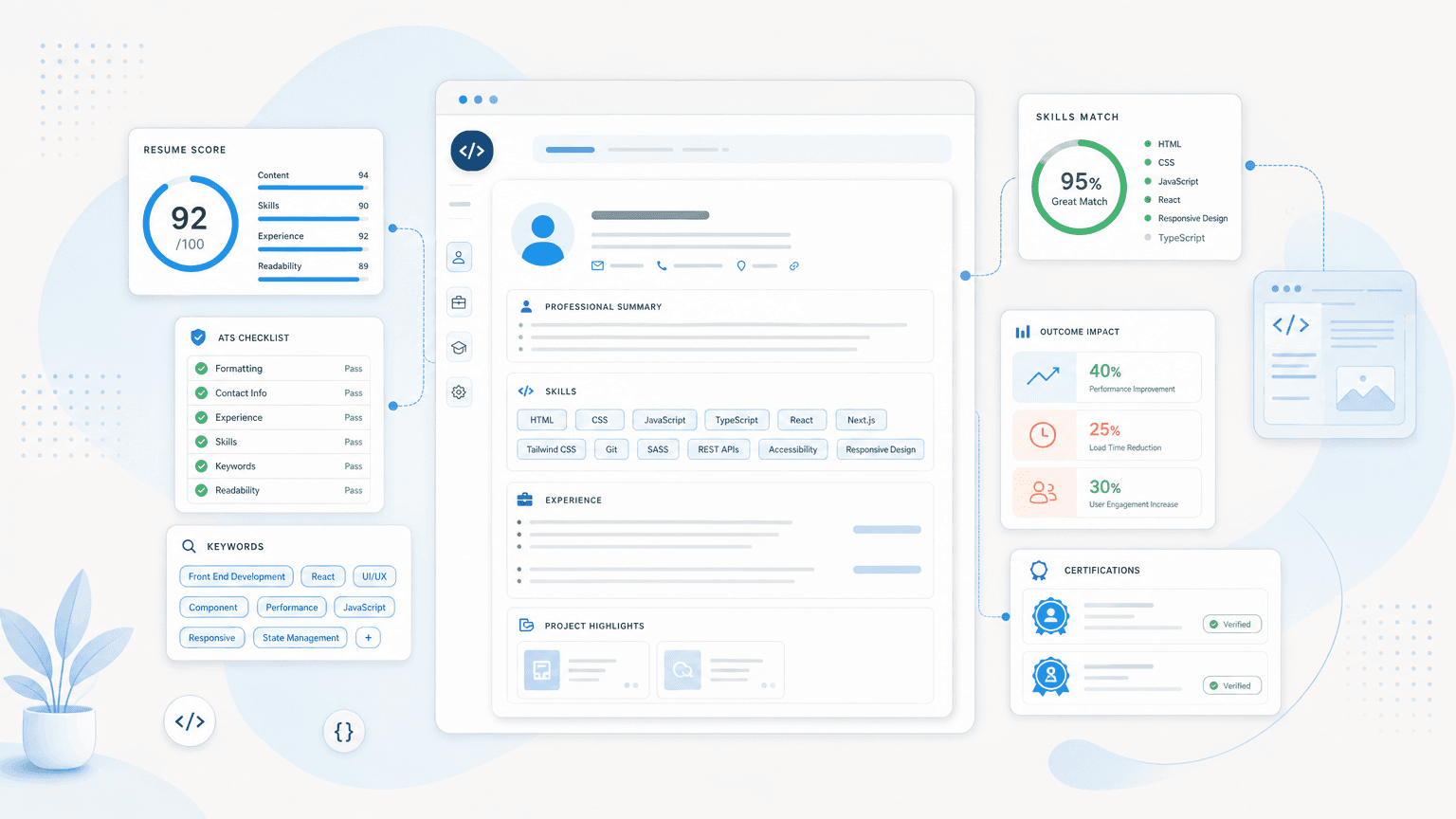
- Real-time ATS scoring: see your resume's ATS and recruiter scores update as you edit, so you know if a rewritten summary or trimmed skills list actually helped, no download and re-upload cycle needed.
- Transparent suggestions: every edit comes with a plain-language "why this change" explanation, and you accept or reject each one, so a suggestion to swap "responsible for" for a stronger verb never gets applied without your say-so.
- Automatic formatting: keeps your resume in an ATS-friendly layout while you focus on which frameworks and projects to highlight for a given posting.
- Structure guidance: reorders content for relevance, strengthens action verbs, quantifies achievements, and flags potential bias triggers, all against recruiter best practices rather than guesswork.
- Preference memory: your formatting, metric, and reordering choices persist across sessions, so tailoring your next application doesn't mean starting from scratch.
The free plan includes 200 ATS scans a month and 3 tailored resumes with unlimited downloads, no credit card required. Beyond that, extra resumes cost $0.50 to $1.00 each, with no subscription.
See how your resume reads to a recruiter
Upload your resume and get a breakdown of what's working and what's holding you back, in minutes.
A front end developer resume that gets interviews reads like evidence of what you can build: a summary that states your stack and a real result, a skills section that's grouped instead of dumped, working portfolio and GitHub links that are easy to find, and bullets that all carry real metrics. That's what separates a resume that gets screened out from one that gets a callback. Revisit it before every application. A resume tuned to one specific job posting will consistently outperform a single generic version sent everywhere.