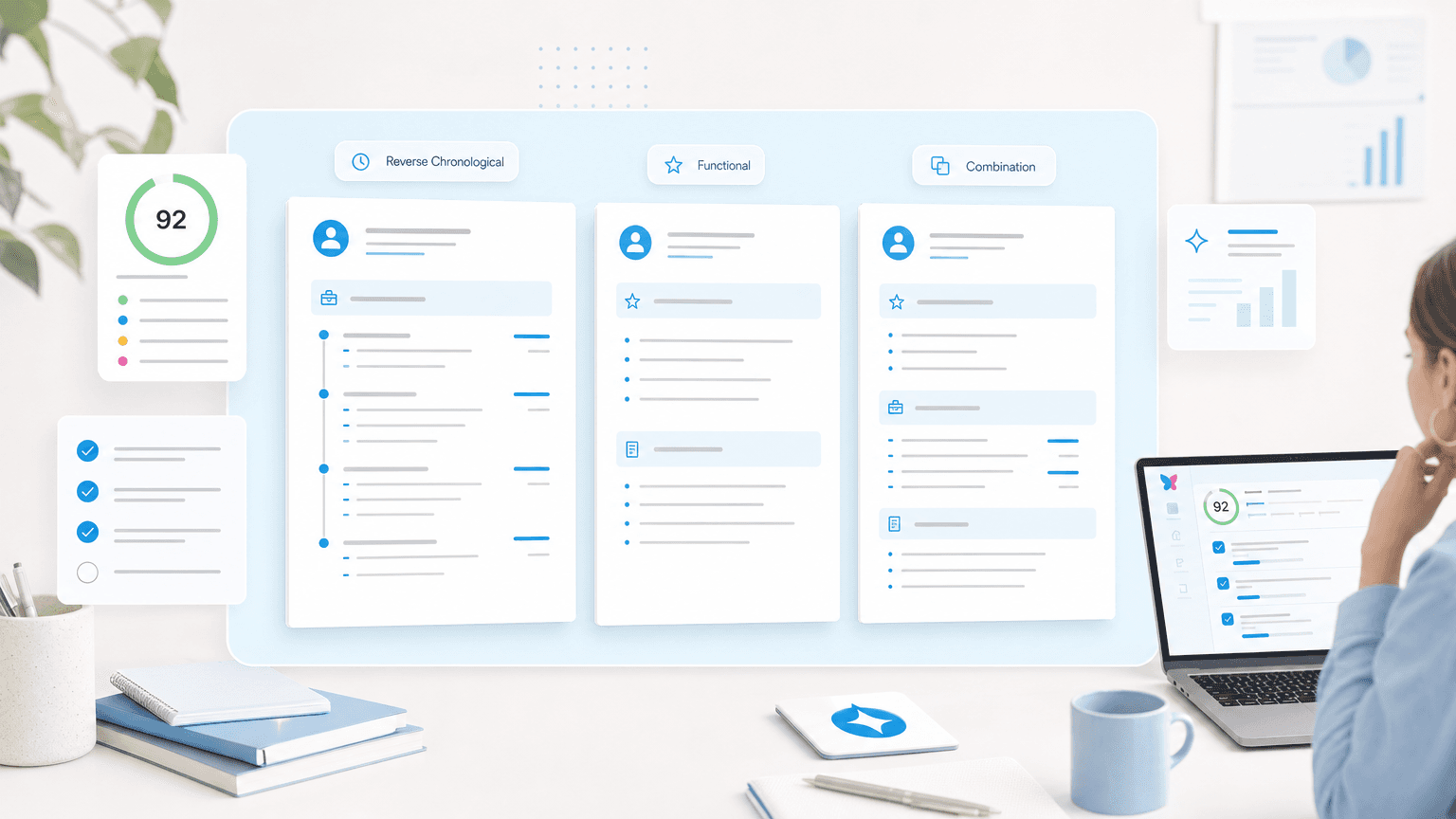
Choosing the right resume format isn't about aesthetics—it's about presenting your experience in a way that both Applicant Tracking Systems (ATS) and recruiters can quickly process. With 75% of large employers using Applicant Tracking Systems (ATS) to filter applications, the format you choose directly impacts whether your resume reaches human eyes.
In this guide, you'll learn:
- The three main resume formats and when to use each one
- How to structure your resume for ATS compatibility
- Formatting best practices for margins, fonts, and spacing
- Which format works best for your career level and situation
- Common formatting mistakes that get resumes rejected
Understanding the Three Core Resume Formats
| Format | Best for | ATS compatibility | When to avoid |
|---|---|---|---|
| Reverse-chronological | Consistent work history, staying in the same industry, 2+ years of relevant experience | High: ATS are built to parse chronological job listings | Significant employment gaps, a full career change, or limited experience in your target field |
| Functional | Career changers, employment gaps, recent graduates, non-linear career paths | Low: ATS struggle to parse skills-first layouts without clear job entries | Online applications; use it only when absolutely necessary |
| Combination | Senior professionals, career changers with some relevant experience, diverse skill sets | Good, as long as the work history section stays clear | Entry-level roles, or employers with strict ATS filtering |
Reverse-Chronological Resume
The reverse-chronological format lists your work experience starting with your most recent position and working backward. This is the most widely accepted resume format and the safest choice for most job seekers. For a full walkthrough of building one section by section, see our guide to the reverse chronological resume.
Structure:
- Contact information
- Professional summary or objective
- Work experience (most recent first)
- Education
- Skills
- Additional sections (certifications, volunteer work, etc.)
Best for:
- Mid to senior-level professionals with consistent work history
- Job seekers staying in the same industry
- Anyone with 2+ years of relevant experience
- Applicants with clear career progression
Why it works:
Recruiters spend an average of 3-7 seconds scanning resumes. The reverse-chronological format puts your most relevant, recent experience at the top where it gets immediate attention. ATS systems are also optimized to parse this format since it's the industry standard.
When to avoid:
If you have significant employment gaps, are changing careers entirely, or have limited work experience in your target field.
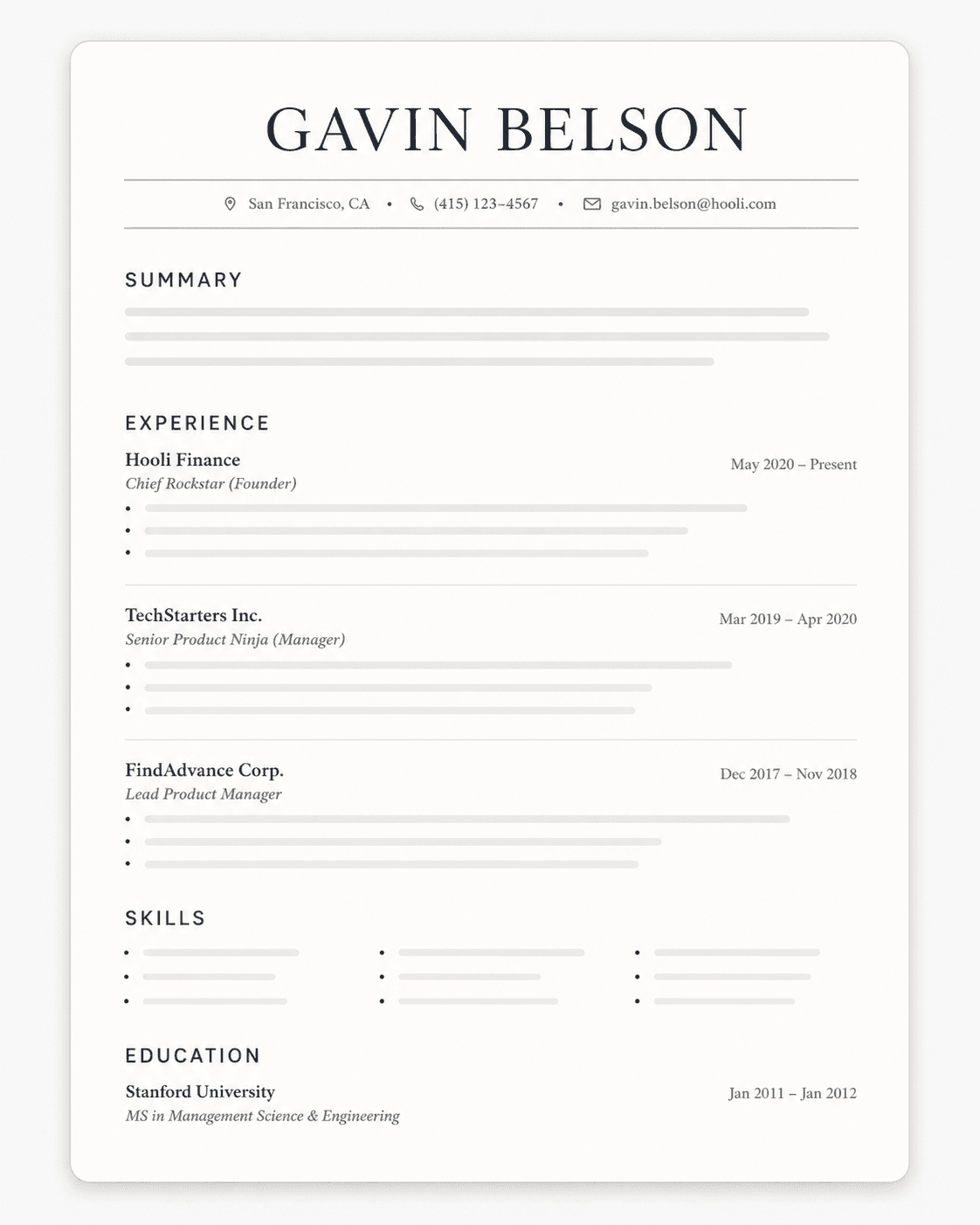
Reverse chronological resume sample:
Gavin Belson
Dallas, Texas • gavin.belson@email.com • (214) 555-7892 • in/gavinbelson
PROFESSIONAL SUMMARY
Passion for building innovative web applications through modern frameworks, scalable architectures, and user-centered design. An experienced full-stack developer with a computer science degree from the University of Texas at Austin. Looking to join as a senior software engineer at a fast-growing tech company.
EXPERIENCE
Senior Full Stack Developer AT&T | Austin, TX | August 2019—Present
- Led development of customer portal at age 28. At 30, successfully architected a microservices platform serving 8 million users, trusted by enterprise clients across telecommunications industry, reducing system latency by 45% and improving user satisfaction scores.
- Collaborated with product and UX teams to engineer responsive web applications using React and Node.js which resulted in 35% increase in mobile engagement and zero-downtime deployment pipeline serving millions of daily active users.
- Accountable for implementing CI/CD pipelines and automated testing frameworks which resulted in 60% reduction in deployment time and 80% decrease in production bugs through comprehensive test coverage and code quality standards.
Web Developer Southwest Airlines | Dallas, TX | May 2017—July 2019
- Executed website redesign of southwestairlines.com using modern JavaScript frameworks and CMS architecture while working with marketing and sales teams. Optimized 15 landing pages to improve conversion rates by 28% through A/B testing and performance optimization.
- Developed SEO optimization strategies and implemented technical SEO improvements using structured data and analytics monitoring. Increased organic traffic by 42% through comprehensive site analysis and targeted keyword optimization initiatives.
Junior Software Developer Texas Instruments | Dallas, TX | November 2015—April 2017
- Built internal web applications and dashboards to track manufacturing KPIs and operational metrics. Collaborated with engineering teams to create data visualization tools that improved decision-making processes and reduced reporting time by 50%.
- Developed RESTful APIs and integrated third-party services to streamline data exchange between legacy systems and modern web platforms.
CONSULTANCY
Freelance Web Developer Independent Technology Consultant | June 2020 - Present
- Worked with 6 small business clients to design and develop custom websites and e-commerce solutions.
EDUCATION
Bachelor of Science in Computer Science University of Texas at Austin • Dean's List | 2015
SKILLS
- Leadership: Team Collaboration, Project Management, Code Review, Mentoring, Agile Methodologies, Technical Documentation
- Front End: React, Vue.js, TypeScript, HTML5, CSS3, Sass, Bootstrap, Tailwind CSS, Responsive Design
- Back End: Node.js, Express, Python, Django, RESTful APIs, GraphQL, PostgreSQL, MongoDB, Redis
- DevOps & Tools: AWS, Docker, Kubernetes, Git, CI/CD, Jenkins, Jest, Webpack, Linux
Functional Resume
The functional resume emphasizes skills and qualifications over chronological work history. It groups experience by skill category rather than by job title or employer.
Structure:
- Contact information
- Professional summary
- Skills categories (with achievements under each)
- Brief work history (company names, titles, dates only)
- Education
Best for:
- Career changers pivoting to new industries
- Job seekers with employment gaps
- Recent graduates with limited work experience
- Professionals with diverse, non-linear career paths
Why it works:
This format lets you highlight transferable skills that might get buried in a chronological listing. If you're moving from teaching to corporate training, for example, you can group all your "instructional design" achievements together regardless of where they occurred.
The catch: Many recruiters view functional resumes with skepticism, assuming you're hiding something. More importantly, ATS systems struggle to parse functional formats because they're designed to extract data from chronological job listings. Use this format only when absolutely necessary.
If you're still deciding between the two, our functional vs reverse chronological resume comparison puts them side by side so you can see what each one shows and hides.
Functional resume sample:
Gavin Belson
• Palo Alto, California • gavin.belson@hooli.com • (650) 555-0100 • in/gavinbelson
SKILLS SUMMARY
Executive Leadership & Strategic Growth
- Led Hooli from startup to a $200B market cap tech giant, growing to 15,000+ employees worldwide and establishing dominance across search, cloud computing, and enterprise software.
- Spearheaded 47+ strategic acquisitions totaling $12B, including nucleus compression technology, social platforms, and AI startups to sustain competitive advantage.
- Scaled enterprise video streaming operations from 150 to 800 employees while maintaining 99.95% uptime for Fortune 500 media clients.
Mergers, Acquisitions & Business Development
- Negotiated strategic partnerships with major broadcasters and content distributors, generating $450M in new annual recurring revenue.
- Led acquisition by Hooli for $2.1B, successfully integrating 800+ employees and a full technology platform while preserving revenue growth and customer satisfaction.
- Expanded international presence to 28 countries through localized CDN infrastructure and strategic distribution agreements.
Product & Engineering Leadership
- Championed development of HooliPhone, HooliChat, and Hooli XYZ, driving 340% revenue growth in the consumer products division.
- Architected next-generation router operating systems handling 400Gbps+ throughput with carrier-grade reliability for global telecommunications providers.
- Built and scaled a software engineering organization from 25 to 320+ engineers across 4 global offices, reducing time-to-market by 55% through agile methodologies.
Cross-Functional Team Management
- Managed cross-functional teams across engineering, design, marketing, and sales to deliver consistent quarterly product releases with 95%+ customer satisfaction ratings.
- Led product strategy for enterprise collaboration software serving 500+ mid-market companies, improving customer retention from 67% to 94%.
- Launched a unified communications platform generating $380M ARR within the first 24 months, winning multiple industry innovation awards.
WORK EXPERIENCE
Chief Executive Officer | Hooli | Palo Alto, CA | January 2010 – Present
Chief Operating Officer | EndFrame | Mountain View, CA | March 2008 – December 2009
Vice President of Engineering | Cisco Systems | San Jose, CA | June 2005 – February 2008
Director of Product Management | Stanford Technology Ventures | Palo Alto, CA | June 2002 – May 2005
EDUCATION
Master of Business Administration | Stanford Graduate School of Business | 1999
Bachelor of Science in Computer Science | Stanford University | 1997
SKILLS
- Leadership & Strategy: Executive Leadership, Strategic Planning, M&A, Board Relations, Investor Relations, Public Speaking, Crisis Management
- Technical Knowledge: Cloud Architecture, Distributed Systems, Machine Learning, Data Analytics, Product Development, Agile Methodologies
Combination Resume
The combination (or hybrid) resume merges elements of both chronological and functional formats. It leads with a skills summary, then follows with reverse-chronological work history.
Structure:
- Contact information
- Professional summary
- Skills summary (3-5 key skill areas with brief examples)
- Work experience (reverse-chronological)
- Education
- Additional sections
Best for:
- Senior-level professionals with deep expertise
- Career changers with some relevant experience
- Job seekers with diverse skill sets
- Professionals applying for roles requiring specific technical skills
Why it works:
You get the best of both worlds—immediate visibility for your key qualifications plus the chronological context recruiters expect. This format works well for roles where specific skills are make-or-break requirements.
When to avoid:
Entry-level positions where you don't have enough experience to fill both sections meaningfully, or when applying to companies that use strict ATS filtering (stick with reverse-chronological for maximum compatibility).
Combination resume sample:
Nora Castellan
Boston, MA | (617) 555-0147 | nora.castellan@email.com
OBJECTIVE
Dedicated educator with 10+ years of experience developing curriculum, managing diverse student needs, and fostering inclusive learning environments. Seeking to transition into corporate training and development role to leverage instructional design expertise, communication skills, and passion for adult learning to drive employee engagement and organizational success.
SKILLS SUMMARY
Instructional Design & Curriculum Development
Created and implemented standards-aligned curriculum for 150+ students across multiple grade levels, utilizing backward design principles and differentiated instruction strategies. Developed 200+ lesson plans incorporating multimedia resources, hands-on activities, and formative assessments that improved student achievement scores by 22%. Designed comprehensive unit plans that addressed diverse learning styles and abilities.
Training & Professional Development
Delivered 50+ professional development workshops for teachers on classroom management, technology integration, and pedagogical best practices. Mentored 12 new teachers and student teachers, providing coaching on lesson planning, assessment strategies, and classroom organization. Led grade-level team meetings and collaborative planning sessions focused on continuous improvement and data-driven instruction.
Communication & Stakeholder Management
Built strong relationships with parents, administrators, and community partners through regular communication and collaboration. Conducted 300+ parent-teacher conferences annually, presenting student progress data and actionable recommendations. Created engaging presentations and reports for school board meetings and parent information sessions, translating complex educational concepts into accessible language.
Data Analysis & Performance Assessment
Analyzed student assessment data using Excel and educational platforms to identify learning gaps and inform instructional decisions. Developed and implemented individualized learning plans for 30+ students with diverse needs, tracking progress through data collection and analysis. Created visual reports and dashboards to communicate performance trends to stakeholders.
EXPERIENCE
Lead Teacher & Instructional Coach | Lincoln Elementary School | Boston, MA | 2019 - Present
4th Grade Teacher | Washington Elementary School | Boston, MA | 2016 - 2019
3rd Grade Teacher | Roosevelt Elementary School | Cambridge, MA | 2015 - 2016
EDUCATION
Master of Education in Curriculum & Instruction Boston University | Boston, MA | 2018
Bachelor of Arts in Elementary Education University of Massachusetts Amherst | Amherst, MA | 2015
CERTIFICATIONS
- Massachusetts Teaching License - Elementary Education (Grades 1-6)
- Instructional Design Certificate - Association for Talent Development (ATD) | 2024
- Google Certified Educator Level 2 | 2023
- Project Management Fundamentals - LinkedIn Learning | 2024
SKILLS
- Training & Development: Curriculum Design, Instructional Design, Workshop Facilitation, Adult Learning Principles, Learning Management Systems (Canvas, Schoology), E-Learning Development
- Technical Skills: Microsoft Office Suite (Advanced PowerPoint, Excel), Google Workspace, Articulate Storyline, Canva, Video Editing, Learning Analytics
- Core Competencies: Presentation Skills, Coaching & Mentoring, Project Management, Change Management, Needs Assessment, Performance Evaluation, Stakeholder Engagement
Resume Formatting Best Practices for ATS Compatibility
Margins and Spacing
Standard margins:
0.5 to 1 inch on all sides
- 1-inch margins are safest for ATS parsing
- 0.5-inch margins work if you need more space but can cause parsing issues with some systems
- Never go below 0.5 inches—content may get cut off when printed or scanned
Line spacing:
1.0 to 1.15
- Single spacing (1.0) maximizes space but can feel cramped
- 1.15 spacing improves readability without wasting space
- Use consistent spacing throughout—don't mix different line heights
Section spacing:
Add 1.5x to 2x line spacing between major sections to create visual separation without using graphics or lines that confuse ATS. Knowing how ATS works makes these rules easier to follow: the software extracts the text from your file, so anything that relies on visual layout alone can get lost.
Applying for jobs in the United States? The US resume format adds a few local conventions, such as US Letter paper and Month YYYY dates.
Professional Resume Fonts
ATS-safe fonts:
- Arial
- Calibri
- Garamond
- Georgia
- Helvetica
- Times New Roman
- Trebuchet MS
Font size guidelines:
- Body text: 10-12 pt (11 pt is the sweet spot)
- Your name: 16-20 pt
- Section headers: 12-14 pt
- Never go below 10 pt—if your resume doesn't fit, cut content, don't shrink fonts
What to avoid:
- Decorative fonts (Papyrus, Comic Sans, Brush Script)
- Fonts with unusual character spacing
- Multiple fonts in one resume (pick one and stick with it)
- All caps for entire sections (use for headers only, sparingly)
Section Headers and Organization
Every format uses the same core resume sections; what changes is their order and how much space each one gets.
Essential sections:
- Contact information
- Professional summary or objective
- Work experience
- Education
- Skills
Your contact information belongs in a resume header at the top of the page body, not in the document's header area, which some ATS skip.
Optional sections:
- Certifications and licenses
- Professional development
- Volunteer experience
- Publications or presentations
- Languages
- Technical proficiencies
Header formatting:
- Use standard section names: "Work Experience" not "Where I've Made an Impact"
- Bold or slightly larger font for headers
- Consistent formatting across all section headers
- Avoid graphics, tables, or text boxes for headers
Bullet Points and Content Structure
Bullet point best practices:
- Use standard bullet symbols (•, ◦, ▪) not custom icons or images
- Start each bullet with a strong action verb
- Include metrics and quantifiable achievements
- Keep bullets to 1-2 lines maximum
- Use 3-6 bullets per position (more for recent roles, fewer for older ones)
Achievement-focused format:
[Action Verb] + [What You Did] + [Metric/Result]
Example:
- Increased sales revenue by 34% ($2.1M) by implementing targeted email campaigns and optimizing conversion funnel
- Reduced customer support ticket resolution time from 48 hours to 6 hours by creating self-service knowledge base
Most of these bullets will live in your work experience section, so that's where this formula pays off most.
Swap vague resume buzzwords like "results-driven" or "team player" for the specific action and number that prove the point.
Two-Column Layouts, Icons and Design Templates
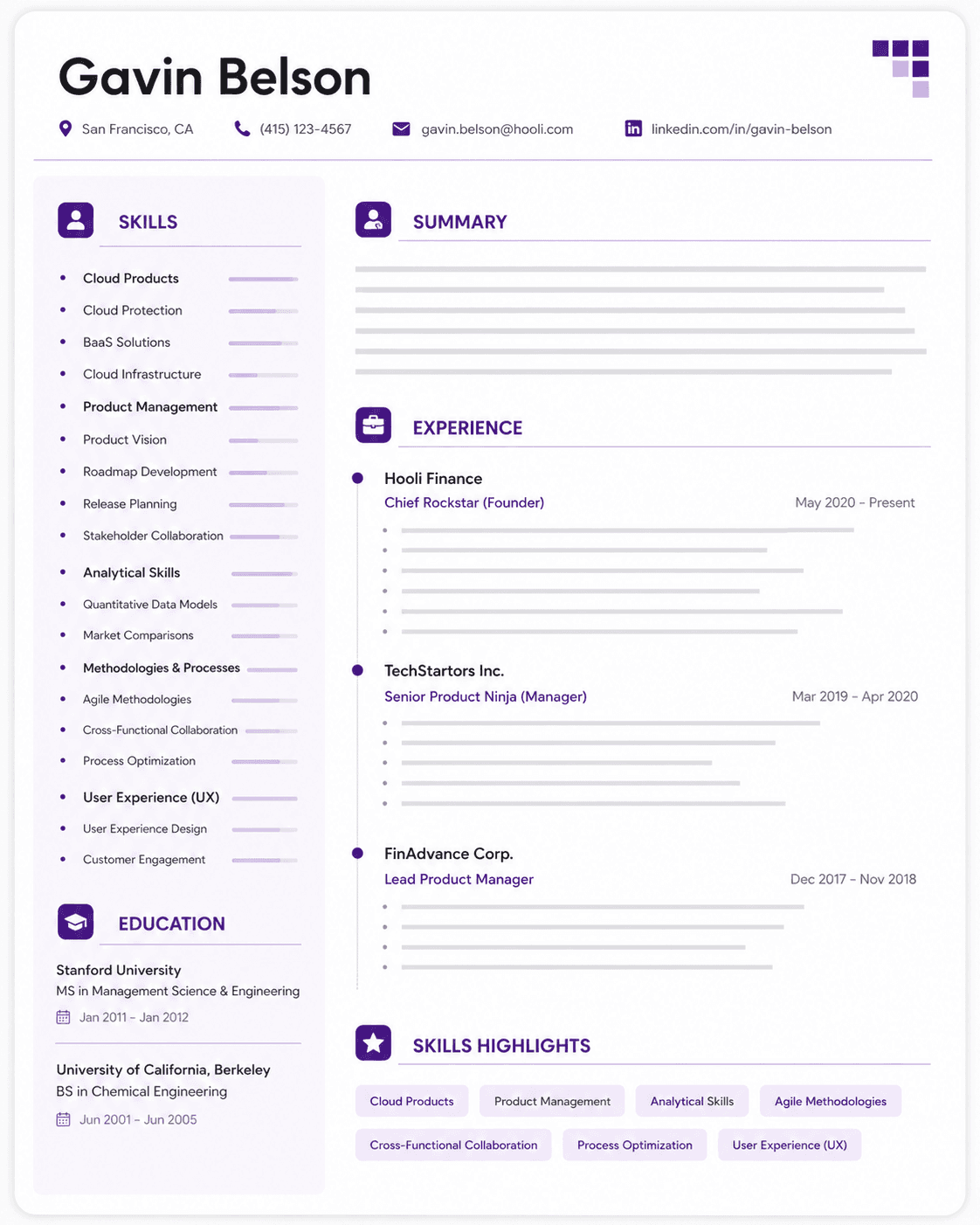
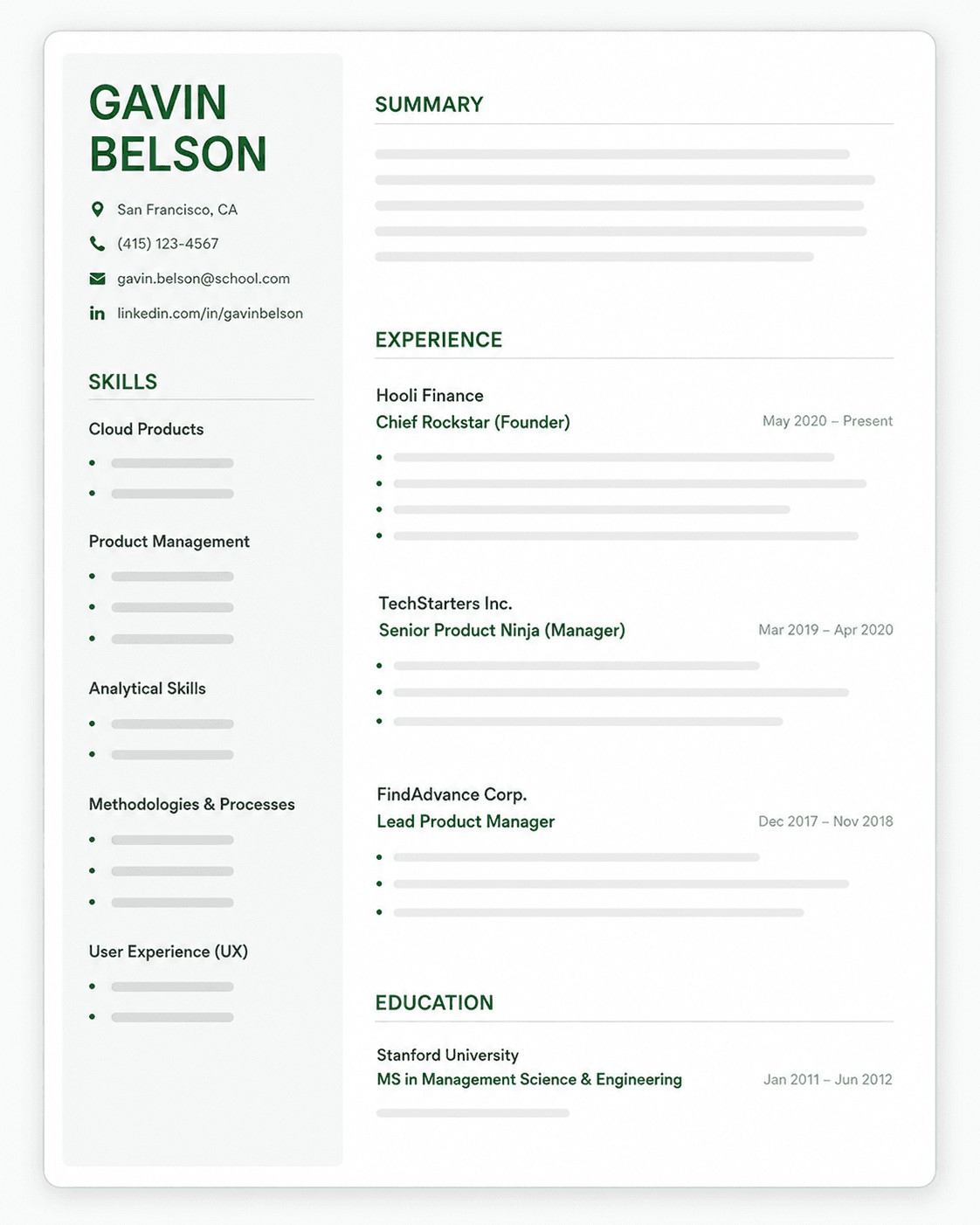
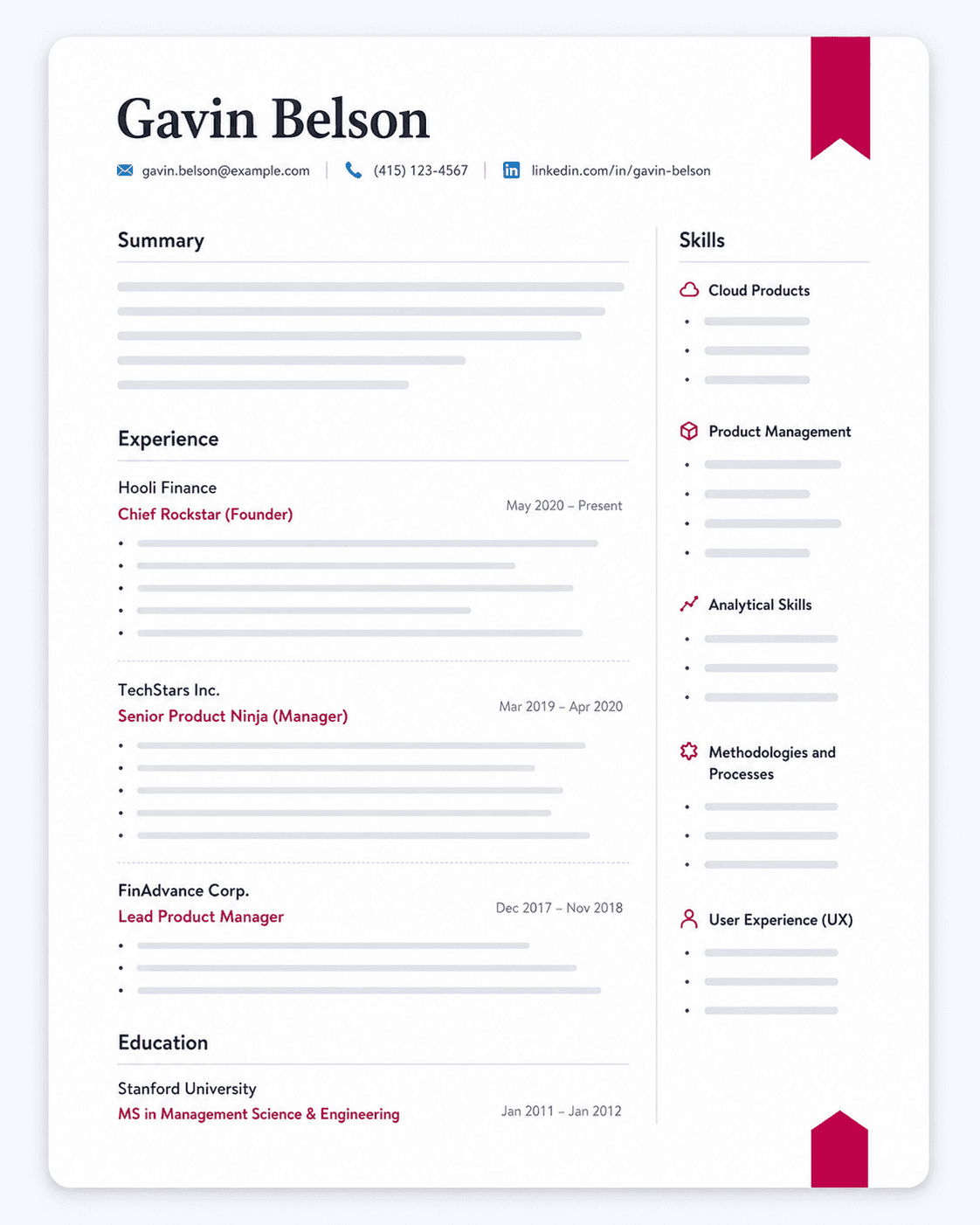
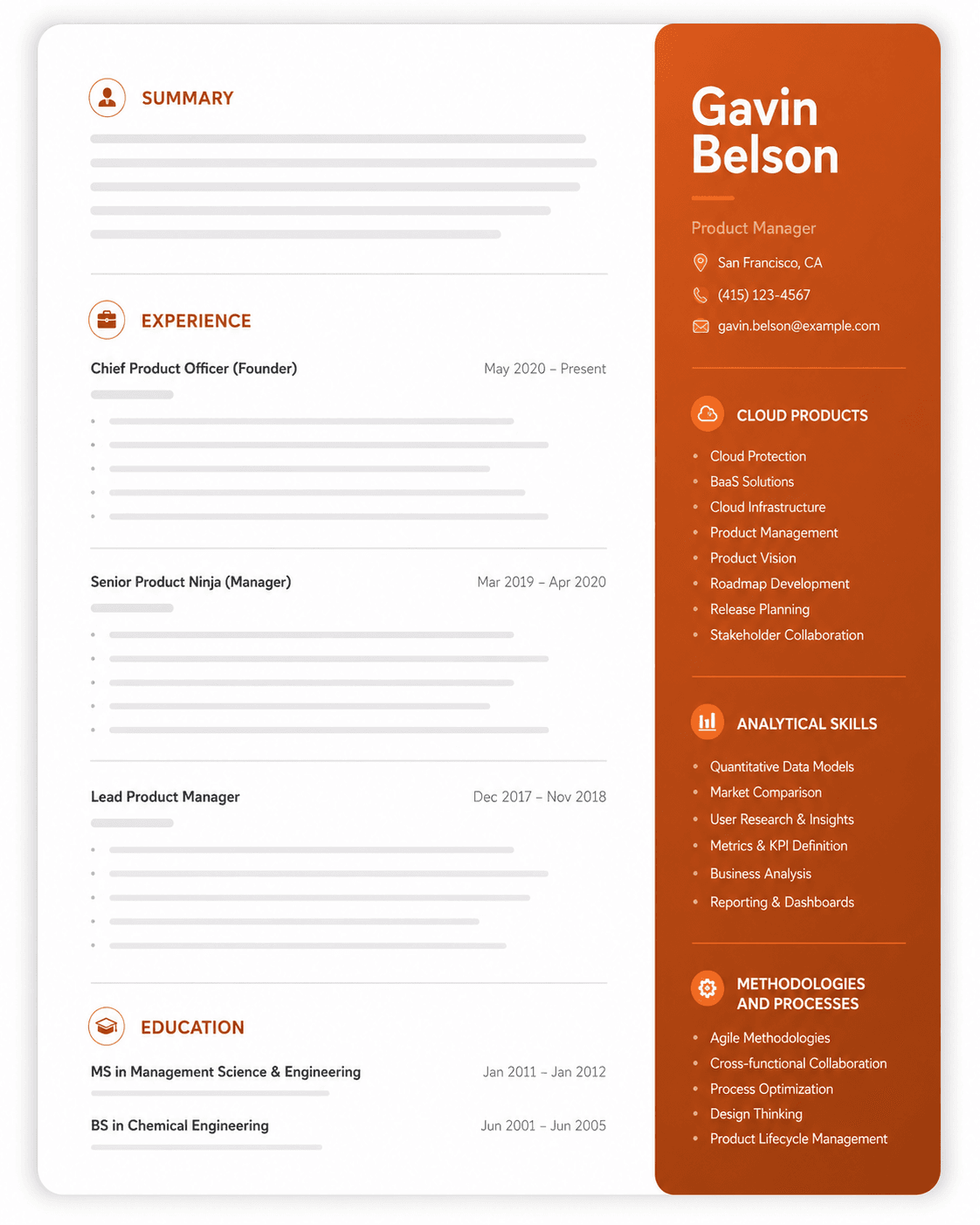
Designer templates with sidebars, skill bars and icons can look polished, but they're the riskiest choice for an online application.
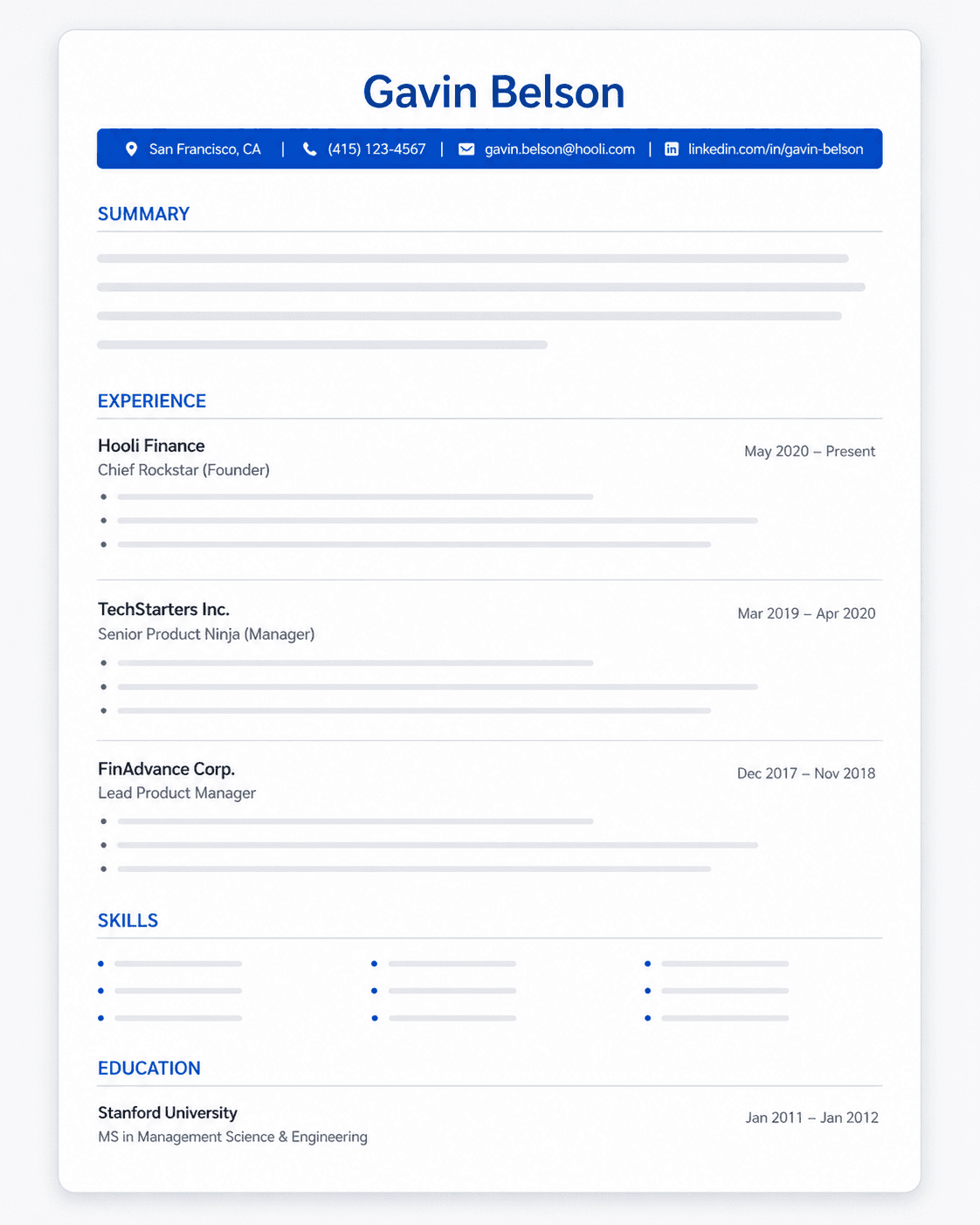
Single-column is the safest layout. An ATS reads a page from top to bottom. In a single-column resume, that order matches the order a recruiter reads, so your job titles, dates and bullets stay together.
Some ATS handle columns, but you can't count on it. Newer systems can parse two-column layouts correctly, while older ones may read straight across both columns and mix your skills into your work history. You rarely know which system an employer uses, so a single column removes the guesswork.
Icons and graphics carry no readable text. A phone icon, a star rating for a skill, or a logo is an image to an ATS. If the only place a piece of information appears is inside a graphic, the ATS doesn't see it. Write it out as text instead.
File Format and Naming
Safest file formats:
- .docx (Microsoft Word) - Best ATS compatibility
- .pdf - Good for preserving formatting, but some older ATS struggle with parsing
When to use each:
- Use .docx unless the job posting specifically requests PDF
- If submitting PDF, ensure it's text-based (not a scanned image)
- Test your PDF by trying to copy/paste text from it—if you can't, neither can the ATS
File naming convention:
FirstName_LastName_Resume.docx
OR
LastName_FirstName_Resume.docx
Not: "Resume_Final_v3_NEW.docx"
If you're building a resume from scratch, our guide on how to write a resume covers every section in order.
Which Resume Format Is The Best For Your Career Level?
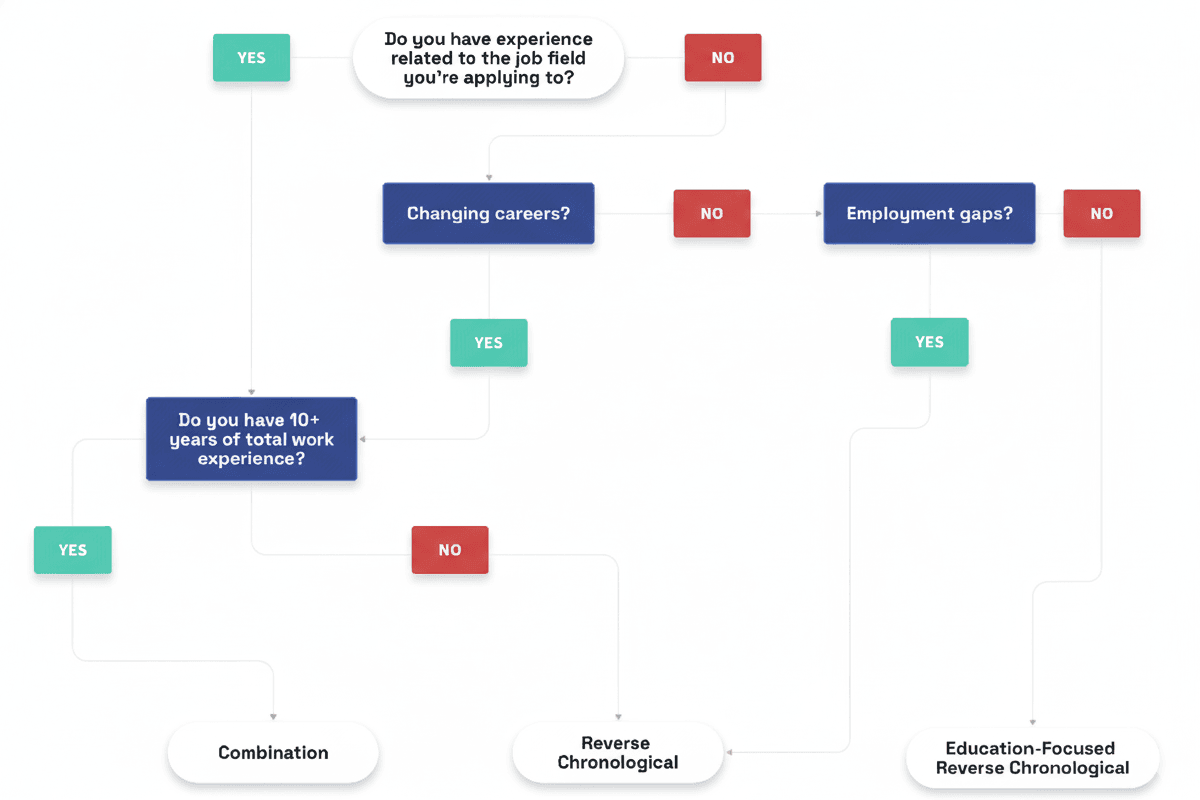
Use this flowchart to find the right resume format for your career level and situation, then read the section that matches you below.
Entry-Level Resume Format
Recommended format: Reverse-chronological
Key sections to emphasize:
- Education (move this above work experience if you're a recent graduate)
- Relevant coursework (only if directly applicable to the role)
- Internships and co-op experience
- Projects (academic or personal that demonstrate skills)
- Volunteer work (shows initiative and soft skills)
If you graduated recently, your education section can carry more weight than your work history, so give it detail: degree, school, graduation date, and honors.
Listing projects on your resume is one of the best ways to show skills you haven't yet used in a full-time job.
What to include when experience is limited:
- Campus leadership roles
- Part-time jobs (emphasize transferable skills)
- Academic achievements and honors
- Relevant technical skills and tools
- Extracurricular activities that demonstrate skills
Length:
Stick to one page. With limited experience, you shouldn't need more.
Mid-Level Resume Format
Recommended format: Reverse-chronological or combination
Key sections to emphasize:
- Work experience (should be the bulk of your resume)
- Quantifiable achievements in each role
- Career progression (promotions, expanded responsibilities)
- Technical and soft skills relevant to target role
- Professional certifications
What to include:
- Last 10-15 years of experience (older roles can be condensed)
- 4-6 bullets for recent positions, 2-3 for older ones
- Metrics that demonstrate impact (revenue, efficiency, team size)
- Leadership experience and cross-functional collaboration
- Industry-specific tools and methodologies
Length:
1-2 pages. Use two pages only if you have 10+ years of relevant experience.
Senior-Level and Executive Resume Format
Recommended format: Combination resume
Key sections to emphasize:
- Executive summary (3-4 lines highlighting leadership impact)
- Core competencies (strategic skills and areas of expertise)
- Professional experience (focus on leadership and business impact)
- Board positions and advisory roles
- Speaking engagements and publications (if relevant)
At this level, your resume summary is the first thing a recruiter reads, so use three or four lines to state the scale of what you've led and the results it produced.
Show leadership skills through scope and outcomes, such as team size, budget, and what changed under your leadership, rather than listing them as adjectives.
What to include:
- Strategic initiatives and organizational impact
- Budget and P&L responsibility
- Team size and scope of leadership
- Cross-functional and stakeholder management
- Industry recognition and thought leadership
Length:
2 pages is standard for executive roles. Every line should demonstrate strategic value.
Resume Format for Career Changers
Career changers face a unique challenge: your most recent experience may not align with your target role. Here's how to format your resume to highlight transferable skills, and our career change resume guide covers the rest of the switch in more depth.
Recommended format: Combination resume
Strategic approach:
- Lead with a strong professional summary that explicitly states your target role and bridges your past experience to your new direction:
"Marketing professional transitioning to UX design with 3 years of user research experience and recently completed Google UX Design Certificate. Proven ability to translate user needs into actionable insights."
If you have little directly relevant experience yet, a resume objective that names your target role can stand in for the summary.
-
Create a "Relevant Skills" section that groups transferable skills by category relevant to your target role
-
Reframe your work experience using language from your target industry:
Instead of:
"Managed classroom of 30 students" - Write: "Facilitated learning experiences for groups of 30, adapting content delivery based on individual learning styles and performance metrics"
Add:
A "Professional Development" section highlighting relevant courses, certifications, or bootcamps
What not to do:
- Don't use a functional resume unless absolutely necessary (ATS compatibility issues)
- Don't hide your previous experience—reframe it
- Don't lead with irrelevant work history
Common Resume Formatting Mistakes That Get You Rejected
Most of these mistakes are easy to fix once you know what to look for, and each fix helps you optimize your resume for ATS as well as for the recruiter reading it.
| Mistake | Why It's a Problem | Fix |
|---|---|---|
| Using tables or text boxes | ATS can't parse content inside tables | Use standard text with spacing |
| Headers/footers for contact info | Many ATS skip header/footer content | Put contact info in main body |
| Multiple columns | ATS reads left to right, top to bottom—columns scramble the order | Single-column layout only |
| Graphics and images | ATS can't read images; they just see blank space | Text-only formatting |
| Unusual section names | ATS looks for standard headers to categorize info | Use conventional section titles |
| Inconsistent formatting | Makes resume hard to scan and looks unprofessional | Use consistent fonts, spacing, and structure |
| Typos and grammatical errors | Signals carelessness; instant rejection for many recruiters | Proofread multiple times, use spell-check |
| Dense paragraphs | Recruiters won't read paragraph-format experience | Use bullet points exclusively |
To see these formatting rules applied across different roles, browse our ATS resume examples, each with a free template.